
 WhatsApp: +86 16626708626
 Email:
  Phone: +86 16626708626
Description
Key Technical Specifications
- Model: IC754VSF12CTD
- Brand: GE
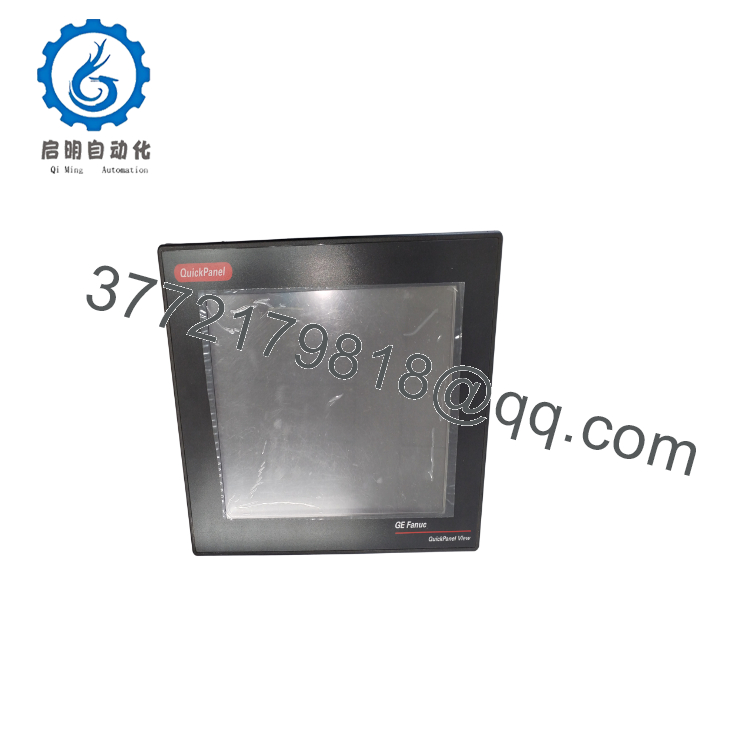
- Series: QuickPanel View
- Display Size: 12-inch
- Display Type: Color TFT touchscreen
- Resolution: 800 x 600
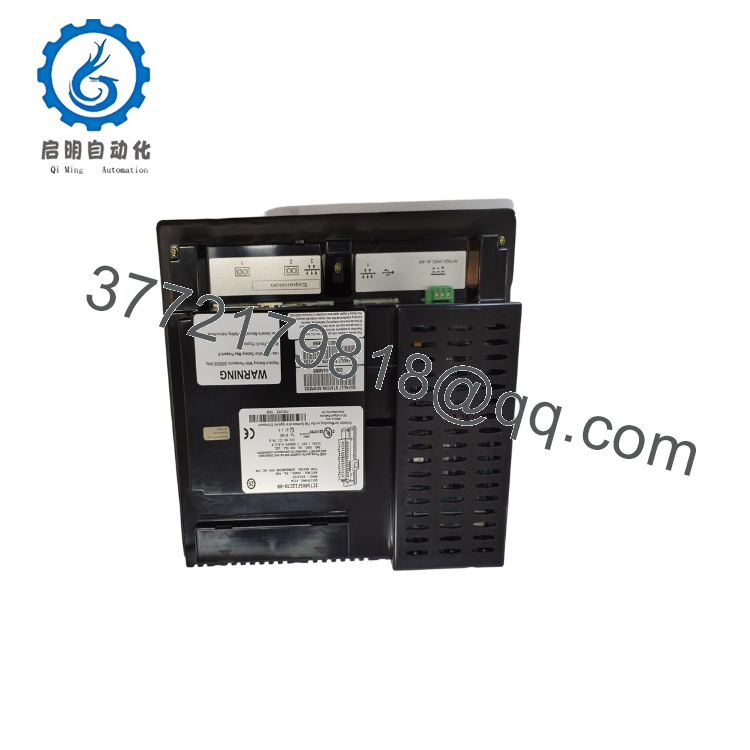
- Communication Ports: Ethernet, RS-232
- Application: Industrial automation, process control, machine control
- Interface: Touchscreen HMI
- Use Case: Local operator display and control
- Condition: New Surplus or Refurbished, depending on stock
- Compatibility: Verify exact panel revision and software support before ordering
Product Introduction
GE IC754VSF12CTD is a 12-inch QuickPanel View HMI used for operator interaction in industrial control systems. It provides local display, touch input, alarm visibility, and machine status monitoring.
It is commonly selected for panel upgrades and HMI replacement work where the existing GE QuickPanel View layout must stay intact. Check the panel revision, communication settings, and cutout dimensions before installation.
Troubleshooting Quick Reference
| Symptom | Possible Cause | Relevance to This Part | Quick Check Method | Recommendation |
|---|---|---|---|---|
| Screen stays dark | No panel power, failed backlight, or bad supply | ✅ High | Measure input voltage at the HMI power terminals and check the fuse | Verify power first before replacing the screen |
| Touch input does not respond | Touch layer failure, calibration issue, or cable fault | ✅ High | Run the touch calibration routine and inspect the internal connector | Recalibrate first, then replace if the fault remains |
| Panel powers up but shows no application | Corrupt project, wrong firmware, or communication issue | ✅ High | Check the loaded project and confirm Ethernet or serial settings | Rebuild or reload the application before swapping hardware |
| Random lines or flicker on display | Display driver fault, loose cable, or cabinet noise | ✅ High | Reseat connectors and test with another known-good cable | If the fault follows the unit, replacement is likely |
| HMI cannot talk to PLC | Network mismatch, bad cable, or wrong protocol setup | ⚠️ High | Ping the controller, verify IP settings, and check serial parameters | Fix the network or protocol setup before blaming the HMI |
| Front glass is cracked | Physical damage | ✅ High | Visual inspection only | Replace the unit; field repair is not practical |
If you are stuck, send photos of the HMI, connector area, and diagnostic logs to technical support.

- IC754VSF12CTD
- IC754VSF12CTD
Frequently Asked Questions
Q: What is the IC754VSF12CTD used for?
A: It is a QuickPanel View operator interface for industrial machines and process systems. Technicians use it to monitor alarms, status, and control functions at the panel.
Q: Is this a full HMI or just a screen assembly?
A: This part number is generally listed as a complete touchscreen HMI. Still, confirm the exact suffix and front-panel configuration before purchase.
Q: Can I replace it with a different QuickPanel model?
A: Sometimes, but not without checking software compatibility, cutout size, and communication setup. A model that looks similar can still fail on firmware or mounting details.
Q: Is it hot-swappable?
A: No. Power down the panel before removal. Pulling it live can damage the HMI or the connected cabinet wiring.
Q: Will my program stay in the PLC after swapping this unit?
A: Yes, the PLC program stays in the controller. You may still need to reload the HMI project or verify the communication settings.
Q: Why is surplus stock cheaper than factory new?
A: Because it usually comes from excess inventory, project closeouts, or removed equipment. The lower price should come with clear condition disclosure and a real test record.
Q: What should I verify before ordering?
A: Confirm the full model number, panel size, cutout, power requirement, and communication ports. That avoids the usual mismatch where the part number is close but the hardware does not fit.



