
 WhatsApp: +86 16626708626
 Email:
  Phone: +86 16626708626
Description
3. Key Technical Specifications
| Parameter | Value |
|---|---|
| Display Size | 12″ (30.5 cm) diagonal |
| Display Type | Color TFT LCD |
| Resolution | 800 × 600 |
| Touch Screen | Resistive |
| Colors | 65,536 (16-bit) |
| Processor | XScale 300 MHz |
| DRAM | 32 MB |
| Flash Memory | 32 MB |
| Battery-backed SRAM | 512 KB |
| Power Supply | 12 / 24 VDC |
| Power Consumption | < 48 W |
| Communications | 1× 10/100 Ethernet (RJ45), 1× RS-232/RS-485 serial |
| Operating System | Windows CE |
| Enclosure Rating | NEMA 4 / 12 / 4X |
| Operating Temperature | 0 to 50 °C (32 to 122 °F) |
4. Product Introduction
The IC754VSI12CTD is a 12-inch color TFT touchscreen operator interface from the GE Fanuc QuickPanel View Intermediate series. It provides an 800 × 600 resolution display with resistive touch input and runs Windows CE.
The panel includes 32 MB DRAM, 32 MB flash, and 512 KB of battery-backed SRAM. Connectivity consists of a 10/100 Mbps Ethernet port and a combined RS-232/RS-485 serial port. It is designed for industrial environments with a NEMA 4/12/4X rating and operates on 12 or 24 VDC. Configuration and application development are typically performed with Proficy Machine Edition or View software.
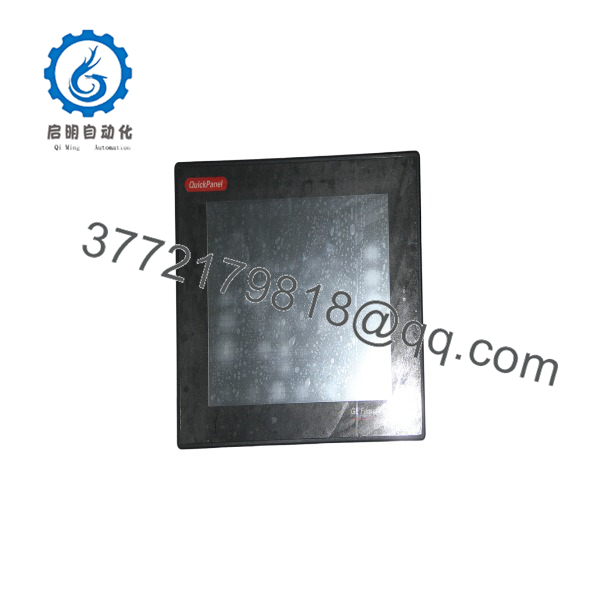
IC754VSI12CTD
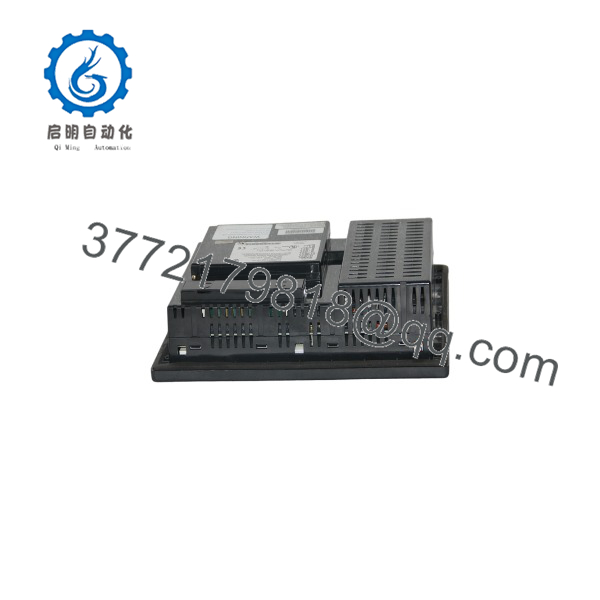
IC754VSI12CTD
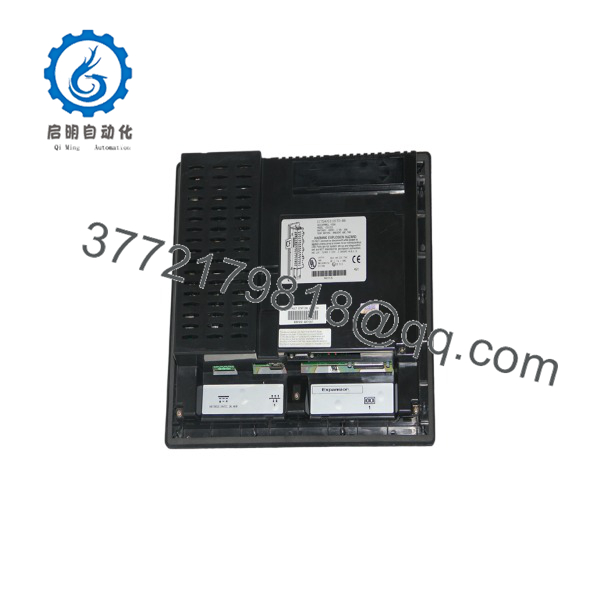
IC754VSI12CTD
5. Troubleshooting Quick Reference
| Symptom | Possible Cause | Relevance to this Part | Quick Check Method | Recommendation |
|---|---|---|---|---|
| Blank or dark screen | No power or failed backlight | ✅ High | Measure 12/24 VDC at power terminals; check power LED | Verify supply voltage and polarity |
| Touch screen unresponsive | Calibration lost or touch controller fault | ✅ High | Recalibrate touch screen via system tools | Recalibrate; replace unit if calibration fails |
| No Ethernet communication | Cable, IP conflict, or port failure | ✅ High | Check LINK LED; ping the panel; verify IP settings | Confirm network cable and unique IP address |
| Serial port not communicating | Baud rate, cable, or protocol mismatch | ⚠️ Medium | Match serial parameters to controller configuration | Use correct cable and settings |
| Application will not load | Corrupted flash or insufficient memory | ⚠️ Medium | Check available memory; re-download project | Clear application and reload from development PC |
| Intermittent freezes | Overheating or failing DRAM/flash | ⚠️ Medium | Check ambient temperature and ventilation | Improve cooling; replace panel if problem persists |
If power, communication, and calibration checks do not resolve the issue, replace the IC754VSI12CTD. Always power down and observe ESD precautions when handling the unit.
6. Frequently Asked Questions (FAQ)
Q: What is the screen size and resolution of the IC754VSI12CTD? A: 12-inch color TFT with 800 × 600 resolution and resistive touchscreen.
Q: What power supply does it require? A: 12 or 24 VDC. Power consumption is less than 48 W.
Q: What operating system does it run? A: Microsoft Windows CE.
Q: What communication ports are available? A: One 10/100 Mbps Ethernet port (RJ45) and one combined RS-232/RS-485 serial port.
Q: Is this model still in production? A: No. The QuickPanel View Intermediate series is discontinued. Remaining units are new surplus or refurbished. For new projects, evaluate current Emerson PACSystems or Proficy HMI offerings.
Q: Why is a new-surplus IC754VSI12CTD often priced lower than modern HMIs? A: It is an end-of-life QuickPanel model. New-surplus stock comes from project overstock, is tested, and is sold at a reduced price while still carrying warranty. Condition is clearly stated as New Original / New Surplus.
Q: Can the memory be expanded? A: Yes. Optional DRAM expansion modules (32 MB or 64 MB) and CompactFlash cards were available for additional storage.



