
 WhatsApp: +86 16626708626
 Email:
  Phone: +86 16626708626
Description
Key Technical Specifications
- Model: IC755CSW07CDA
- Brand: GE
- Series: QuickPanel+
- Display Size: 7-inch widescreen
- Display Type: Color TFT, projected capacitive multi-touch
- Resolution: 800 x 480
- Processor: 1 GHz ARM Cortex-A8 class CPU
- Memory: 512 MB DDR2 SDRAM, 256 MB SLC NAND flash
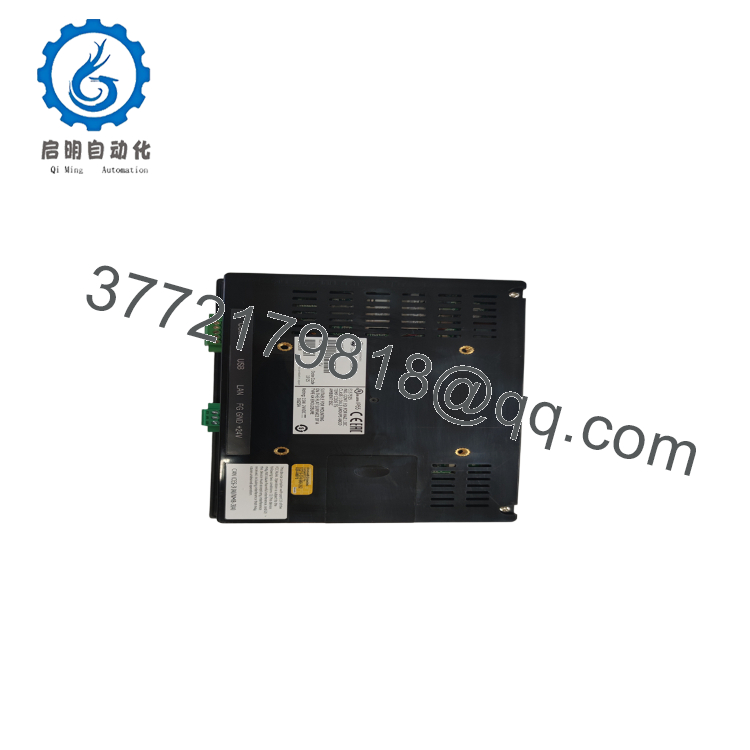
- Communication Ports: Ethernet, RS-232
- Power Input: 24 V DC
- Mounting: Panel mount
- Application: HMI / operator interface for industrial control
- Condition: New Surplus or Refurbished, depending on stock
Product Introduction
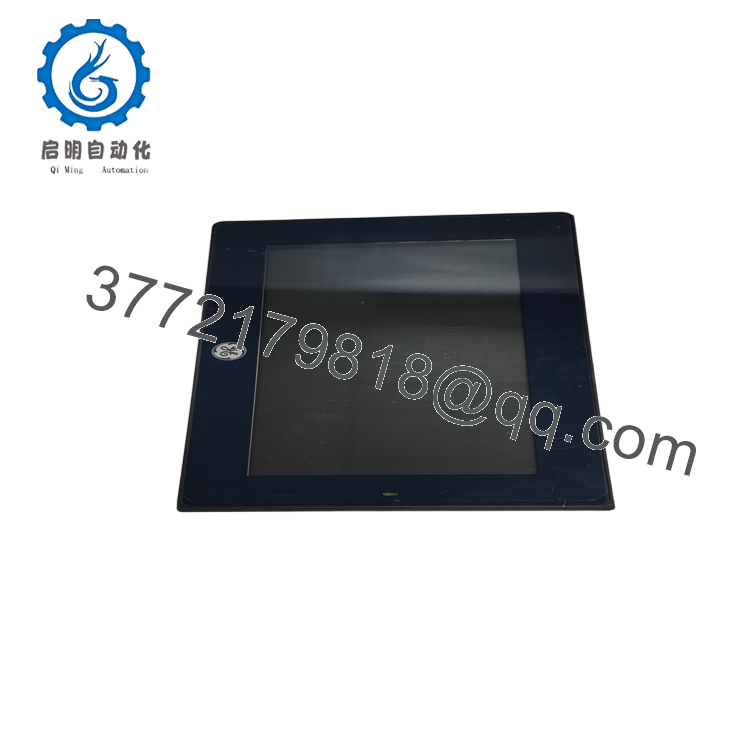
GE IC755CSW07CDA is a 7-inch QuickPanel+ operator interface for industrial control cabinets and machine panels. It gives operators a local touchscreen for status, alarms, setpoints, and machine interaction.
It is commonly used for HMI replacement and panel upgrades where the existing QuickPanel+ footprint must stay intact. Verify the panel cutout, power input, and communication settings before installation.

- IC755CSW07CDA
- IC755CSW07CDA
Troubleshooting Quick Reference
| Symptom | Possible Cause | Relevance to This Part | Quick Check Method | Recommendation |
|---|---|---|---|---|
| Screen is black | No 24 V DC input, failed backlight, or bad power wiring | ✅ High | Measure 24 V DC at the power terminals with a multimeter | Check supply and fuse before replacing the HMI |
| Touch input does not respond | Touch calibration issue, connector fault, or digitizer failure | ✅ High | Run calibration and inspect the touch connector seating | Recalibrate first, then replace if it still fails |
| HMI boots but no application loads | Corrupt project, wrong firmware, or storage issue | ✅ High | Verify the loaded project and check system logs | Reload the project before ordering a new unit |
| Ethernet communication fails | IP mismatch, cable fault, or protocol setup error | ⚠️ High | Ping the device and confirm IP/subnet settings | Fix network settings before replacing hardware |
| Random flicker or lines on display | Loose ribbon, display fault, or electrical noise | ✅ High | Reseat internal connectors and test with a known-good cable | If the issue follows the unit, replacement is likely |
| Unit resets during startup | Weak power supply or internal board fault | ✅ High | Watch supply voltage during boot and check for dips | Replace the PSU first if voltage sags |
If you are stuck, send photos of the HMI, connector area, and diagnostic logs to technical support.
Frequently Asked Questions
Q: What is the IC755CSW07CDA used for?
A: It is a QuickPanel+ operator interface used for industrial machine control, status display, alarms, and local operator input.
Q: Is this a complete HMI or just a display?
A: It is typically sold as a complete operator interface, not just a glass or overlay part. Still, confirm the exact suffix and front bezel match before purchase.
Q: Can I use it as a direct replacement for another QuickPanel?
A: Often yes, but only if the cutout, power, and communication setup match. Two panels can look similar and still fail on footprint or firmware compatibility.
Q: Is it hot-swappable?
A: No. Power down the panel before removal. Pulling it live can damage the HMI or the cabinet wiring.
Q: Will my PLC program be lost when I replace it?
A: No, the PLC program stays in the controller. You may still need to reload or verify the HMI project on the new panel.
Q: Why is surplus stock cheaper than factory new?
A: Usually because it comes from excess inventory, canceled projects, or removed equipment. The lower price should come with clear condition disclosure and test status.
Q: What should I verify before ordering?
A: Confirm the full model number, panel size, power rating, communication ports, and mounting cutout. That avoids the usual mistake of buying a unit that is electrically close but mechanically wrong.



