
 WhatsApp: +86 16626708626
 Email:
  Phone: +86 16626708626
Description
3. Key Technical Specifications
- Manufacturer: General Electric.
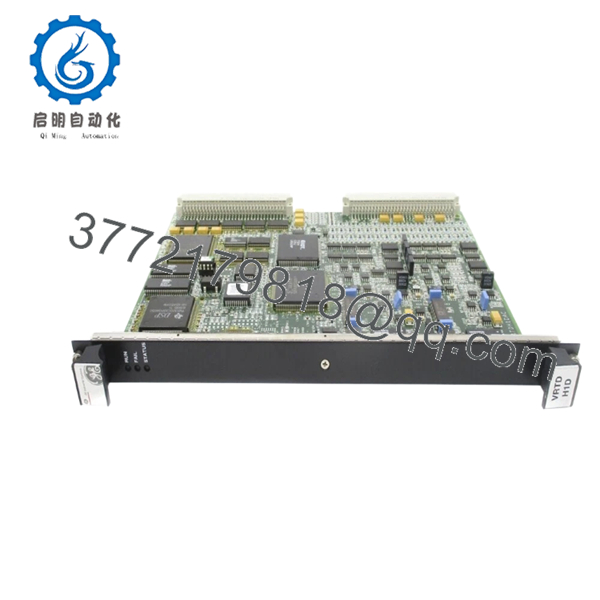
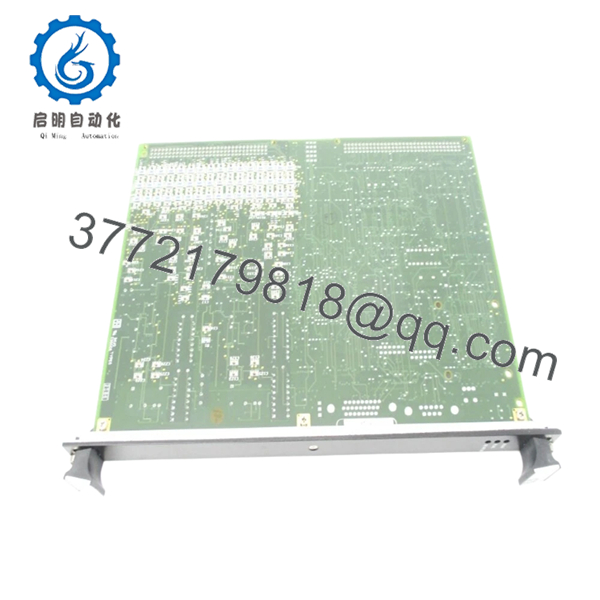
- Model Number: IS200VRTDH1DAC.
- Product Type: RTD input board / VME card.
- Series: GE Mark VI.
- Application: Turbine control temperature monitoring.
- Input Type: Resistance Temperature Detector, RTD.
- Input Channels: 16 RTD channels, commonly referenced for this family.
- System Use: Industrial gas and steam turbine control systems.
- Condition: New Surplus unless otherwise stated.
- Compatibility Note: Confirm the exact suffix and rack compatibility before install.
4. Product Introduction
The GE IS200VRTDH1DAC is a Mark VI RTD input board used in GE turbine control systems for temperature measurement and monitoring. It fits VME-based control hardware where exact part number matching and terminal wiring matter.
This board is usually sourced as a replacement for legacy GE temperature I/O hardware. The main risk is channel and connector mismatch, so verify the suffix, the site wiring, and the original board revision before installation.
5. Troubleshooting Quick Reference
| Symptom | Possible Cause | Relevance to This Part | Quick Check Method | Recommendation |
|---|---|---|---|---|
| Temperature channels read open or impossible values | RTD wiring fault or sensor failure | ✅ High | Measure RTD resistance at the terminal block and check each lead pair | Verify field wiring before replacing the board |
| All channels read zero or full-scale | Missing rack power or backplane issue | ✅ High | Measure supply at the rack and check board status at startup | Confirm cabinet power and slot seating first |
| Only one or two channels fail | Bad field sensor or terminal connection | ✅ High | Swap the RTD leads to a known-good channel and compare readings | Replace the sensor or repair the wiring before blaming the card |
| Intermittent temperature spikes | Loose terminal, shielding, or grounding issue | ✅ High | Inspect terminals, tighten conductors, and check shield termination | Fix the wiring path and ground scheme |
| Alarm after board swap | Wrong suffix or incompatible revision | ✅ High | Compare the removed board label, suffix, and connector layout | Do not continue until the exact match is confirmed |
| Board appears normal but readings are noisy | Cabinet noise or grounding problem | ✅ Medium | Check shield grounding and measure noise on the RTD loop | Verify grounding and cable routing before replacing hardware |
Contact technical support with photos, terminal labels, and diagnostic logs if the fault is still unclear.

- IS200VRTDH1DAC
6. Frequently Asked Questions (FAQ)
Q: Is the GE IS200VRTDH1DAC still available?
A: Yes, but it is an obsolete Mark VI part, so stock is usually limited to surplus inventory. Exact suffix matching matters because similar GE cards are not always interchangeable.
Q: Is this a direct replacement for other IS200VRTD variants?
A: Not always. GE Mark VI boards can look similar while still differing in revision, terminal mapping, or rack fit. Match the removed board and the full part number before ordering.
Q: Can I hot-swap this board?
A: No, not by default. Power down the cabinet first unless your site procedure and OEM documentation explicitly allow live replacement. Hot-swapping can damage the backplane or the replacement card.
Q: Will my existing configuration transfer automatically?
A: Not necessarily. Some settings are tied to the control system configuration and some are physical wiring issues. Record the original terminal setup before removing anything.
Q: Why is this cheaper than a factory-new part?
A: Because it is usually New Surplus, not current OEM production. That lower price comes with the usual surplus tradeoff: you need to verify condition and compatibility carefully.
Q: What should I check before installing it?
A: Confirm the full suffix, inspect the terminal condition, verify RTD wiring, and check cabinet power quality. Most install problems come from mismatch or field wiring errors, not from the board itself.



