
 WhatsApp: +86 16626708626
 Email:
  Phone: +86 16626708626
Description
3. Key Technical Specifications
| Parameter | Value |
|---|---|
| Module Type | Analog Input (AI) |
| Bus Interface | VMEbus (ANSI/VITA compliant) |
| Channel Count | 16 or 32 channels (variant dependent) |
| Input Range | ±10 V (configurable ranges) |
| Resolution | 12-bit or 16-bit (model-dependent) |
| Sampling Method | Multiplexed A/D conversion |
| Input Impedance | >1 MΩ |
| Accuracy | ±0.1% typical |
| Isolation | Channel-to-system isolation (model dependent) |
| Power Supply | +5 V DC via VME backplane |
| Operating Temperature | 0°C to +55°C |
| Form Factor | 6U VME module |
4. Product Introduction & Supply Chain Strategy
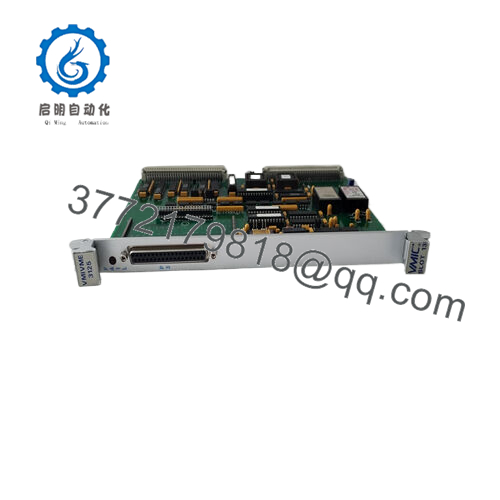
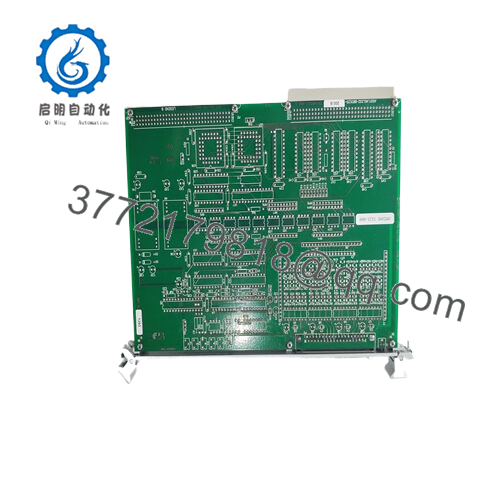
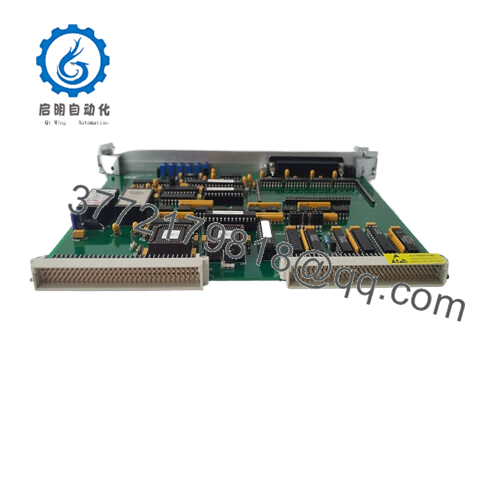
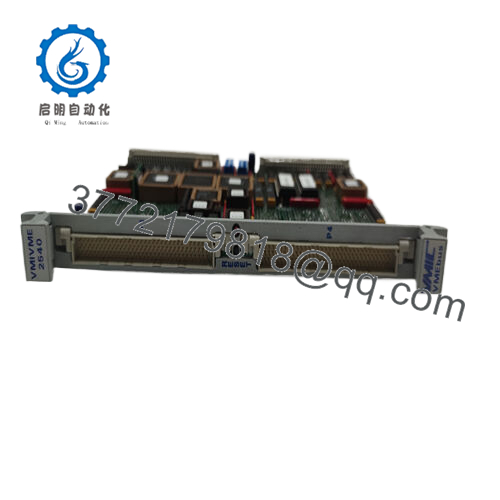
The GE VME-2528 is a VMEbus analog input module designed for industrial data acquisition, process monitoring, and control systems requiring stable multi-channel voltage measurement. It interfaces directly with sensors and transmitters, converting analog signals into digital data for real-time control systems.
This product is a Brand New Surplus unit. It is not used, not pulled from a decommissioned plant, and not refurbished. As an EOL I/O module, it carries high stock-out risk due to limited global supply. Strategic buffer stock and last-time-buy planning reduce lead time variability and eliminate the failure risks associated with refurbished I/O cards, improving Total Cost of Ownership (TCO).

- VME-2528
5. Installation & Configuration Guide
Stage 1: Pre-Installation (Prep & Safety)
- Perform lock-out/tag-out (LOTO) on the VME rack.
- Use an ESD wrist strap to prevent static damage.
- Document terminal wiring and channel assignments with photos.
- Label field wiring to avoid misconnection during reinstallation.
Stage 2: Removal
- Loosen retaining screws on the front panel.
- Use ejector handles to remove the module slowly.
- Avoid bending backplane pins during extraction.
Stage 3: Installation (Clone & Seat)
- Verify jumper or DIP settings for input range and channel configuration.
- Insert the module into card guides evenly.
- Apply firm pressure until fully seated in the backplane.
Stage 4: Power-On & Testing
- Power up and monitor system diagnostics.
- Check module status LEDs (RUN/ERR).
- Validate input readings against known reference signals.
- Confirm channel mapping in control software.
6. Firmware/Software Versions & Upgrade Notes
- Recommended Configuration: Match existing driver and control system firmware versions exactly.
- Compatibility Note:
- Newer control system firmware may require updated drivers not compatible with legacy hardware.
- Older firmware may limit resolution or channel utilization.
- Critical Warning:
- Avoid firmware or driver changes during module replacement.
- Mismatched configurations can result in incorrect signal scaling or channel misreads.
- Best Practice: Export I/O configuration tables before replacement and re-import after installation.
7. Frequently Asked Questions (FAQ)
Q1: Is this module truly unused?
Yes. It is New Surplus, meaning original OEM hardware with zero field operation, no wear on connectors, and no repairs.
Q2: Why not use a refurbished analog input card?
Analog modules are sensitive to component aging. Refurbished units often have drift issues or degraded ADC performance, leading to inaccurate readings and process instability.
Q3: Is the VME-2528 still in production?
No. It is discontinued. This increases lead time variability and justifies maintaining buffer stock or executing a last-time-buy strategy.
Q4: Can incorrect wiring damage the module?
Yes. Miswiring voltage inputs can exceed channel limits and cause permanent damage. Always verify terminal assignments before power-up.
Q5: Does this module require calibration after installation?
Typically no, but verification against a known reference signal is recommended to confirm accuracy.
Q6: What warranty is included?
Standard warranty is 12 months, significantly reducing risk compared to short-term coverage in secondary markets.
Q7: What stocking policy do you recommend?
For critical measurement systems, maintain Min: 1 / Max: 3 units depending on channel dependency. For multi-site operations, consider cross-site sharing to reduce carrying cost while maintaining availability.



