
 WhatsApp: +86 16626708626
 Email:
  Phone: +86 16626708626
Description
3. Key Technical Specifications
| Parameter | Value |
|---|---|
| Input Voltage | 24 V DC |
| I/O Type | Digital Input/Output |
| Channel Density | High-density multi-channel |
| System Interface | VMIC proprietary backplane |
| Mounting | Rack-mounted VMIC chassis |
| Power Consumption | Approx. 5–10 W |
| Isolation | Industrial signal isolation |
| Diagnostics | LED indicators (RUN / ERR / I/O status) |
| Operating Temperature | 0 to 60°C |
| Storage Temperature | −40 to +85°C |
| Compliance | Industrial EMC standards |
| Lifecycle Status | Legacy / Limited OEM availability |
4. Product Introduction & Supply Chain Strategy
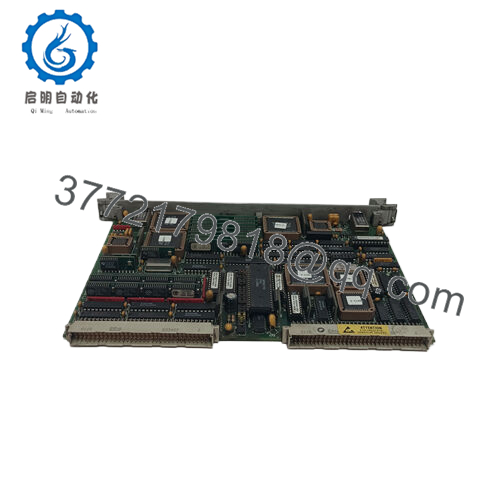
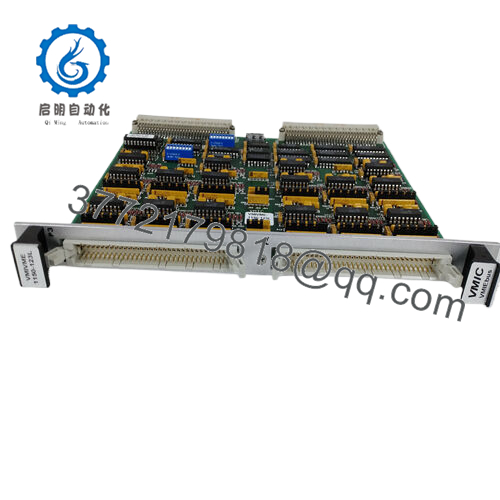
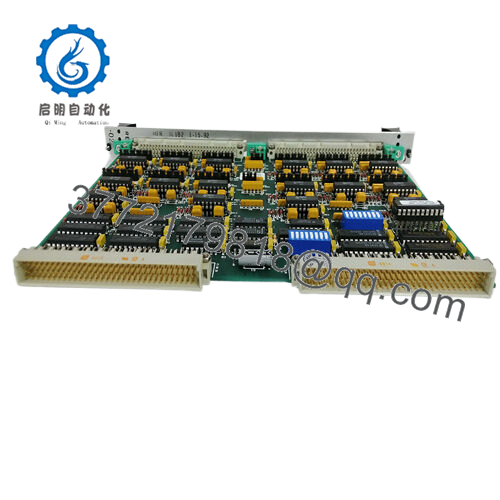
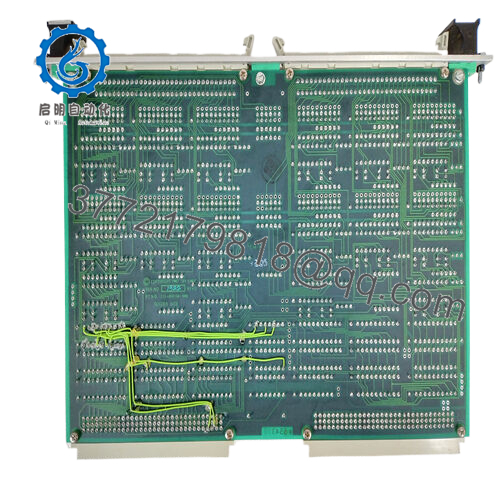
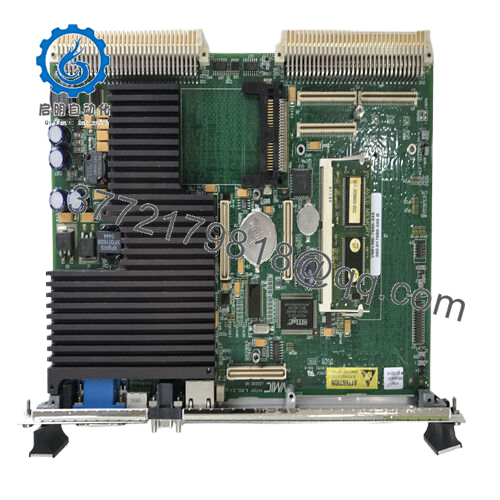
The GE VMIOMAX-1640B is a VMIC-series digital I/O module designed for high-reliability control systems, providing deterministic signal handling for industrial processes such as turbine control, manufacturing lines, and DCS environments.
From a supply-chain perspective, this module is already difficult to source in the open market, with multiple distributors showing no available stock . Securing New Surplus inventory now reduces exposure to lead time variability and avoids emergency sourcing premiums. A controlled last-time-buy combined with defined buffer stock ensures continuity and stabilizes Total Cost of Ownership (TCO).

- VMIOMAX-1640B
5. Installation & Configuration Guide
Stage 1: Pre-Installation (Prep & Safety)
- Execute lock-out/tag-out procedures.
- Use ESD protection (grounded wrist strap).
- Capture photos of wiring and DIP switch configuration.
- Validate 24 V DC supply capacity with ≥20% buffer.
Stage 2: Removal
- Power down the entire rack.
- Release retaining screws/clips.
- Pull evenly to avoid stressing the backplane connector.
Stage 3: Installation (Clone & Seat)
- Replicate DIP switch/jumper settings exactly.
- Align with guide rails and insert firmly.
- Ensure full seating—no partial engagement.
- Secure with locking hardware.
Stage 4: Power-On & Testing
- Power up and monitor LED diagnostics.
- Confirm no short or abnormal current draw.
- Validate I/O signals via PLC/DCS diagnostics.
- Confirm communication handshake stability.
6. Firmware/Software Versions & Upgrade Notes
- Always match the firmware revision of the existing system before replacement.
- Mixed firmware environments may result in scan inconsistencies or communication faults.
- Avoid firmware upgrades during replacement unless required—this introduces commissioning risk.
- Document firmware and configuration prior to removal to ensure rollback capability.
7. Frequently Asked Questions (FAQ)
Q1: Is this unit truly unused?
This product is a Brand New Surplus unit. It is not used, not pulled from a decommissioned plant, and not refurbished. It maintains original OEM integrity with zero wear on connectors.
Q2: Why not choose a lower-cost refurbished unit?
Refurbished modules often contain aged internal components. A failure can trigger process downtime costing tens of thousands. New Surplus eliminates this risk and stabilizes lifecycle planning.
Q3: Is the VMIOMAX-1640B obsolete?
Yes—this is a legacy VMIC module with shrinking availability. A proactive last-time-buy and defined Min/Max inventory strategy is recommended.
Q4: What stocking strategy do you recommend?
- Critical systems: Maintain 1–2 units as buffer stock (insurance policy)
- Multi-site operations: Enable cross-site sharing
- Reorder Point: Based on failure rate + lead time variability (typically 3–6 months coverage)
Q5: Can this module be replaced under power?
No. Full shutdown is required to prevent backplane damage and signal corruption.
Q6: Will configuration data be retained?
Yes, logic resides in the controller. However, incorrect DIP switch replication can cause communication failure.
Q7: What warranty is included?
12months warranty covering functional performance, backed by QC testing, serial traceability, and inspection reports.



