
 WhatsApp: +86 16626708626
 Email:
  Phone: +86 16626708626
Description
Key Technical Specifications
- Model: VMIOMAX-2940A
- Manufacturer: GE / VMIC
- Product Type: Industrial data acquisition card
- Bus Standard: VME64x, ANSI/IEEE 1014-1997
- Data Width: 32-bit / 64-bit transfer modes
- Sampling Rate: Up to 200 MHz single-channel
- Channels: 8-channel synchronous acquisition
- Resolution: 16-bit
- Input Range: ±10 V / ±5 V selectable
- Synchronization Accuracy: Phase error <1 ns
- Memory: 1 GB DDR4 onboard cache
- Data Transfer Rate: 1.6 GB/s peak
- Operating Temperature: -40 to +85°C
- OS Support: LynxOS, VxWorks
Product Introduction
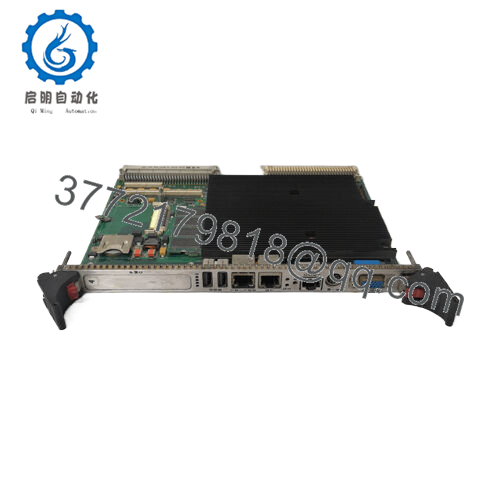
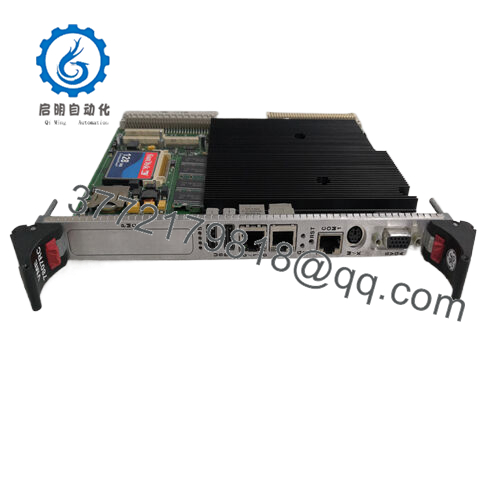
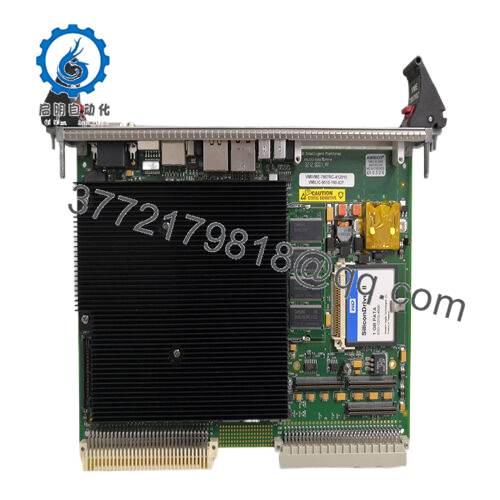
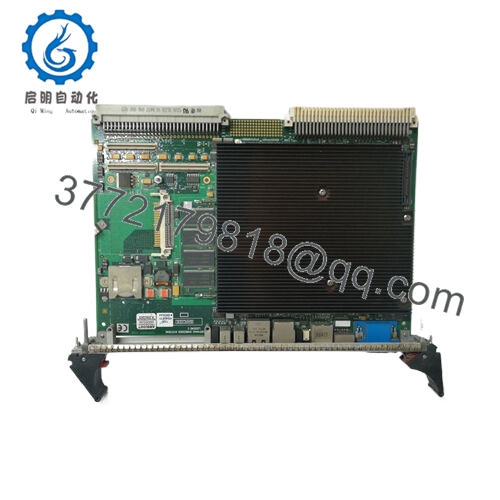
GE VMIOMAX-2940A is a VME64x industrial high-speed data acquisition card used in control systems that need fast waveform capture and synchronized multi-channel sampling. It fits VME rack environments and is commonly evaluated as a replacement for legacy GE/VMIC hardware.
This unit is positioned for engineers who need exact-model replacement, not a generic substitute. Key checks are bus compatibility, input range, channel timing, and software driver support before installation.

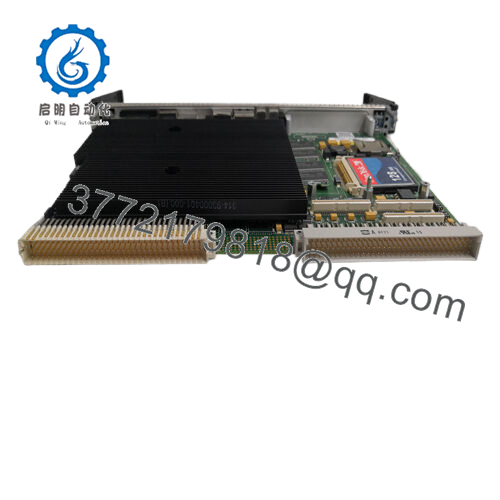
- VMIOMAX-2940A
Troubleshooting Quick Reference
| Symptom | Possible Cause | Relevance to this Part | Quick Check Method | Recommendation |
|---|---|---|---|---|
| No board LEDs at power-up | Backplane power missing, slot issue, or failed card | ⚠️ Medium | Measure VME backplane rails and confirm slot power | Check rack power and slot assignment before replacing |
| Comms or driver cannot detect board | Driver mismatch, VME address conflict, or unsupported firmware | ✅ High | Verify device enumeration in host software and check DIP/jumper settings | Confirm firmware/driver compatibility before swap |
| Intermittent data corruption | Clock sync issue, noisy cabling, or signal integrity problem | ✅ High | Check trigger source, grounding, and input cabling with a scope | Inspect cabling and timing setup first |
| Channels out of sync | Wrong trigger mode or configuration mismatch | ✅ High | Review configuration file and compare switch positions to the old board | Mirror the original settings exactly |
| Input saturated or clipped | Wrong input range selected | ✅ High | Measure input level and confirm ±5 V vs ±10 V setting | Reconfigure input range before blaming the card |
| Board runs hot | Poor rack airflow or clogged filters | ⚠️ Medium | Check inlet/outlet airflow and touch-test adjacent modules carefully | Verify cooling before declaring hardware failure |
| Works in one slot, fails in another | Backplane slot or addressing problem | ✅ High | Move to a known-good slot and retest | Check backplane health and slot map |
If you get stuck, send photos of the board, slot, DIP/jumper positions, and the diagnostic log.
Frequently Asked Questions
Q: Is this a direct replacement for my existing GE/VMIC board?
A: It can be, but only if the bus type, connector layout, input range, and software driver match your current system. Do not assume drop-in compatibility from the model name alone.
Q: Can I hot-swap this module?
A: No. Treat it as a powered-down replacement item unless your exact rack and system documentation explicitly allow live insertion. Pulling it live can damage the backplane or the card.
Q: Will my current configuration carry over after replacement?
A: Not automatically. You should photograph the DIP switches, jumpers, and software settings before removal, then copy them to the replacement board.
Q: Why is this cheaper than buying from the factory?
A: Because this is typically sold as new surplus or tested stock, not fresh factory production. That lowers cost, but you should still verify traceability and compatibility.
Q: What condition is this unit in?
A: New Surplus. That usually means unused inventory from excess stock, but the exact history should still be confirmed before purchase.
Q: What should I verify before ordering?
A: Confirm the exact part number, backplane type, required firmware or driver version, I/O range, and rack slot compatibility. That avoids most field failures.
Q: Does this part usually fail on its own?
A: Not often. In the field, the bigger problems are configuration mismatch, wrong slot, bad cabling, or a power/backplane issue.



