
 WhatsApp: +86 16626708626
 Email:
  Phone: +86 16626708626
Description
Key Technical Specifications
- Model: VMIOMAX-8005A
- Manufacturer: GE / VMIC
- Product Type: Legacy industrial VME module
- Platform: VMEbus rack system
- Series Compatibility: VMIC / GE legacy control racks
- Form Factor: Plug-in backplane card
- Connector Type: Backplane edge connector
- Installation: Requires matched rack slot and system configuration
- Compatibility Check: Verify exact firmware, jumper, and pinout before install
- Condition: New Surplus
- Availability: Limited stock, subject to prior sale
- Replacement Status: Obsolete/legacy part, verify direct substitute carefully
Product Introduction
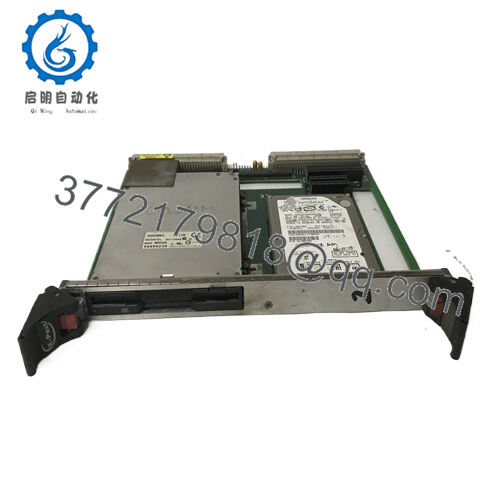
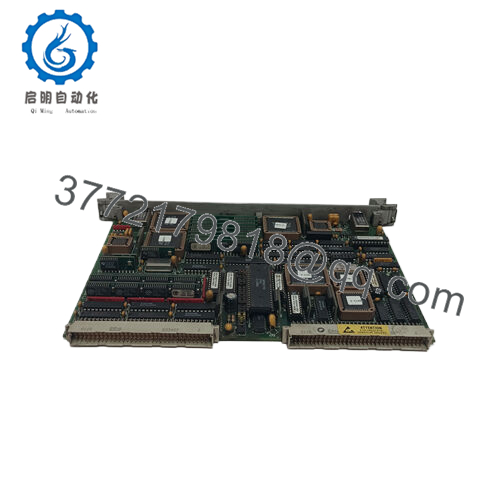
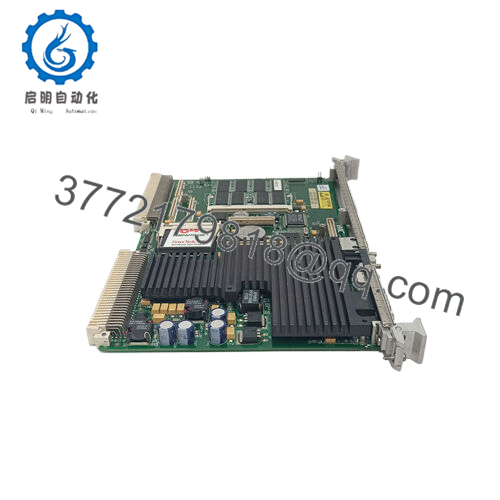
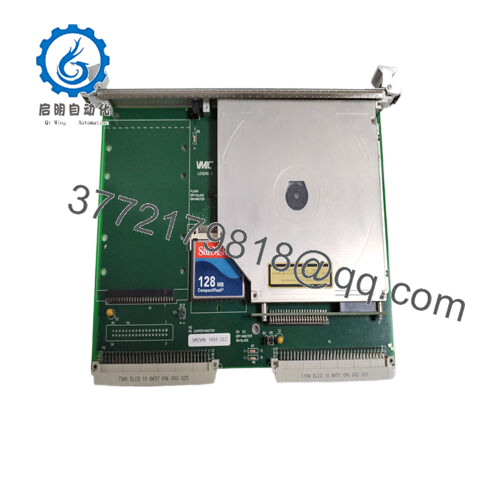
GE VMIOMAX-8005A is a legacy GE/VMIC VME module used in industrial rack-based control and data acquisition systems. It is typically sourced as a replacement part for older installed bases where exact model matching matters more than feature upgrades.
For procurement and maintenance teams, the main value is preserving compatibility with an existing VME system. Before ordering, confirm the rack type, slot assignment, connector layout, and any firmware or jumper requirements against the original unit.

- VMIOMAX-8005A
Troubleshooting Quick Reference
| Symptom | Possible Cause | Relevance to this Part | Quick Check Method | Recommendation |
|---|---|---|---|---|
| No LEDs or no rack response | Backplane power issue, slot issue, or failed module | ⚠️ Medium | Measure rack supply rails at the backplane and test in a known-good slot | Check power and slot health before replacing the card |
| Module not recognized by host system | Addressing conflict, jumper mismatch, or firmware incompatibility | ✅ High | Compare DIP/jumper settings with the removed module and review system logs | Mirror the original configuration exactly |
| Intermittent operation | Loose seating, oxidized contacts, or marginal backplane | ✅ High | Reseat the card, inspect edge connector condition, and test again | Clean contacts and verify the rack before blaming the module |
| Communication errors after swap | Protocol or configuration mismatch | ✅ High | Check software configuration, bus settings, and any stored parameters | Verify exact system version and configuration |
| Runs hot in service | Poor airflow or overloaded rack | ⚠️ Medium | Check rack temperature and airflow path with adjacent modules installed | Confirm cooling before declaring module failure |
| Works in one slot but not another | Slot-specific backplane fault or addressing issue | ✅ High | Move the card to a known-good slot and repeat the test | Inspect the backplane and slot map |
| Random faults after installation | ESD damage or handling damage | ✅ Medium | Inspect handling history and test in a controlled bench setup | Use proper ESD control and retest |
If you’re stuck, send photos of the board, slot, jumper positions, and any fault logs.
Frequently Asked Questions
Q: Is GE VMIOMAX-8005A a direct replacement for my old module?
A: Possibly, but only if the rack, slot, connector, and configuration match your existing setup. With legacy GE/VMIC parts, part-number similarity is not enough.
Q: Can I swap it live?
A: No, not unless your system documentation explicitly allows it. Power down first. Live removal is how people damage a backplane or a good card.
Q: Why is it cheaper than buying new from OEM channels?
A: Because it is typically sold as new surplus or legacy stock. That lowers cost, but it also means you should verify traceability and compatibility before purchase.
Q: What condition is this unit in?
A: New Surplus. That means unused inventory, but the exact storage history and packaging condition should still be confirmed.
Q: Will my settings carry over after replacement?
A: Not automatically. Photograph the old board’s switches, jumpers, and any configuration labels before removal, then copy them exactly.
Q: What should I verify before ordering?
A: Confirm the full model number, rack family, physical connector layout, slot compatibility, and any required firmware or driver version.
Q: Does this part usually fail on its own?
A: Not often. Most failures I see on legacy VME systems come from configuration mistakes, slot issues, bad contacts, or power problems rather than the card itself.



