
 WhatsApp: +86 16626708626
 Email:
  Phone: +86 16626708626
Description
3. Key Technical Specifications
| Parameter | Value |
|---|---|
| Input Voltage | 24 V DC |
| I/O Type | Digital I/O (High-density) |
| Interface | VMIC proprietary backplane |
| Channel Capacity | High-density multi-channel (model dependent) |
| Operating Temperature | 0 to 60°C |
| Storage Temperature | −40 to +85°C |
| Mounting | Rack-mounted VMIC chassis |
| Power Consumption | Approx. 5–8 W |
| Isolation | Industrial-grade signal isolation |
| Status Indicators | LED diagnostics (RUN/ERR/I/O status) |
| Compliance | Industrial EMC standards |
| Lifecycle Status | Legacy / Limited OEM support |
4. Product Introduction & Supply Chain Strategy
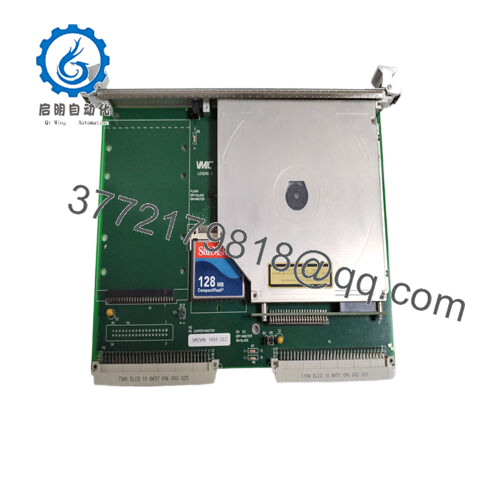
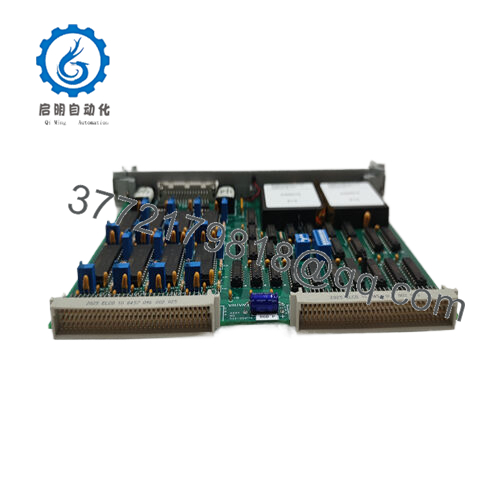
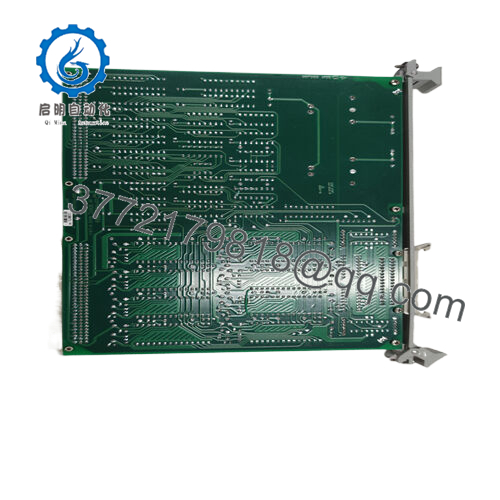
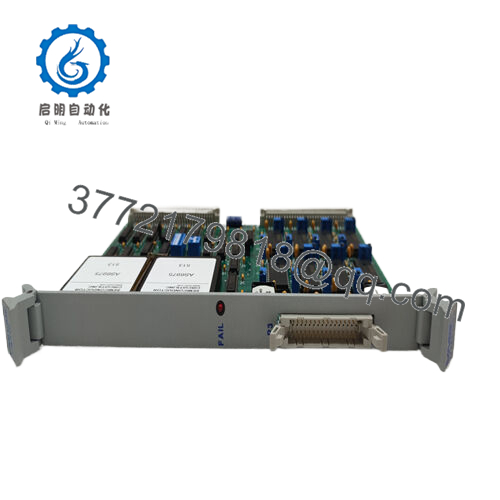
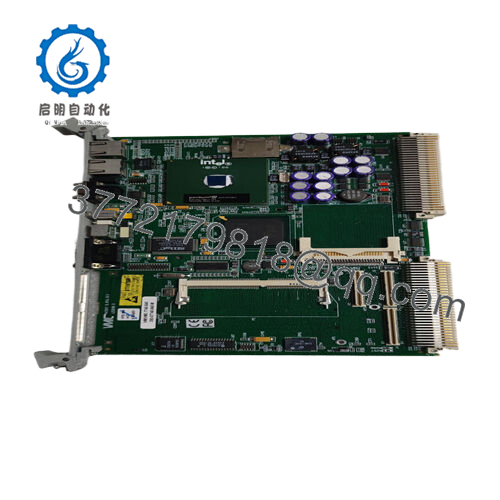
The GE VMIOMAX-9102A is a high-density digital I/O module designed for VMIC-based control systems, handling fast signal acquisition and output control in industrial automation environments such as power generation and process control.
From a supply-chain standpoint, securing this unit as New Surplus reduces Total Cost of Ownership (TCO) by eliminating failure risks tied to refurbished parts. With OEM production declining, proactive last-time-buy planning and buffer stock positioning are essential to avoid extended downtime caused by lead time variability.
5. Installation & Configuration Guide
Stage 1: Pre-Installation (Prep & Safety)
- Execute lock-out/tag-out (LOTO) procedures.
- Use an ESD wrist strap and grounded work surface.
- Photograph existing module wiring and note DIP switch settings.
- Verify 24 V DC supply capacity with at least 20% buffer.
Stage 2: Removal
- Power down the rack completely.
- Release retaining clips or screws.
- Extract the module evenly to avoid bending backplane connector pins.
Stage 3: Installation (Clone & Seat)
- Match DIP switch or jumper configuration exactly.
- Align the module with guide rails.
- Insert firmly until fully seated in the backplane connector.
- Secure with retaining hardware.
Stage 4: Power-On & Testing
- Restore power and monitor LED indicators (RUN vs ERR).
- Check for abnormal current draw on 24 V rails.
- Validate I/O signals through system diagnostics.
- Confirm communication handshake with controller.

- VMIOMAX-9102A
6. Firmware/Software Versions & Upgrade Notes
- Recommended to match the firmware revision of the existing system to avoid communication mismatches.
- Firmware discrepancies between revisions (e.g., older VMIC controllers vs newer modules) can trigger I/O scan delays or protocol timeouts.
- Avoid upgrading firmware during replacement unless absolutely required—this introduces integration risk.
- Always document firmware version before removal and maintain a rollback option.
7. Frequently Asked Questions (FAQ)
Q1: Is this unit truly new or previously installed?
This product is a Brand New Surplus unit. It is not used, not pulled from a decommissioned plant, and not refurbished. It retains original OEM build quality with zero wear on connectors.
Q2: Why is the price higher than refurbished alternatives?
Refurbished units often contain aged internal components. A small upfront saving can lead to major downtime costs. New Surplus ensures full lifecycle reliability and lower TCO.
Q3: Is the VMIOMAX-9102A considered obsolete?
It is a legacy module with declining OEM availability. Strategic stocking, including maintaining 1–2 units as buffer stock, is strongly recommended.
Q4: Can this module be hot-swapped?
No. VMIC systems typically require full power-down before replacement to prevent backplane damage and signal faults.
Q5: Will my configuration and logic be retained after replacement?
Yes, configuration resides in the controller, not the I/O module. However, incorrect DIP switch settings can disrupt communication.
Q6: What warranty is provided?
Standard 12months warranty, covering functional performance and manufacturing integrity.
Q7: What is the recommended stocking strategy?
Maintain minimum 1 unit on-site as critical spare. For multi-line plants, implement cross-site sharing and define reorder points based on lead time variability and failure criticality.



