
 WhatsApp: +86 16626708626
 Email:
  Phone: +86 16626708626
Description
Key Technical Specifications
- Model: VMIVME-5531S-000
- Brand: GE / VMIC
- Platform: VMEbus
- Part Status: Legacy / obsolete
- Availability: Limited stock
- Condition: New Surplus
- Use Case: Replacement for installed VMIVME rack systems
- Compatibility: Verify exact rack and backplane match before ordering
- Documentation: OEM datasheet recommended for pinout and configuration confirmation
- Installation Note: Check jumper, address, and connector layout against the removed unit
Product Introduction
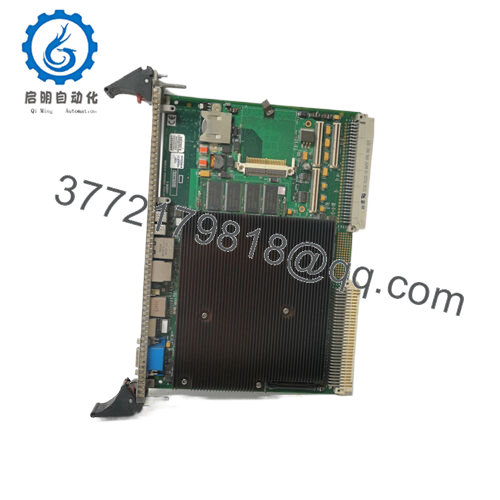
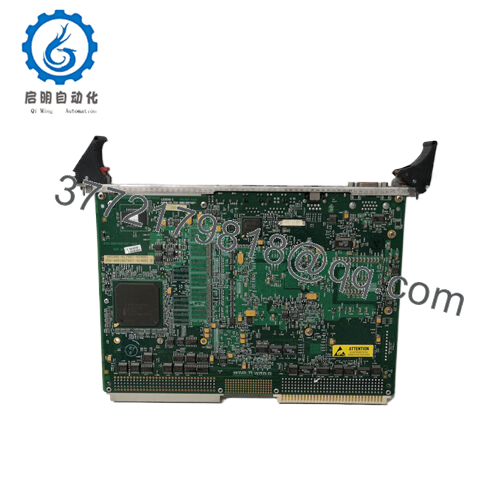
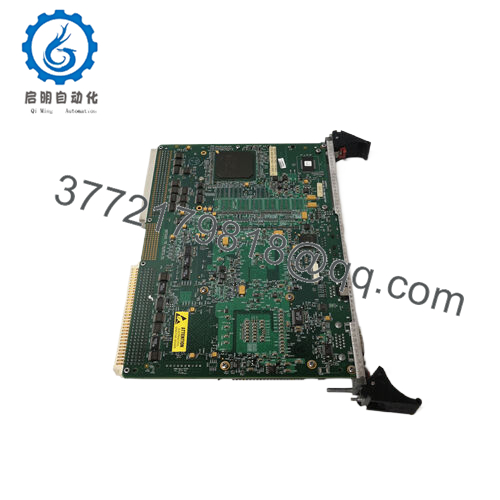
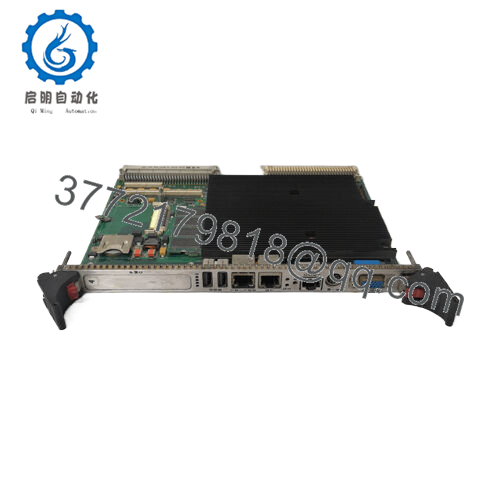
GE VMIVME-5531S-000 is a VMIC VMEbus module used in legacy industrial control and automation systems. It belongs in racks where exact board-to-board compatibility matters more than modern feature sets.
This part is typically bought as a direct replacement for an installed legacy card. Verify the original board revision, backplane layout, and firmware or configuration match before installation.

- VMIVME-5531S-000
Troubleshooting Quick Reference
| Symptom | Possible Cause | Relevance to This Part | Quick Check Method | Recommendation |
|---|---|---|---|---|
| Board not recognized at power-up | Backplane seating issue, address mismatch, or rack power problem | ✅ High | Check seating, verify rack voltage, inspect address/jumper settings | Reseat the board and confirm configuration before replacement |
| Status LEDs remain off | Missing supply rail or blown fuse in the rack | ✅ High | Measure backplane supply at the slot with a multimeter | Check rack power and fusing first |
| Intermittent operation | Loose connector, vibration, or oxidized edge contacts | ✅ Medium | Inspect edge fingers and connector alignment | Clean contacts carefully and retest in a known-good slot |
| Communications fail after swap | Wrong revision or incompatible configuration | ✅ High | Compare the old board’s label, jumpers, and any stored settings | Match the original configuration exactly |
| No change after replacement | Fault is upstream in the CPU, backplane, or field wiring | ✅ Medium | Swap in a known-good board or test the suspect board in another slot | Do not assume the module is bad until the rack is checked |
| Unit runs hot | Restricted airflow or overcurrent on the rack | ✅ Medium | Check rack temperature and total slot loading | Verify cooling and power budget before calling it failed |
If you are stuck, contact technical support with board photos, slot position, jumper settings, and diagnostic logs.
Frequently Asked Questions (FAQ)
Q: Is the VMIVME-5531S-000 still in production?
A: No. This is a legacy VME part, so availability is usually tied to surplus or remaining stock.
Q: Is it a direct replacement for my old GE or VMIC board?
A: It can be, but only if the model suffix, revision, jumpers, and backplane setup match. Do not assume close part numbers are interchangeable.
Q: Can I hot-swap this module?
A: No. Power the rack down first. Pulling or inserting a VME module live can damage the board or the backplane.
Q: What should I verify before ordering?
A: Confirm the exact part number, board revision, connector style, rack type, and any site-specific configuration. A photo of the old board helps a lot.
Q: Why is this part sold as New Surplus?
A: Because it comes from unused legacy inventory, not current factory production. That is why it is often cheaper than older new-old-stock listings.
Q: Will my existing configuration transfer automatically?
A: Not always. Some sites need manual jumper matching or stored parameter verification before the replacement will behave the same way.
Q: What is the biggest installation mistake?
A: Rushing the swap and skipping configuration checks. Take pictures of the old board before removal, especially jumpers, labels, and connector orientation.



