
 WhatsApp: +86 16626708626
 Email:
  Phone: +86 16626708626
Description
Key Technical Specifications
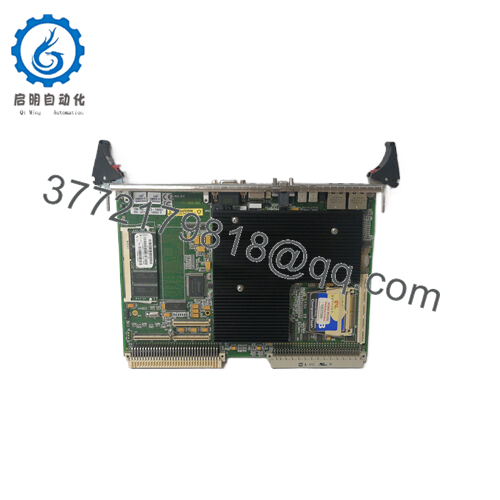
- Model: VMIVME-7487A
- Brand: GE / VMIC
- Platform: VMEbus
- Product Type: Single board computer
- Processor: Intel Pentium III class
- Memory: 128 MB RAM
- Connectors: VME P1, VME P2, and VME 64 connector
- Interfaces: VGA, keyboard, mouse, serial, USB, Ethernet
- Chipset: Intel 855GME family
- Use Case: Legacy automation, test, and control systems
Product Introduction
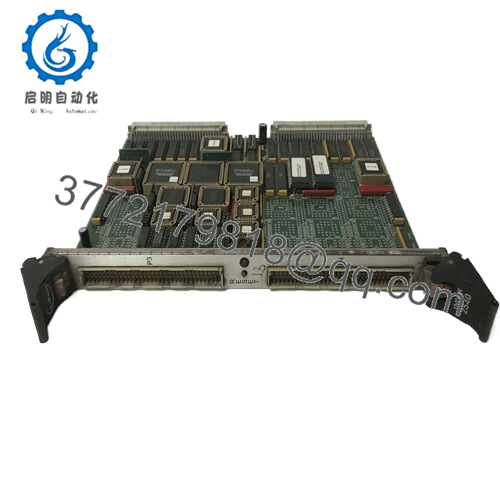
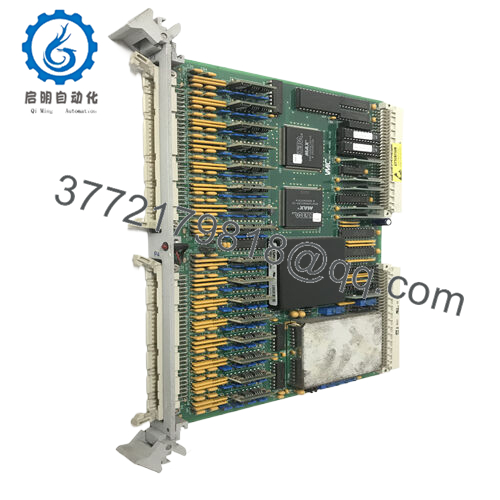
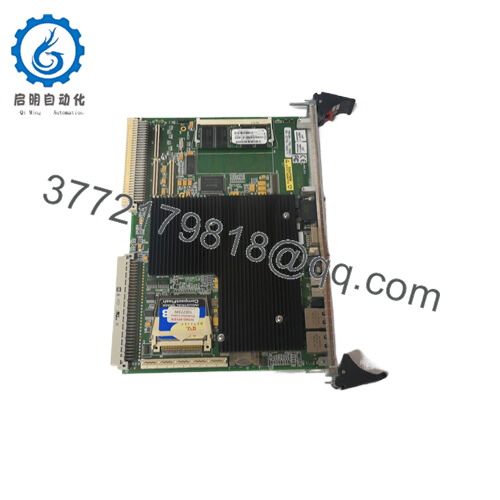
GE VMIVME-7487A is a VMIC VMEbus single board computer used in legacy industrial control, test, and simulation systems. It serves as the CPU board in racks that still depend on VME architecture and older software stacks.
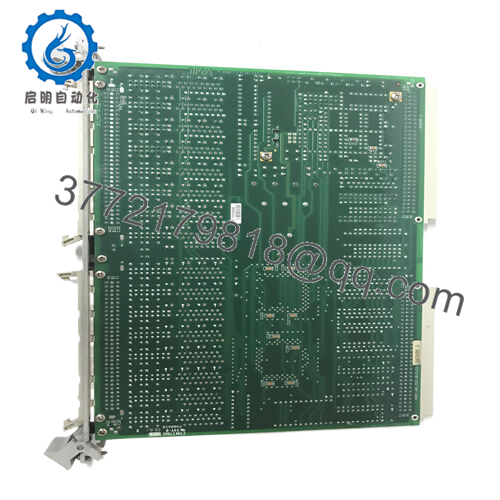
Buyers usually need this part as an exact replacement for an installed VMIVME-7487A or close revision match. Check the suffix, connector layout, and memory configuration against the removed unit before ordering, because variant differences can break compatibility.

- VMIVME-7487A
Troubleshooting Quick Reference
| Symptom | Possible Cause | Relevance to This Part | Quick Check Method | Recommendation |
|---|---|---|---|---|
| No boot on power-up | Rack power issue, bad seating, or failed SBC | ✅ High | Measure backplane voltages and check front-panel indicators | Reseat the board and verify supply rails first |
| BIOS or system does not load | Corrupt firmware, storage issue, or CPU fault | ✅ High | Check POST behavior and inspect boot media | Confirm the boot device before replacing hardware |
| No serial console output | Wrong port selection or cabling issue | ✅ Medium | Test RS-232 wiring and loopback the port | Verify terminal settings and cable pinout |
| Intermittent crashes | Heat, memory fault, or unstable power | ✅ High | Monitor board temperature and run a known-good memory test | Check cooling and power before swapping the card |
| Peripheral I/O missing | Driver, configuration, or adapter mismatch | ✅ Medium | Confirm the installed OS image and device mapping | Review software setup before calling the board bad |
| Dual-port memory not visible | Address setup or host-side mapping problem | ✅ High | Verify address range and register configuration | Match the memory map to the original installation |
If you are stuck, contact technical support with board photos, suffix details, slot position, and diagnostic logs.
Frequently Asked Questions (FAQ)
Q: Is the VMIVME-7487A still in production?
A: No. It is a legacy VMIC VME board, so stock is usually surplus or remaining warehouse inventory.
Q: Is it a CPU board or a memory board?
A: It is sold as a VME single board computer, and some listings describe dual-port memory variants. Check the exact suffix before ordering.
Q: Can I hot-swap it?
A: No. Shut the rack down first. Hot-swapping a VME CPU board is asking for backplane damage.
Q: What should I match before replacing it?
A: Match the exact part number, suffix, revision, connector layout, and memory configuration. That avoids most replacement failures.
Q: Why is this part usually sold as New Surplus?
A: Because it is discontinued legacy inventory, not current factory production. That is common for older GE VMIC hardware.
Q: Will my existing software and settings carry over automatically?
A: Not automatically in every case. Back up the old configuration, then confirm boot media, memory map, and any jumpers or switches on the replacement.
Q: What is the biggest installation mistake?
A: Assuming every VMIVME-7487A variant is the same. Take a photo of the removed board, especially labels, jumpers, and connector orientation.



