
 WhatsApp: +86 16626708626
 Email:
  Phone: +86 16626708626
Description
Key Technical Specifications
| Parameter | Value |
|---|---|
| Part Number | 985260000 (X-COM01) |
| Supply Voltage | 24 VDC (−15% to +20%) |
| Current Input | 0.25 A min, 0.46 A max |
| Operating Temperature | 0°C to +60°C |
| Storage Temperature | −40°C to +85°C |
| Interfaces | 4 × RJ-45 (Ethernet), 2 × 9-pin D-sub (RS-485) |
| Protocols Supported | Up to 6 simultaneously: Modbus TCP, Modbus RS-485, PROFIBUS DP, SafeEthernet, OPC DA/A&E, CUT, TCP/UDP, SNTP, HART over IP |
| Power Consumption | ≤5 W |
| Module Dimensions (HIMA rack) | 310 × 29 × 230 mm (rack module size) |
| Weight | 850 g |
| Safety Rating | SIL3 (IEC 61508), SafeEthernet SIL4 |
| Mounting | Base plate slot in HIMax system |
Product Introduction
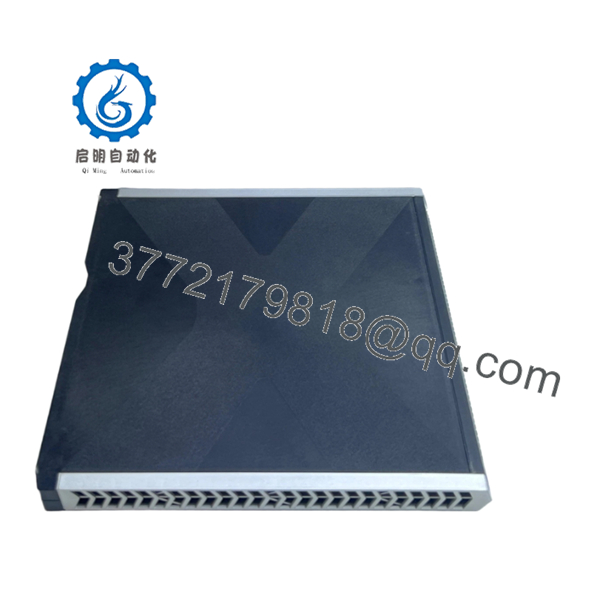
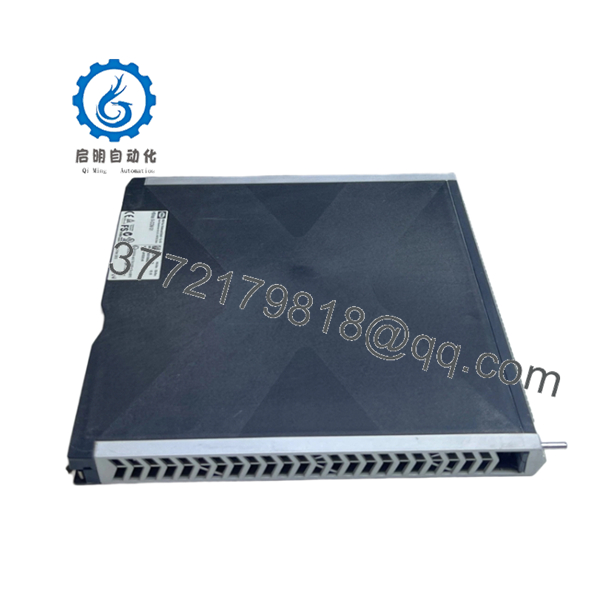
HIMA X-COM01 (985260000) is the HIMax communication module for programmable electronic safety systems (PES). It inserts into any HIMax base plate slot and provides multi-protocol safety communication for SIL3 systems, including Modbus TCP/RS-485, PROFIBUS DP, and SafeEthernet.
The module runs up to 6 protocols simultaneously and supports SafeEthernet (SIL4), PROFIsafe, OPC DA/A&E, and user-programmable ports (RS422/RS485, TCP/UDP, CUT). It operates at 24 VDC with 0.25–0.46 A draw and is rated 0°C to +60°C.

- X-COM01 (985260000)
Troubleshooting Quick Reference
| Symptom | Possible Cause | Relevance to this Part | Quick Check Method | Recommendation |
|---|---|---|---|---|
| No LEDs on power-up | No 24 VDC supply, blown fuse, bad rack backplane | ❌ Low | Measure 24 VDC at module terminals with multimeter | Check PSU, fuses, and backplane before replacing |
| Ethernet link LED off | Bad cable, wrong port, switch not configured | ✅ High | Check cable continuity; verify switch port and link LED | Replace cable or reconfigure switch before hardware swap |
| RS-485 communication timeout | Wrong baud rate, missing terminating resistor, wiring error | ✅ High | Verify baud rate, node address, and terminator on both ends | Match settings and add/verify terminators; check wiring |
| Module fails to join HIMax system | Firmware mismatch, base plate slot fault, configuration missing | ✅ High | Read HIMax diagnostic buffer; confirm slot assignment | Update firmware or restore configuration; test another slot |
| Intermittent protocol failures | Protocol version mismatch, buffer overflow, network latency | ✅ High | Check protocol logs and network load; compare firmware versions | Align firmware revisions and reduce network load |
| ERR/FAULT LED flashing | Internal module fault or safety channel failure | ✅ High | Capture LED pattern and read diagnostic buffer | Usually requires hardware replacement |
If diagnostics don’t resolve the issue, send photos of the front LEDs, rack labels, and the diagnostic logs to technical support.
Frequently Asked Questions
Q: Is X-COM01 (985260000) a direct replacement for older HIMax com modules?
A: Yes, for the same HIMax architecture. The newer X-COM01 E replaces X-COM01 with doubled memory and PROFINET/PROFIsafe support, and it’s fully compatible in existing systems. Verify firmware and configuration before swapping
Q: Can I hot-swap this module?
A: No. Remove and install with power off to avoid backplane damage or comms faults. The X-COM01 E can be swapped during operation without interrupting safety, but the original X-COM01 requires power-off handling.
Q: Will my existing configuration carry over?
A: Not automatically. Back up the current configuration and record the installed firmware before removal. Mismatched versions can prevent the module from joining the HIMax system cleanly.
Q: What protocols can run simultaneously?
A: Up to 6 at once: Modbus TCP master/slave, Modbus RS-485 master/slave, PROFIBUS DP master/slave, SafeEthernet (SIL4), OPC DA/A&E, CUT, TCP/UDP, SNTP, HART over IP
Q: Why is this cheaper than a factory-new part?
A: Industrial surplus and remanufactured stock come from recovered inventory, not fresh OEM production. That lower price is useful, but inspection and revision matching are critical.
Q: What condition should I expect?
A: Listings commonly show new surplus or remanufactured stock. Ask for the exact condition, test status, and photos of the serial label before you buy.
Q: What installation pitfalls are most common?
A: Firmware mismatch and RS-485 termination errors. I have seen sites lose days because a swap looked correct physically but the protocol version changed between firmware releases. Document the old firmware and mirror jumper/DIP settings before pulling the part.



