WhatsApp: +86 16626708626
 Email:
 Phone: +86 16626708626
Description
Key Technical Specifications
| Parameter | Value |
|---|---|
| Product type | Media module for MICE MS20/MS30 modular managed switches |
| Twisted pair ports | 4x 10/100 Mbit/s RJ45 (M4 port group ×2) |
| Fiber ports | 4x sockets for Hirschmann Fast Ethernet SFP transceivers (T1 slot group ×2) |
| Transfer rate | Fast Ethernet, 10/100 Mbit/s, full/half duplex, auto-negotiation |
| SFP compatibility | Hirschmann Fast Ethernet SFP transceivers only (OEM specification) |
| Mounting | Backplane insertion into MS20/MS30 base unit, hot-swappable |
| Housing rating | IP20, standard housing |
| Temperature range (per SBH suffix) | 0 to +60 °C operating (verify against the MICE datasheet for your suffix) |
| Storage temperature | −40 to +70 °C |
| Relative humidity | 10–95%, non-condensing |
| Power consumption | Approx. 5–8 W (module-dependent; switch total budget must be checked) |
| Diagnostics | Per-port LEDs for link, data, and duplex status |
| Switch features (host) | Managed via web/SNMP/CLI; VLAN, IGMP snooping, port mirroring, HIPER-Ring redundancy, RSTP |
| Standards | IEEE 802.3 (Ethernet), IEC 61131-2 EMC/power supply class |
| Made in | Germany |
Decode the suffix before ordering: the “SBH” suffix encodes temperature range and housing variant; other variants like “SAHH” carry extended temperature ratings. Verify the exact suffix requirement against your switch installation documentation — the wrong variant won’t fail on power-up, but it will fail its environmental rating.
Product Introduction
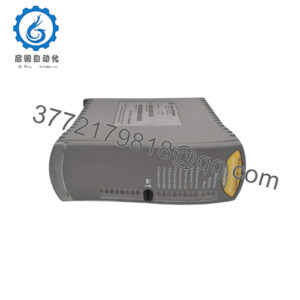
The Hirschmann MM20-M4M4T1T1SBH is a hot-swappable media module for the MICE MS20 and MS30 modular managed switch families. It adds four 10/100 Mbit/s RJ45 copper ports and four Fast Ethernet SFP slots to a base unit, mixing copper and fiber on one module — the standard configuration for plant floors where the switch aggregates local PLC/HMI connections and backhauls fiber to the control room.
Its value is the hot-swap design: pull a failed module from a running MS20/MS30 and seat the replacement without dropping the other ports or rebooting the switch. No configuration loss, no network re-convergence on the unaffected segments. Since Belden discontinued the MICE series, plants running MS20/MS30 hardware keep these modules on the spares shelf for exactly that reason — the day one dies, the fix is a two-minute swap, provided you have the part.
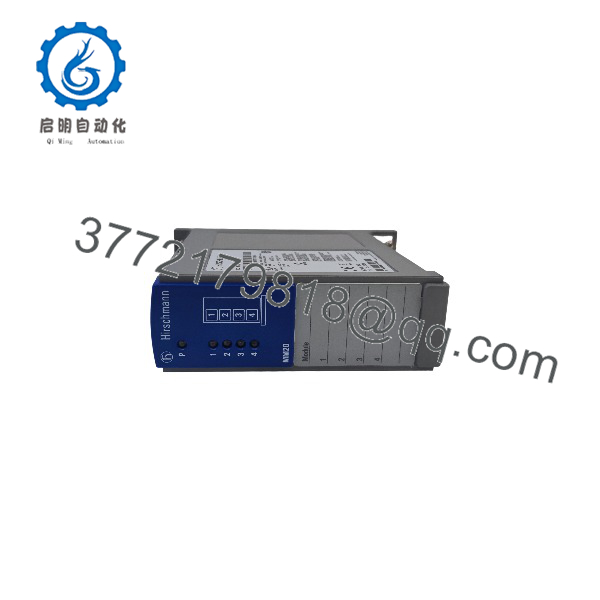
MM20-M4M4T1T1SBH
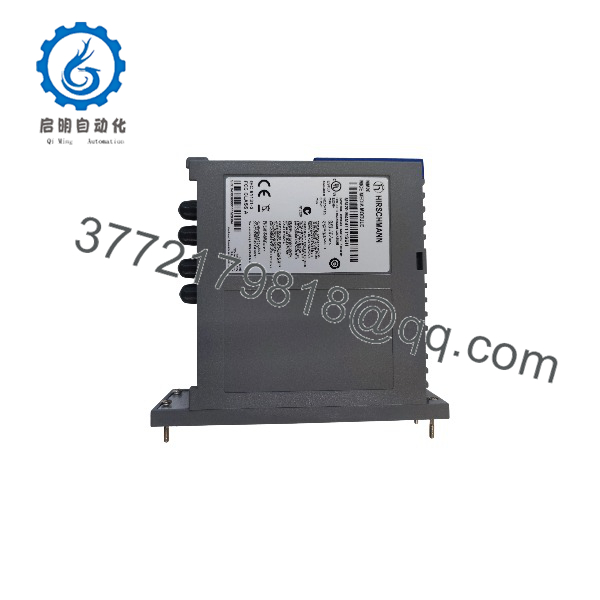
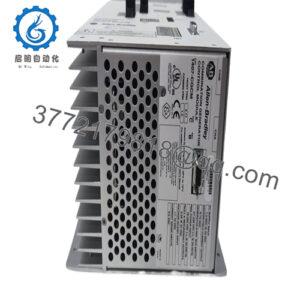
MM20-M4M4T1T1SBH
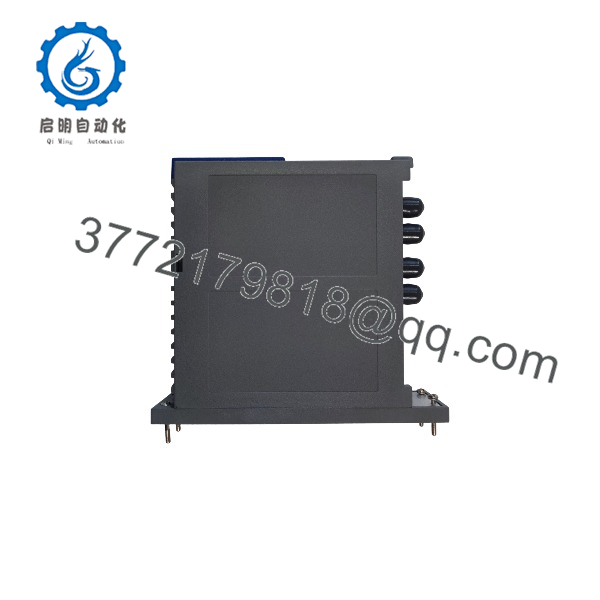
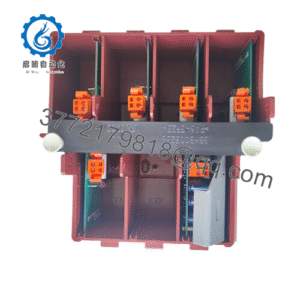
MM20-M4M4T1T1SBH
Installation & Configuration Guide
Stage 1: Pre-Installation Preparation (~10 min)
- ⚠️ Safety First: Notify operations. This module is hot-swappable by design, but the host switch power wiring is still live — keep hands out of the power supply terminal area. Verify which MS20/MS30 slot the failed module occupies and confirm the replacement is the correct variant before touching the switch.
- Tools Required: ESD wrist strap, PH1 screwdriver, label maker or tape, smartphone for photos, fiber cleaning kit if you’re reseating SFP connections.
- Data Backup: In the switch’s web interface or CLI, export the current configuration file to your PC or a USB stick (the MS20/MS30 supports USB backup). Photograph the module slot, port-to-cable mapping, and the LED state. Record firmware version and, critically, which SFP transceivers are seated in which slots — module configuration is stored in the base unit, but transceiver placement is your responsibility.
Stage 2: Removing the Old Module (~5 min)
- ESD strap on before touching the module faceplate.
- Photograph the cable positions on all four RJ45 ports and note SFP occupants.
- Disconnect the copper cables by pressing the tab and pulling straight. Do not pull on the cable jacket.
- If fiber SFPs are installed, disconnect fiber patch cords and cap them immediately — an uncapped fiber end in a dusty cabinet collects contamination that costs an hour to diagnose later.
- Loosen the module retaining screws and slide the module straight out of the backplane.
- ⚠️ The MS20/MS30 detects module removal and reconfiguration automatically, but a half-seated module causes port flapping. Pull it fully or don’t pull it at all.
Stage 3: Installing the New Module (~5 min)
- Verify the nameplate reads MM20-M4M4T1T1SBH exactly. M4M4 = two four-port copper groups; T1T1 = two SFP slot pairs. A different port layout (e.g., Z6Z6 fiber-only variants) won’t match your cable plant.
- Remove the SFP transceivers from the old module and seat them in the same slot positions on the new module. SFPs latch with a click; pull the bail to release.
- Slide the module into the empty slot until the backplane connector seats firmly. Tighten the retaining screws.
- Reconnect copper cables per your photos. Reconnect fiber patch cords — clean each ferrule with a one-click cleaner first if they’ve been dangling.
Stage 4: Power-On & Testing (~10 min)
- No separate power-up required — the host switch recognizes the module on insertion. Watch the module LEDs.
- Confirm each RJ45 port shows link (green/yellow LED) for connected devices.
- In the switch web interface, verify the module appears with the correct port count and that the previous port configuration (VLANs, IGMP, port security) carried over to the corresponding ports.
- Ping test through two ports minimum: one copper, one fiber SFP path.
- Check the switch’s alarm/event log for module insertion messages and clear any stale fault entries.
- ⚠️ Troubleshooting Note: If ports show no link, reseat the module fully first — a partially seated backplane connector is the number-one cause. If the switch logs a module type mismatch, verify the product code against the old module’s nameplate. Dirty fiber ends account for most “dead SFP” complaints; clean before replacing transceivers.
Frequently Asked Questions (FAQ)
Q1: Can I hot-swap this module under power?
Yes — this is one of the few components on a plant floor that is genuinely hot-swappable. The MICE architecture lets you pull and insert media modules while the MS20/MS30 switch runs. The ports on the module you’re swapping go down; everything else keeps forwarding. Just respect the basics: ESD strap, don’t half-seat it, and keep your fingers out of the power terminal block.
Q2: Is this model obsolete? Is what you’re selling genuinely new?
Yes. Belden discontinued the MICE MS20/MS30 family, and no direct factory successor uses these modules. Our stock is New Original / New Surplus: genuine Hirschmann production, factory packaging, never placed in service. We verify serial numbers and product codes against OEM records, inspect for corrosion or rework marks, and audit accessories. Photos of the exact unit and serial number are available before you commit. Refurbished units, when offered, are labeled as refurbished and tested — never blended into new-surplus listings.
Q3: What’s the replacement path if this module is out of stock?
Check sibling MM20 variants with matching port groups — e.g., MM20-M4M4T1T1SAHH or the -TAHH fiber-only variants — but port layout must match your cable plant, and the suffix must match your environment (temperature, conformal coating). There is no current-production replacement; the migration path is Belden’s Eagle 20/30 or Hirschmann GREY series, which means a new switch, new modules, and a configuration rebuild. Most plants with MS20/MS30 installed simply buy spares.
Q4: Will I lose my switch configuration when I swap the module?
No. Port-level configuration lives in the MS20/MS30 base unit, not the module. The base unit maps configuration to slot position, so a like-for-like swap in the same slot inherits the settings automatically. That said, export your configuration before the swap — if the base unit mis-reads a module type mismatch, you’ll want the backup file on hand. Two minutes of export beats an hour of re-entering VLANs from memory.
Q5: Why is your price lower than Hirschmann’s original list price?
Because the part is discontinued and our stock comes from OEM spares programs, liquidated projects, and factory overruns bought years ago. We’re not an authorized Belden/Hirschmann distributor, and we say so plainly: the 12-month warranty is ours, not Belden’s. The trade is factory support — which no longer exists for this product — for price and immediate availability.
Q6: Can I use third-party SFP transceivers in the T1 slots?
Officially no — Hirschmann specifies only their own Fast Ethernet SFP transceivers for these slots. In the field, some third-party units work; many don’t, and the failure modes are ugly: intermittent links, missing diagnostic data, or the switch rejecting the transceiver after a firmware update. Honestly, this is not the place to save $50. Use genuine Hirschmann SFPs, and label each one with its part number and the port it belongs to.
Q7: What quality checks do you run before shipping?
Every unit passes inbound inspection (serial and product-code verification, anti-counterfeit screening, visual and accessory audit), then a live bench test in a genuine MS20/MS30 base unit: module detection and recognition, per-port link and data testing on all four RJ45 ports, SFP slot handshake with test transceivers, and a continuous powered burn-in exceeding 24 hours with port traffic cycling. Results are logged in a signed Test Report; the unit ships in ESD bagging with a QC Passed label and date. Test videos and photos are available on request. We won’t claim it’s failure-proof — we’ll tell you exactly what we verified.