
 WhatsApp: +86 16626708626
 Email:
  Phone: +86 16626708626
Description
Key Technical Specifications
| Parameter | Value |
|---|---|
| Manufacturer | HMS Networks |
| Brand Family | Anybus |
| Part Number | AB7006-B |
| Product Type | Serial-to-ControlNet protocol converter |
| Primary Network | ControlNet |
| Serial Interface | Selectable RS-232, RS-422, or RS-485 |
| Nominal Supply Voltage | 24 V DC |
| Serial Protocol Support | Modbus RTU, DF1, proprietary request/response, produce/consume, and ASCII-based serial protocols |
| PLC Data Presentation | Serial data mapped as process I/O data |
| Configuration Tool | Anybus Configuration Manager |
| Modbus Setup | Six-step Modbus RTU configuration wizard |
| Mounting | DIN rail |
| Enclosure Rating | IP20 / NEMA Type 1 |
| Operating Temperature | 0 to +55 °C |
| Maximum Relative Humidity | Up to 95%, non-condensing |
| Approximate Weight | 0.6 kg / 1.3 lb |
| Save/Load Function | Supported for configuration replication |
| Network Role | ControlNet adapter interface for a serial master device |
| Lifecycle Consideration | Verify current availability and installed ControlNet architecture before ordering |
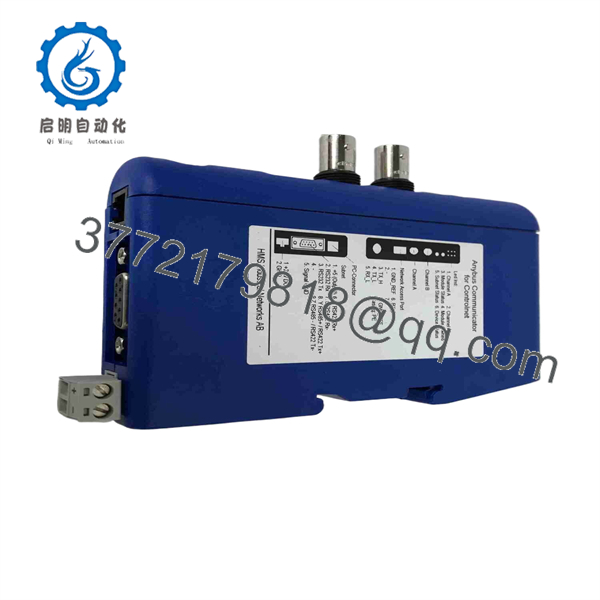
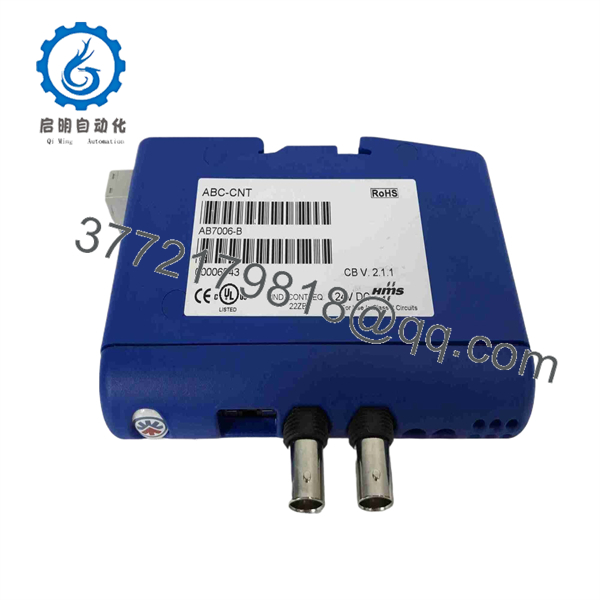
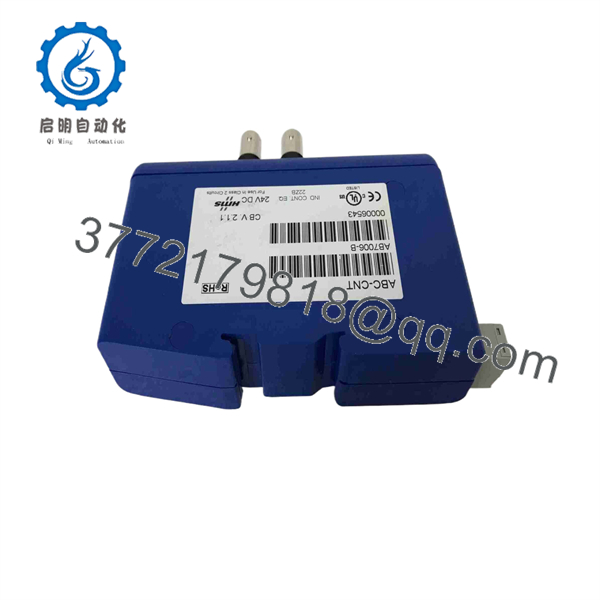
The AB7006-B connects serial equipment to a ControlNet control system and supports RS-232/422/485 serial communications. HMS identifies it as an Anybus Communicator that converts serial data into PLC-readable I/O data; distributor data lists 24 V DC supply, DIN-rail mounting, IP20 protection, and a 0 to +55 °C operating range.
Product Introduction
The HMS Anybus AB7006-B is a serial-to-ControlNet protocol gateway for connecting legacy serial equipment to Rockwell Automation ControlNet systems. It interfaces with RS-232, RS-422, or RS-485 devices and maps serial data into process I/O for the ControlNet PLC or controller network. Typical applications include bringing Modbus RTU instruments, DF1 devices, drives, barcode equipment, analyzers, and proprietary serial controllers onto an existing ControlNet segment.
The AB7006-B is selected when replacing a serial device is not justified, but the controls system needs reliable network-level access to its data. Its Anybus Configuration Manager supports predefined Modbus RTU setup and configurable serial framing for proprietary request/response, produce/consume, and ASCII protocols. Verify the required ControlNet node address, network-media type, serial framing, and I/O data map before installation.
AB7006-B
AB7006-B
AB7006-B
Troubleshooting Quick Reference
| Symptom | Possible Cause | Relevance to this Part | Quick Check Method | Recommendation |
|---|---|---|---|---|
| No LEDs after power-up | Missing 24 V DC supply, blown fuse, reversed polarity, failed gateway | ⚠️ Medium | Measure 24 V DC directly at the AB7006-B power terminals with a Fluke 115 or equivalent; verify the 0 V return and upstream fuse | Correct supply polarity and voltage first. Replace the gateway only if stable 24 V DC reaches its terminals and all status LEDs remain inactive |
| ControlNet network shows node offline | Incorrect node address, broken coax/trunk connection, missing terminator, network configuration issue | ⚠️ Medium | Check ControlNet scanner diagnostics, node address setting, channel LEDs, trunk-tap connection, and termination hardware | Troubleshoot the ControlNet segment before replacing the AB7006-B. An offline network can make a healthy gateway appear failed |
| PLC sees the gateway but all data is zero | Incorrect I/O assembly mapping, invalid configuration, serial device not replying | ⚠️ Medium | Monitor the gateway’s configured I/O data in the PLC and compare it with the serial transaction status in Anybus Configuration Manager | Confirm byte order, data length, polling interval, register addresses, and serial-device response before replacing hardware |
| Modbus RTU device does not respond | Wrong baud rate, parity, stop bits, slave address, RS-485 A/B reversal, missing bias/termination | ❌ Low | Verify serial settings against the device manual; measure continuity; swap RS-485 A/B only after documenting original wiring | This is usually a field wiring or configuration issue, not an hardware failure |
| Intermittent serial data or timeout alarms | Shielding issue, ground loop, excessive cable length, incorrect RS-485 termination, noisy VFD environment | ⚠️ Medium | Check cable shield termination, reference ground, serial error counters, and noise sources; inspect for loose terminal screws | Use the correct cable type and grounding scheme. Do not bond shields at both ends unless the equipment documentation calls for it |
| Gateway communicates after restart, then fails hours later | Power-supply sag, electrical noise, thermal stress, serial device lockup | ⚠️ Medium | Trend 24 V DC during machine starts and load changes; inspect cabinet temperature; power-cycle only under an approved procedure | Correct power quality and heat issues first. A replacement module will not fix a brownout or serial-device lockup |
| Replacement will not join ControlNet | Node address conflict, mismatched ControlNet configuration, incorrect EDS/AOP setup, damaged network media | ✅ High | Compare the old gateway’s address and PLC configuration; verify that the replacement has a unique node number before connecting | Document the existing network configuration before removal. Set the replacement node address before applying network power |
| Serial values are shifted or scaled incorrectly | Incorrect data mapping, signed/unsigned mismatch, word order issue, floating-point format mismatch | ❌ Low | Compare raw input bytes in the PLC with known device values; verify 16-bit/32-bit order and signed data format | Fix the PLC tag mapping or Anybus configuration. Do not replace a working gateway because engineering units are wrong |
| Gateway enclosure is hot or resets under load | Cabinet heat, overloaded 24 V DC supply, poor airflow, internal fault | ⚠️ Medium | Measure supply voltage during operation; verify ambient temperature remains within 0 to +55 °C; inspect DIN-rail seating | Improve cabinet cooling and supply capacity. Replace the unit if resets persist with stable power and acceptable ambient temperature |
❗ ControlNet warning: Do not connect a replacement without first documenting its ControlNet node address and the PLC’s existing I/O configuration. A duplicate node address can disrupt communications for more than one device on the network.
❗ Serial-wiring warning: RS-485 labels are not always consistent between manufacturers. One vendor’s “A” may be another vendor’s “–.” Do not wire from memory. Check the serial-port pinout and the device manual before landing conductors.
❗ Power-budget warning: Calculate cabinet 24 V DC demand with at least a 20% margin. A gateway that resets during contactor pull-in or VFD startup is often reporting a power-quality problem, not an internal defect.
If you need assistance, provide photos of the label, power terminals, ControlNet connector/trunk tap, serial wiring, status LEDs, and PLC diagnostic messages. Include the serial protocol, baud rate, parity, slave address, and expected PLC data map.
Frequently Asked Questions
What does the HMS do?
The converts data from a serial device into ControlNet process I/O data for a PLC or other ControlNet controller. It allows equipment using RS-232, RS-422, or RS-485 communications to remain in service while making its data available on a ControlNet network. HMS lists support for Modbus RTU, DF1, proprietary request/response protocols, produce/consume protocols, and ASCII-based serial communications.
Can I use the with a Modbus RTU meter, drive, or analyzer?
Yes, provided the serial device uses supported Modbus RTU communications and the data map is configured correctly. HMS provides a predefined Modbus RTU setup process through its configuration software, reducing the need to manually build serial request frames. You still need the exact slave address, baud rate, parity, stop bits, register list, data types, and desired polling rate.
Is the an Ethernet/IP gateway?
No. The is specifically a serial-to-ControlNet gateway. ControlNet is a separate Rockwell Automation network architecture and does not use Ethernet/IP cabling, addressing, or switch infrastructure. Confirm the plant network before ordering; if the PLC network is EtherNet/IP, DeviceNet, Profibus, or another fieldbus, select the correct Anybus gateway version instead.
Can I hot-swap the ?
Do not assume it is hot-swappable. Follow the plant’s approved lockout/tagout and network-maintenance procedures. Removing a ControlNet node while energized can produce communications faults, and handling an unprotected gateway can cause ESD damage. De-energize the gateway, photograph the wiring and node-address settings, then install the replacement using the documented configuration.
What must I document before replacing an ?
Record the ControlNet node address, PLC rack/slot or scanner configuration, configured I/O size, serial protocol, serial port mode, baud rate, parity, data bits, stop bits, device address, serial cable shielding method, and any custom serial frame definitions. Also save the Anybus configuration file if it is available. The Save/Load function supports reuse of completed configurations on other installations.
Why is my PLC receiving data, but the values are wrong?
The gateway may be working correctly while the data interpretation is wrong. Common causes include a 16-bit versus 32-bit data-length mismatch, incorrect byte or word order, signed-versus-unsigned integer handling, IEEE 754 floating-point conversion errors, register-offset mistakes, or scaling performed in both the serial device and PLC. Check raw bytes first, then correct the mapping and scaling logic.
Is this unit new surplus or refurbished?
The exact condition must be confirmed for the specific serial number offered. A New Original / New Surplus is unused inventory that may come from discontinued or excess stock and can have an older date code. A Refurbished (tested) unit has previously been used and should include documented power-up, ControlNet communications, serial-port, and configuration testing. Request actual photos, serial-number confirmation, test documentation, stock status, lead time, and written warranty before purchasing.
Why might this unit cost less than current factory inventory?
units may be sold as surplus stock, distributor overstock, or inventory from an older project. That can reduce the price, but it also means you need to verify packaging condition, storage history, firmware/configuration capability, warranty terms, and return policy. For a production-critical ControlNet system, buy based on verified compatibility and test evidence—not only the lowest listed price.



