
 WhatsApp: +86 16626708626
 Email:
  Phone: +86 16626708626
Description
Key Technical Specifications
- Module Function: Master control unit (CPU) for HOLLiAS MACS DCS racks
- Redundancy: Deployed as a master-slave redundant pair — two FM801 modules occupy the two leftmost slots of the rack together
- Companion Power Modules: FM910 (system power, 24 VDC) or FM920 (system/field power, supports 24 VDC / 48 VDC depending on configuration)
- Rack Position: System-defined leftmost slots, with remaining slots allocated to numbered power supplies (1# through 6# in typical configurations)
- Platform Context: Part of the HOLLiAS MACS-F / MACS-S DCS family, built on Hollysys’s earlier HS-DCS-1000, HS2000, and SmartPro system generations
- ⚠️ Not independently confirmed for this exact module: CPU architecture/clock speed, memory capacity, scan time, I/O point capacity, communication protocols, operating temperature range, and physical dimensions. Request the official HOLLiAS MACS hardware manual section for FM801 from Hollysys or your integrator before specifying this into a design.
Product Introduction
The Hollysys FM801 is a master control unit module used in the HOLLiAS MACS distributed control system. It’s deployed in redundant master-slave pairs, occupying the two leftmost slots of the rack, with the remaining slots typically populated by FM910 or FM920 power modules depending on whether the installation needs 24 VDC system power, 48 VDC field power, or both.
Plants running legacy HOLLiAS MACS-F or MACS-S systems keep this module in inventory because a failed CPU in a redundant pair can take down process control if a spare isn’t on hand. Sourcing a genuine FM801 as a direct swap avoids downtime waiting on new-build lead times from a discontinued or long-lifecycle DCS platform.
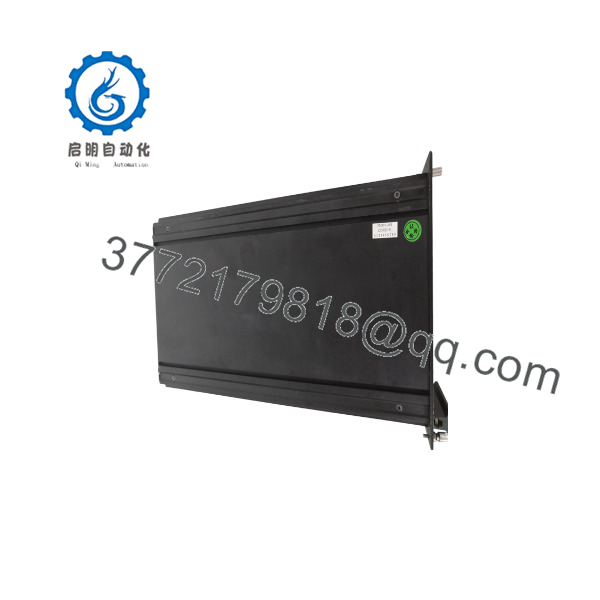
FM801
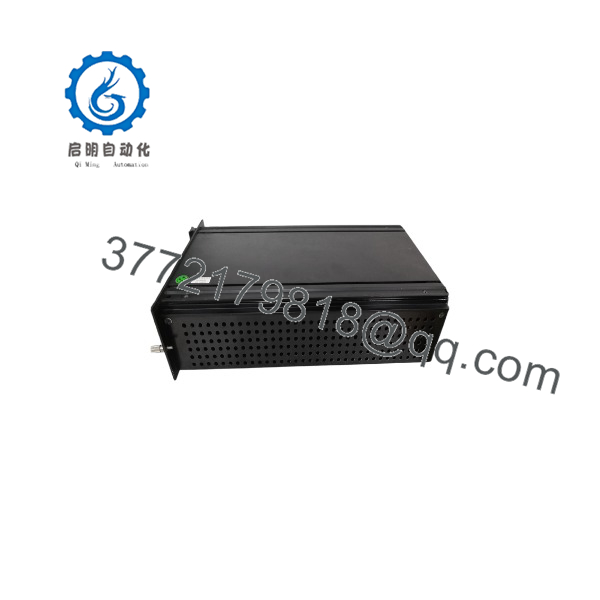
FM801
Troubleshooting Quick Reference
| Symptom | Possible Cause | Relevance to this Part | Quick Check Method | Recommendation |
|---|---|---|---|---|
| Redundant pair shows one FM801 as failed/standby-only | Backplane connection fault or genuine CPU failure on that unit | ✅ High | Check status indicators on both master and slave FM801 modules; reseat the suspect unit | If reseating doesn’t clear the fault, treat as a hardware failure candidate |
| Rack has no power to either | Failed FM910/FM920 power module, not the CPU | ❌ Low | Measure output voltage at the power module terminals before touching the CPU modules | Rule out the power module first — a dead power feed looks like a dead CPU |
| System won’t switch over from master to backup | Redundancy link/configuration issue between the paired modules | ✅ Moderate | Consult the HOLLiAS MACS manual for the specific failover diagnostic sequence for this platform | This is often a configuration/firmware issue rather than a hardware defect |
| Communication loss between rack and upper-level DCS network | Network/backplane wiring issue upstream of the CPU | ❌ Low | Check network cabling and switch status before suspecting the itself | Isolate network infrastructure before condemning the module |
Because public documentation on this module’s diagnostics is limited, if you’re stuck, send us the exact HOLLiAS MACS system version and the fault code or LED pattern from the rack — we’ll cross-check it against Hollysys documentation rather than guess.
Frequently Asked Questions (FAQ)
Do I need two of these, or does one work standalone?
Based on how this module is documented in the HOLLiAS MACS rack layout, it’s designed to run as a redundant master-slave pair — two units side by side in the leftmost slots. If your system is set up for redundancy, running a single unit isn’t the intended configuration; confirm your rack’s redundancy design before ordering just one.
Which power module does this need?
It pairs with either the FM910 or FM920 power module depending on your voltage requirements — FM910 for straightforward 24 VDC system power, FM920 where the installation also needs 48 VDC field power. Check your existing rack configuration to confirm which one you’re running.
Is this a new or used part?
That depends on the seller. Given how long the HOLLiAS MACS platform has been in service, most units in circulation come through secondary/surplus DCS parts channels rather than new manufacture. Get a clear condition statement — tested-used, refurbished, or new-surplus — in writing before you buy.
Why can’t you give me full electrical specs like clock speed or memory size?
Honestly, this is one where public documentation is sparse. A number of listings online repeat generic “high-performance, reliable” marketing language without any actual datasheet numbers behind it, and I’m not going to hand you specs I can’t trace to a real source. If you have access to the HOLLiAS MACS hardware manual for your system generation, that’s the reliable place to pull exact numbers — or ask Hollysys or your system integrator directly.
Will swapping this module wipe my DCS configuration?
This depends on where your configuration is stored — some DCS architectures keep the running configuration on the module, others load it from a separate memory or engineering station on every boot. Don’t assume either way. Back up your configuration through your engineering workstation before pulling the old module, regardless of which architecture you’re on.
Can I mix an with a different generation of Hollysys controller in the same rack?
Don’t assume cross-compatibility across HOLLiAS MACS generations without checking first. DCS platforms like this typically tie CPU modules to specific backplane and power architecture generations, and mixing without confirming compatibility risks a rack that won’t initialize correctly. Verify against your system’s documentation or with Hollysys support before doing this.



