
 WhatsApp: +86 16626708626
 Email:
  Phone: +86 16626708626
Description
Key Technical Specifications
| Parameter | Specification |
|---|---|
| Manufacturer | Honeywell |
| Model | MU-KGPR05 |
| Part Number | 51109620-195 |
| Product Category | Control / interconnection cable assembly |
| Primary Function | Electrical interconnection between compatible control-system components |
| Cable Length | Verify against the original assembly |
| Connector Type | Exact connector configuration requires confirmation |
| Pinout | Obtain the applicable wiring diagram |
| Conductor Count | Not independently verified |
| Shielding | Confirm from the physical assembly or OEM documentation |
| Rated Voltage | Not independently verified |
| Operating Temperature | Not independently verified |
| Compatible System | Confirm the exact Honeywell platform and connected hardware |
| Installation Location | Control cabinet or system rack, subject to verified application |
| Product Condition | Supplier confirmation required |
Technical verification note: Public supplier listings consistently identify this part number as a cable assembly, but the available information does not establish a complete OEM specification. Do not use unverified voltage, temperature, shielding, or connector claims as purchasing or installation requirements.
Product Introduction
The Honeywell MU-KGPR05 (51109620-195) is listed by industrial spare-parts suppliers as a control-system interconnection cable assembly. It is intended for use with compatible Honeywell automation hardware, where correct connector configuration and electrical continuity are essential to restoring the original system arrangement.
Before ordering, compare the complete part number, connector housings, cable length, and pin assignments against the installed assembly. Honeywell platform compatibility should be confirmed from the equipment documentation rather than inferred from the manufacturer name alone.
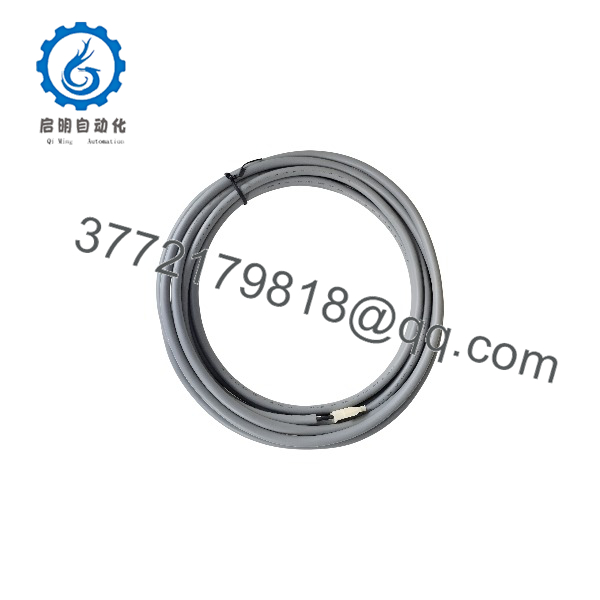
MU-KGPR05 51109620-195
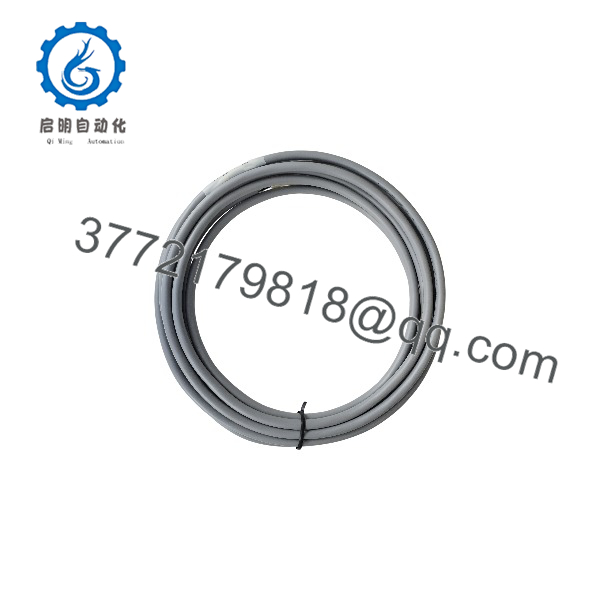
MU-KGPR05 51109620-195
Installation & Configuration Guide
Stage 1: Pre-Installation Preparation
Estimated time: 5–10 minutes
- Notify operations and obtain authorization before disturbing an active control-system connection.
- Identify both endpoints of the existing cable and determine which controller, I/O module, or termination assembly it connects.
- Photograph both connectors, cable routing, labels, and any pin or port markings.
- Obtain the relevant Honeywell wiring diagram and confirm the part number 51109620-195.
- Prepare the appropriate labels, lighting, and inspection tools.
Safety precaution: If the cable carries power or connects to active control equipment, follow the applicable isolation procedure. Do not disconnect it while energized unless the OEM documentation explicitly permits that operation.
Stage 2: Remove the Existing Cable
Estimated time: 5–10 minutes
- Confirm that the affected control function is in an approved maintenance state.
- Label both cable endpoints before removal.
- Release connector locks or retaining screws according to the connector design.
- Pull on the connector housing rather than the cable itself.
- Inspect the connector contacts, shell, cable jacket, and strain relief for damage.
- Retain the old cable for direct physical comparison.
Stage 3: Install the Replacement
Estimated time: 5–10 minutes
- Compare the replacement’s part number and physical construction with the original.
- Confirm that the connectors have the correct keying, contact arrangement, and mechanical fit.
- Verify the pinout against the OEM wiring diagram. Matching connector shapes do not establish electrical compatibility.
- Route the cable without excessive bending, tension, or interference with cabinet doors and adjacent equipment.
- Secure the connectors using their specified locking mechanisms.
- Check that the cable does not compromise required separation between power and signal wiring.
Stage 4: Functional Verification
Estimated time: 5–15 minutes, depending on the system
- Complete the required pre-energization checks.
- Restore power or reconnect the equipment according to the approved procedure.
- Check controller and I/O diagnostics for new faults.
- Verify communication and signal behavior at both endpoints.
- Confirm that the affected control functions operate as expected.
- Document the replacement and retain the old cable until the system has passed acceptance checks.
Troubleshooting guidance
- No communication after replacement: Check connector seating, pin assignments, port selection, and cable compatibility.
- Intermittent faults: Inspect connector retention, damaged contacts, cable strain, and routing near interference sources.
- Unexpected equipment behavior: Return to the approved wiring diagram and verify the exact cable part number before further testing.
Do not apply an insulation tester or other high-voltage test equipment to an assembled cable connected to electronic control hardware unless the OEM procedure expressly permits it.
Frequently Asked Questions
Q1. What is the Honeywell MU-KGPR05 51109620-195?
Industrial spare-parts listings identify it as a Honeywell control or interconnection cable assembly. Its precise connection points and electrical specifications should be confirmed against the installed system and applicable OEM documentation.
Q2. Is the MU-KGPR05 compatible with Honeywell Experion PKS or legacy systems?
Some suppliers advertise compatibility with Honeywell Experion PKS and legacy control platforms. However, a general platform listing does not establish compatibility with every controller, I/O module, or termination assembly. Verify the exact hardware combination before purchasing.
Q3. What is the cable length?
The exact cable length has not been verified against an official Honeywell datasheet. Measure the installed cable and compare the connector-to-connector length with the replacement offered by the supplier.
Q4. Is the MU-KGPR05 a power cable or a signal cable?
Available listings describe it broadly as a control, interconnection, or power-distribution cable. The exact electrical function cannot be established conclusively from those descriptions alone. Check the wiring diagram and connector pinout before connecting it to a power rail or signal interface.
Q5. Can I replace the cable without changing the control-system configuration?
A cable replacement generally does not require software changes when the replacement has the correct pinout and connects the same hardware endpoints. However, confirm connector mapping and verify system diagnostics after installation. Never assume that a physically compatible cable has the same electrical connections.
Q6. Is this part available as new original stock?
Availability and condition depend on the supplier. Request photographs of the actual cable and its labels, along with written confirmation of whether it is new original, new surplus, or refurbished. Ask for the applicable warranty and return terms.
Q7. What information should I provide when requesting a quotation?
Provide the complete part number, MU-KGPR05 / 51109620-195, the required quantity, photographs of both connectors, cable length, and the model numbers of the connected Honeywell hardware. This information helps the supplier check compatibility before dispatch.



