
 WhatsApp: +86 16626708626
 Email:
  Phone: +86 16626708626
Description
Key Technical Specifications
| Parameter | Value |
|---|---|
| Model | MU-TMCN02 |
| Honeywell part number | 51196094-100 |
| Manufacturer | Honeywell |
| Product family | Honeywell TPS / Experion PKS I/O chassis accessories |
| Function | Mechanical mounting channel for Honeywell Field Terminal Assemblies (FTAs) |
| Construction | Narrow Rittal-style mounting channel |
| Grounding | Integrated shield ground bar |
| Typical application | Field wiring termination and marshalling for TDC 3000 and Experion PKS I/O systems |
| Material | Aluminum channel with protective finish |
| Approximate weight | 1.1 kg |
| Operating temperature | 0 to +60°C |
| Storage temperature | −40 to +85°C |
| Relative humidity | 5% to 95%, non-condensing |
| Mounting method | Cabinet or panel mounting with compatible Honeywell FTA hardware |
| Compatible system family | Honeywell TPS, TDC 3000, and Experion PKS I/O installations |
This is mechanical mounting hardware, not an electronic I/O module. It does not process signals, provide power, or communicate over a network; its function is to secure FTAs and provide a shield-ground reference.
Product Introduction
The Honeywell MU-TMCN02 (51196094-100) is a narrow FTA mounting channel for Honeywell TPS, TDC 3000, and Experion PKS I/O installations. It provides the mechanical support required to install Honeywell Field Terminal Assemblies and includes a shield ground bar for organized field-cable grounding.
Use it when replacing damaged cabinet hardware, expanding an existing FTA installation, or rebuilding a marshalling section. Because it is passive mounting hardware, verify the channel length, FTA compatibility, cabinet cutout, and grounding arrangement against your existing panel before ordering.
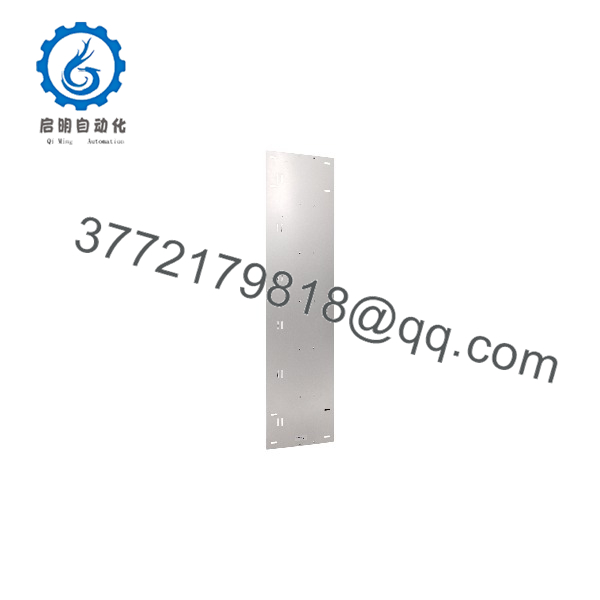
MU-TMCN02 51196094-100
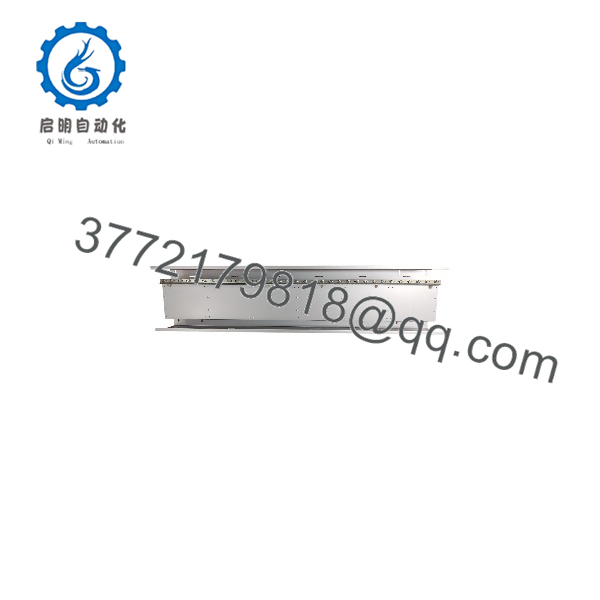
MU-TMCN02 51196094-100
Troubleshooting Quick Reference
| Symptom | Possible Cause | Relevance to this Part | Quick Check Method | Recommendation |
|---|---|---|---|---|
| FTA will not seat properly | Incorrect channel length, damaged mounting rail, or wrong FTA family | ✅ High | Compare channel length, mounting holes, and FTA latch/interface against the existing assembly | Verify FTA model compatibility before replacing the channel |
| Loose or vibrating FTA | Missing fasteners, damaged mounting rail, or improper cabinet installation | ✅ High | Inspect mounting screws, rail deformation, and FTA seating; check for vibration | Re-torque fasteners or replace damaged mounting hardware |
| Intermittent field signals | Poor shield-ground connection, loose terminal, or cable damage | ✅ Medium | Measure shield-to-ground continuity and inspect terminal tightness; check cable shields | Re-terminate shield ground bar and field wiring |
| Ground loop or noise issues | Multiple shield-ground points or incorrect grounding scheme | ✅ Medium | Review shield grounding topology and measure potential differences between ground points | Follow the plant grounding standard; do not create multiple unintended ground paths |
| Corrosion or damaged ground bar | Moisture ingress or poor cabinet sealing | ✅ High | Inspect channel, ground bar, fasteners, and cable entries for corrosion | Replace corroded hardware and correct cabinet sealing |
| I/O module faults | FTA, I/O card, field device, or cable fault | ❌ Low | Check I/O diagnostics and test the field loop directly; the MU-TMCN02 is passive hardware | Troubleshoot the electronic I/O and field circuit before replacing mounting hardware |
❗ Do not replace the MU-TMCN02 because of an I/O fault alone. It is passive mounting and grounding hardware; most electronic faults originate in the FTA, I/O module, cable, or field device.
If problems persist after checking mechanical fit, fasteners, shield-ground continuity, and FTA compatibility, contact technical support with photos of the cabinet layout, FTA model, ground-bar wiring, and I/O diagnostics.
Frequently Asked Questions
Is the MU-TMCN02 an I/O module?
No. It is a passive FTA mounting channel with a shield ground bar. It mechanically supports Honeywell FTAs and helps provide a controlled shield-ground reference; it does not process, convert, or communicate field signals.
What is the difference between 51196094-100 and 561401846-200?
Both identify MU-TMCN02 FTA mounting channels, but the part numbers indicate different Honeywell supply or revision identifiers. Before ordering, match the exact part number printed on your existing channel and confirm the physical length and ground-bar arrangement.
Can I use it with Experion PKS?
Yes. The MU-TMCN02 is used in Honeywell TPS, TDC 3000, and Experion PKS I/O hardware environments, primarily as FTA mounting and marshalling hardware. Confirm the exact FTA model and cabinet layout before installation.
Does it require 24 V DC power?
No. The MU-TMCN02 is passive mechanical hardware and does not require a power supply. Any 24 V DC requirement belongs to the associated Honeywell I/O or FTA electronics, not this mounting channel.
Can I install it in an energized cabinet?
Avoid it where practical. Although the channel itself is passive, working near energized FTA wiring and shield grounds creates shock and short-circuit risk. Isolate the affected section, verify de-energization, and follow your plant’s electrical safe-work procedure.
Can I hot-swap it?
There is no hot-swap function because it is not an electronic module. However, removing it while FTAs are energized can disturb field wiring and shield grounds. De-energize or isolate the affected I/O section before removal.
Why is New Surplus less expensive than factory-new stock?
New Surplus means genuine Honeywell inventory manufactured earlier but not installed or commissioned. We inspect, document, and verify each unit before shipment. It is not used, repaired, or refurbished stock unless clearly stated on the product page.



