
 WhatsApp: +86 16626708626
 Email:
  Phone: +86 16626708626
Description
Key Technical Specifications
| Parameter | Value |
| Manufacturer | HP / HPE |
| Part Number | 534738-001 (Spares PN) / 530888-001 (Assembly PN) |
| Module Type | 2.5-inch Small Form Factor (SFF) Drive Carrier Tray |
| Supported Drive Types | SAS, SATA, SSD (2.5-inch enterprise drives) |
| Backplane Interface | Hot-Plug SAS / SATA drive cage connector |
| Server Compatibility | ProLiant DL160, DL180, DL360, DL380, ML350 (Gen5/Gen6/Gen7), StorageWorks D2200sb |
| Form Factor | 2.5-inch SFF standard mounting tray |
| Material Build | Stamped sheet metal frame with plastic latch mechanism |
| Status Indicators | Dual-LED light pipes for Drive Activity and Drive Health/Fault |
| Operating Temperature | 10°C to 35°C (50°F to 95°F) system operating environment |
| Dimensions / Weight | Approx. 180 mm × 80 mm × 15 mm |
Product Introduction & Supply Chain Strategy
The HP 534738-001 drive tray is a hot-plug drive carrier engineered to mount 2.5-inch SFF SAS, SATA, or SSD drives into enterprise HP ProLiant servers and storage arrays. Deployed extensively across industrial process control networks, SCADA historian servers, and DCS host infrastructure, it ensures physical connection stability and proper airflow across high-density storage bays.
Stocking the HP 534738-001 as New Surplus provides an essential supply chain safeguard for enterprise IT and industrial server maintenance. When replacing degraded server disks or expanding RAID volumes in older legacy hosts, relying on authentic tray hardware eliminates mechanical tolerance issues, latch failures, and drive contact misalignments. Purchasing factory-sealed spares guarantees optimal retention tension and zero fatigue on hot-plug connectors over the long haul.
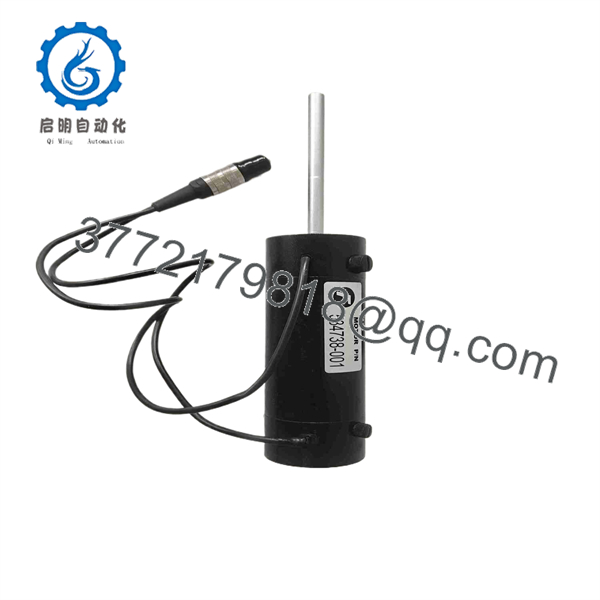
534738-001
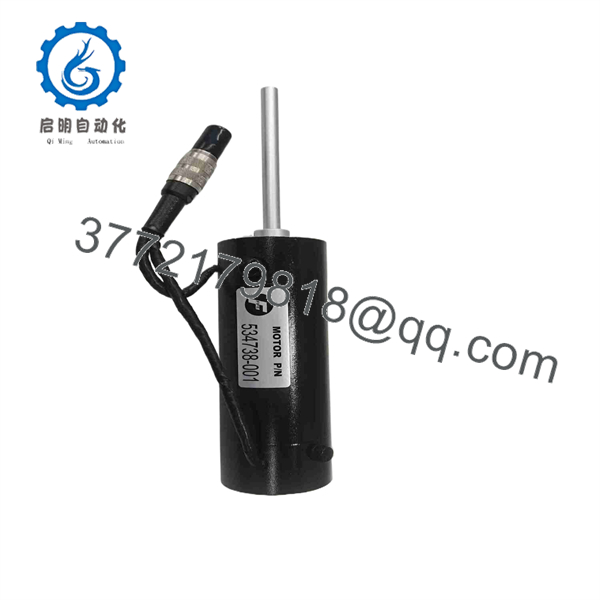
534738-001
Installation & Configuration Guide
1.Stage 1: Pre-Installation (Prep & Safety):Prepare ESD protection and verify disk hardware.
Put on a grounded ESD wrist strap before handling enterprise storage components. Ensure the replacement 2.5-inch SAS/SATA disk matches your RAID controller’s drive architecture. Verify that four mounting screws are available to secure the drive inside the 534738-001 caddy.
2.Stage 2: Removal:Extract failed tray assembly without disruption.
Locate the target drive bay on the server front panel. Press the release button on the face of the drive tray to unlatch the handle. Swing the release handle outward 90 degrees to disengage the rear SAS/SATA connector from the backplane, then slide the caddy straight out from the bay.
3.Stage 3: Installation (Clone & Seat):Mount the drive and insert into the hot-plug bay.
Place the 2.5-inch drive into the 534738-001 tray, aligning the connector toward the back. Secure the drive using the four side-mounting screws. Open the tray handle fully, slide the assembly into the empty drive bay until it makes contact with the backplane, and push the handle inward until it latches securely shut.
4.Stage 4: Power-On & Testing:Check LED activity and verify RAID rebuild.
Observe the LED status light pipes on the front handle. Confirm that the activity light flashes green and the fault/health LED does not illuminate amber. Access your Smart Array controller software or BIOS utility to verify that the drive status reads online or actively rebuilding into the array.
Firmware/Software Versions & Upgrade Notes
- Smart Array Controller Compatibility: Ensure your host server’s HP Smart Array controller (e.g., P410i, P420) is running driver and firmware baselines compatible with your installed SAS/SATA disk drives.
- Tray LED Compatibility: The light pipes on the 534738-001 caddy rely on the drive backplane LEDs. Installing non-OEM or consumer-grade drives may cause inaccurate drive activity or fault status indications.
- Hot-Plug Drive Rebuild Warning: Do not remove or reinsert drive trays rapidly during an active RAID array rebuild. Allow at least 30 seconds between tray insertions to give the Smart Array controller time to register drive state changes cleanly without triggering array fault flags.
Frequently Asked Questions (FAQ)
Q: This item is listed as New Surplus. Why is that preferable to a cheaper used tray?
A: New Surplus HP 534738-001 drive trays have never seen service in an operating server environment. Used or pulled caddies often suffer from worn spring latches, hairline cracks in plastic bezels, or degraded light pipes. Buying New Surplus ensures full mechanical integrity and precise connector alignment for critical server backplanes.
Q: Is the HP 534738-001 drive caddy compatible with standard 2.5-inch SSDs?
A: Yes. The tray accommodates standard 2.5-inch Enterprise SAS, SATA, and SSD drives. Ensure the drive mounting holes match the standard SFF screw pattern so the rear connector lines up with the server backplane slot.
Q: Can I hot-swap a drive using the 534738-001 caddy while the server is running?
A: Yes, provided the host server and RAID configuration support hot-swapping (such as RAID 1, 5, 6, or 10). Unlatching the tray handle safely pulls the drive off the backplane without turning off the server power.
Q: What is the difference between part numbers 534738-001 and 530888-001?
A: Part number 534738-001 refers to the official HP Spare Part Number used for ordering replacements, while 530888-001 is the physical Assembly Part Number stamped on the sheet metal tray frame. Both identify the exact same physical caddy assembly.
Q: What warranty coverage applies to this New Surplus tray?
A: All New Surplus HP 534738-001 drive caddies include a 1-to-2 year seller warranty covering hardware defects or structural failure, ensuring reliable long-term service in your enterprise server racks.



