WhatsApp: +86 16626708626
 Email:
 Phone: +86 16626708626
Description
Key Technical Specifications
| Parameter | Value |
|---|---|
| Catalog designation | OF457/A |
| OEM article number | 59575 |
| Brand | KEBA |
| Product family | KEMRO K2-400 |
| Product type | Operator function module |
| Primary role | Provides machine-specific operator keys, indicators, and operator-function interface to the KEMRO controller |
| System compatibility | KEBA KEMRO K2-400 modular controller systems |
| Related operator modules | OF450, OF455, OF457 |
| Typical applications | Injection molding machines, plastics machinery, and custom KEBA-controlled industrial equipment |
| Front interface | Membrane key matrix / operator function faceplate |
| Controller connection | KEMRO K2-400 system backplane/bus interface |
| Replacement scope | Complete OF457/A module; membrane overlays and touch panels are separate wear parts |
| Documentation source | KEBA Knowledge Park / Data Portal includes manuals and obsolete-device documentation |
| Condition note | Confirm exact faceplate legend and machine OEM configuration before ordering |
The OF457/A is an operator function module within the KEBA KEMRO K2-400 controller family, not a general-purpose I/O module. KEBA identifies OF450, OF455, and OF457 as operator function modules, while the K2-400 platform also includes separate CPU, I/O, bus-link, power-input, and interface modules.
Product Introduction
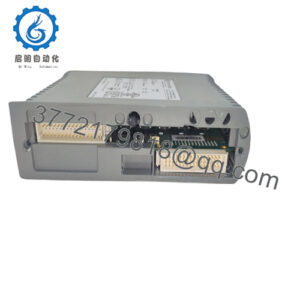
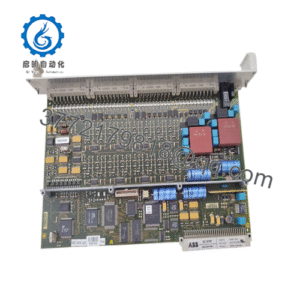
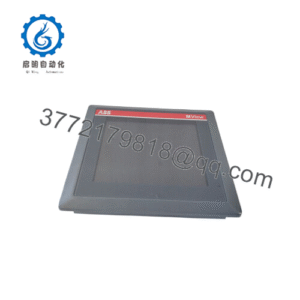
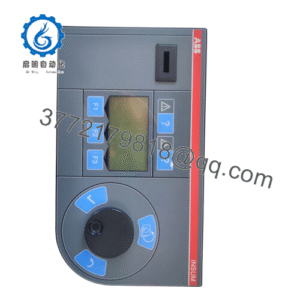
The KEBA OF457/A K2-400, OEM article number 59575, is an operator function module for KEBA KEMRO K2-400 control systems. It provides the machine-side operator interface used in KEBA-based injection molding, plastics, robotics, and specialized automation equipment.
This module is chosen for like-for-like repair of an existing KEMRO K2-400 operator station. The critical selection point is not only the OF457/A designation: the installed faceplate legend, key layout, LED mapping, and machine-OEM configuration must match the original unit.
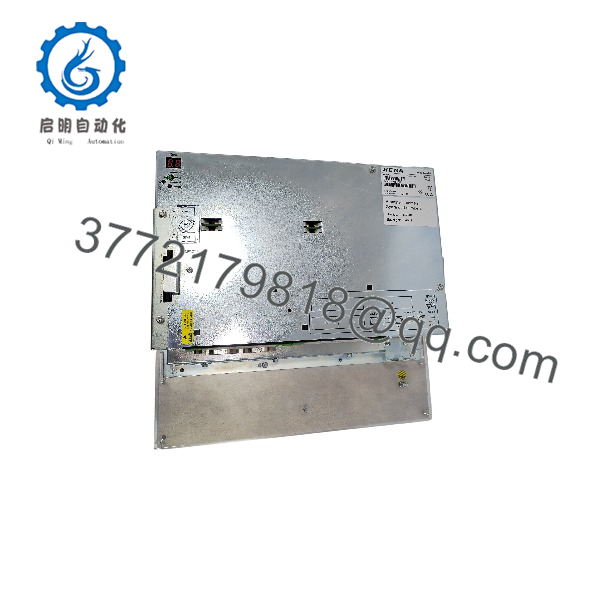
OF457/A K2-400
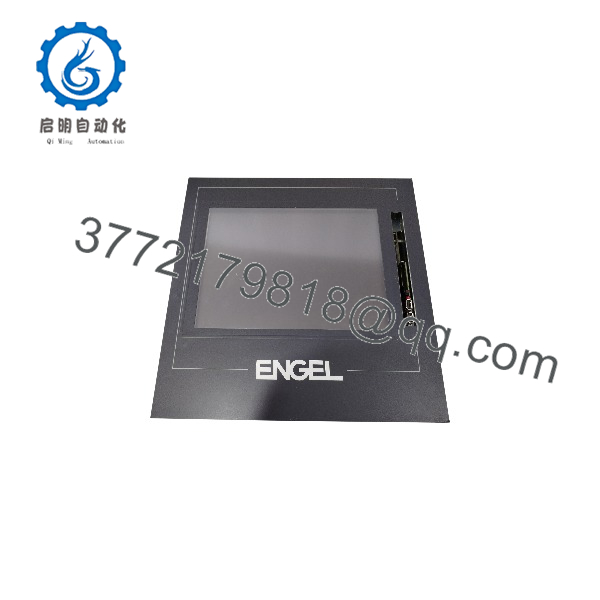
OF457/A K2-400
Installation & Configuration Guide
Stage 1: Pre-Installation Preparation
Estimated time: 10–15 minutes.
- ⚠️ Notify production and place the machine in a safe stopped state.
- Apply lockout/tagout to the machine control-power circuits.
- Wait at least 5 minutes for internal capacitors and power supplies to discharge.
- Prepare an ESD wrist strap, ESD mat, small Phillips screwdrivers, multimeter, wire labels, and a camera.
- Photograph the complete operator panel: key legends, LED states, connector positions, cable routing, and rear identification labels.
- Record the KEMRO controller software/project version and back up the machine project before shutdown.
⚠️ Do not assume that every OF457/A has the same faceplate. Machine builders frequently customized key legends and indicator assignments.
Stage 2: Removing the Old Module
Estimated time: 10 minutes.
- De-energize the KEMRO K2-400 cabinet and verify the absence of hazardous voltage with a multimeter.
- Open the operator-panel rear access area.
- Label and disconnect the operator-module cabling; do not pull on conductors.
- Remove the retaining screws or panel clamps securing the OF457/A.
- Withdraw the module straight out to avoid bending connector pins or damaging the mounting aperture.
- Inspect the replacement module connectors, membrane surface, mounting flanges, and rear label for damage.
⚠️ Keep the removed OF457/A available until the replacement has passed a complete operator-function checkout.
Stage 3: Installing the New Module
Estimated time: 5–10 minutes.
- Confirm the replacement is KEBA OF457/A, OEM article 59575, and that the faceplate matches the machine requirement.
- Put on an ESD wrist strap before handling the module.
- Install the OF457/A in the same orientation as the original module.
- Reconnect all labeled cables and verify connector seating.
- Secure the module with the original screws or clamps; do not overtighten plastic mounting features.
- Confirm that the membrane overlay is clean, flat, and free from trapped cables.
Self-checklist:
- OF457/A and 59575 identification confirmed
- Faceplate/key legend matches the original
- Cables labeled and fully seated
- Module secured without mechanical stress
- Panel ground and shielding restored
Stage 4: Power-On & Testing
Estimated time: 10–15 minutes.
- ⚠️ Before power-up, check supply wiring for shorts and verify the KEMRO power-input module status.
- Energize the control cabinet only; keep machine motion and high-energy outputs inhibited.
- Observe controller boot status and confirm that the KEMRO system recognizes the operator module.
- Load or verify the backed-up machine project.
- Test every operator key, selector, LED, and buzzer/indicator function in a controlled dry-run mode.
- Confirm that safety-related operator functions, E-stop circuits, and interlocks remain independent of the operator-module replacement.
- Return the machine to automatic operation only after a supervised dry cycle.
⚠️ If keys do not respond, first verify cable seating, controller recognition, and project configuration. A new module with a different faceplate revision can appear electrically functional but produce incorrect operator mappings.
Frequently Asked Questions (FAQ)
Can I hot-swap the KEBA OF457/A?
No. Treat it as a powered system module. Shut down the KEMRO K2-400 control power, verify zero energy, and disconnect cables before removal.
Is the OF457/A K2-400 obsolete?
Yes. It belongs to the legacy KEMRO K2-400 platform, and KEBA’s current documentation portal specifically includes obsolete-device documentation. Genuine replacement stock is limited and condition varies by supplier.
What is the OEM part number?
The OF457/A is commonly associated with KEBA article number 59575. Verify the number on the module’s rear label and the machine OEM spare-parts list before ordering.
Is this a touchscreen HMI?
Not necessarily. The OF457/A is an operator function module with a membrane/operator-key interface. Some KEMRO K2-400 systems use separate display, touch, or panel-PC hardware; do not order a membrane or touch glass as a complete module replacement.
Will the machine program be lost during replacement?
No. The machine project and controller program reside in the KEMRO controller, not the OF457/A. Still, back up the project before shutdown because operator mappings and diagnostics may be project-dependent.
Can a membrane overlay replace the whole module?
Only if the fault is limited to the worn membrane. A replacement membrane restores keys and legends but does not repair internal electronics, connector faults, LED failures, or controller-communication problems.
Why is the price lower than a new OEM unit?
Because the OF457/A is discontinued legacy inventory. Pricing reflects availability, condition, testing, warranty exposure, and the difficulty of sourcing a configuration that matches the original machine faceplate.