
 WhatsApp: +86 16626708626
 Email:
  Phone: +86 16626708626
Description
3. Key Technical Specifications
| Parameter | Value |
|---|---|
| Processing Throughput | Minimum 400 Gbps Ethernet packet processing (up to 600 Mpps); higher oversubscription capability |
| Architecture | Array of CTOP (C-Type Optimized Processors) cores with hardware threading |
| Programming Model | C-language, run-to-completion |
| Memory Support | On-chip TCAM/SRAM + external DDR |
| Key Features | Stateful flow processing, load balancing, advanced classification, 1588 timestamping |
| Typical Use Cases | NFV acceleration, data-plane offload, high-speed packet processing |
| Form Factor | Specialized network processor silicon / module |
| Status | Specialized / mature networking silicon |
4. Product Introduction & Supply Chain Strategy
The Mellanox NPS-400 is a high-performance network processor designed for demanding packet-processing and Network Functions Virtualization (NFV) acceleration tasks. It delivers multi-hundred-gigabit throughput with a C-programmable multi-core architecture optimized for data-plane workloads.
For operators running specialized networking or acceleration platforms that depend on this silicon, New Surplus units provide a reliable source of genuine hardware. Securing unused inventory helps avoid the risks of used or refurbished processors and supports lower total cost of ownership by reducing the chance of unexpected failures in critical data-path systems.
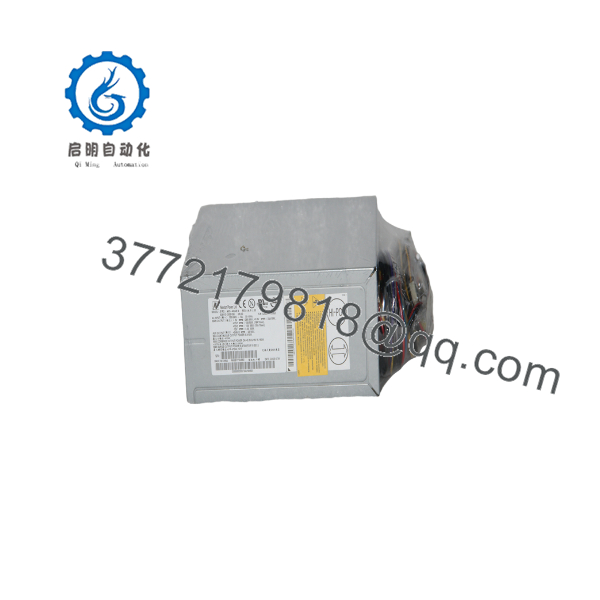
NPS-400
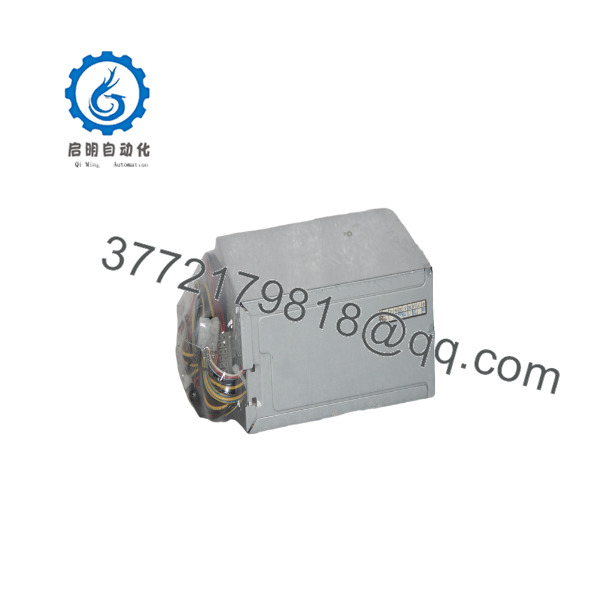
NPS-400
5. Installation & Configuration Guide
Stage 1: Pre-Installation (Prep & Safety)
Power down and follow ESD procedures. Document the existing board or system configuration, firmware/version information, and any associated mezzanine or carrier details.
Stage 2: Removal
Power down the host system completely. Carefully remove the existing processor or module according to the carrier board or chassis procedures, supporting the device to avoid connector damage.
Stage 3: Installation (Clone & Seat)
Install the new NPS-400 into the designated socket or slot, ensuring proper alignment and seating. Reconnect any required interfaces and apply thermal interface material if specified.
Stage 4: Power-On & Testing
Restore power. Verify link status, basic packet forwarding, and management interface access. Load or confirm the application image and run diagnostic traffic tests before returning the system to production service.
6. Firmware/Software Versions & Upgrade Notes
The NPS-400 runs application code written in C and executed on its CTOP cores. Always back up the existing application image and configuration before replacement.
Do not load images intended for different NPS variants or incompatible toolchains. After installation, verify core enumeration, memory initialization, and basic packet-processing functionality. Incorrect firmware can prevent proper data-plane operation.
7. Frequently Asked Questions (FAQ)
Is this unit new or refurbished?
This is Brand New Surplus / Original New. It has never been installed in a system and is not a repaired or refurbished unit.
Why is pricing higher than typical used networking hardware?
New Surplus processors retain full expected service life. Used silicon may have accumulated thermal stress or unknown prior utilization, increasing the risk of early failure.
What is the primary application of the NPS-400?
It is designed for high-throughput packet processing, NFV acceleration, load balancing, and advanced data-plane functions in networking equipment.
Can I hot-swap this processor?
No. Always power down the host system and follow proper procedures before removal or installation.
Is the NPS-400 still in active production?
It is a specialized, mature networking component. Availability is primarily through remaining New Surplus channels.
What is the main risk of using a used or refurbished unit?
Prior thermal cycling and utilization can reduce remaining life. Failure in a high-speed data path can cause significant service disruption.
What warranty is provided?
New Surplus units typically carry a 1–2 year warranty covering defects in materials and workmanship under normal operating conditions.



