WhatsApp: +86 16626708626
 Email:
 Phone: +86 16626708626
Description
Key Technical Specifications
| Parameter | Value |
| Bus Architecture | VMEbus interface standard |
| Network Interface | 15-Pin Ethernet transceiver connection |
| Board Type | Single-slot VMEbus communication controller |
| Front Panel Features | Status LEDs, ABORT switch, RESET switch |
| Firmware Storage | Socketed ROM / BIOS chip configurations |
| Operating Temperature | 0 to 60°C (standard industrial range) |
| Power Consumption | Low-power VME chassis profile |
| Compatibility | Motorola MVME VMEbus host systems |
Product Introduction & Supply Chain Strategy
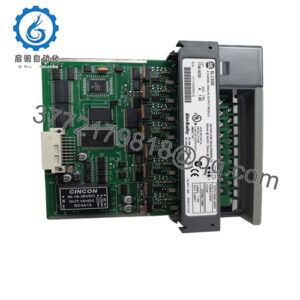
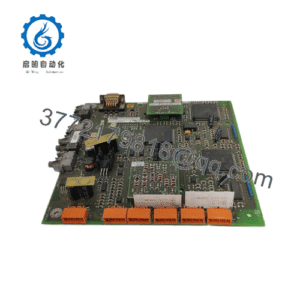
The Motorola MVME 374-1 is a legacy VMEbus Ethernet controller board engineered to provide network connectivity for industrial computer chassis. Widely deployed in defense, telecommunications, and heavy manufacturing control systems, it handles data communication routing across standard VME architectures.
Sourcing this board as genuine New Surplus protects your legacy infrastructure from the high Total Cost of Ownership (TCO) caused by unexpected hardware failures. Refurbished VME cards often suffer from degraded solder joints, oxidized bus connectors, and failing EEPROMs that lead to intermittent bus lockups. Keeping an authentic, factory-fresh spare module in reserve ensures rapid recovery and prevents prolonged system outages.
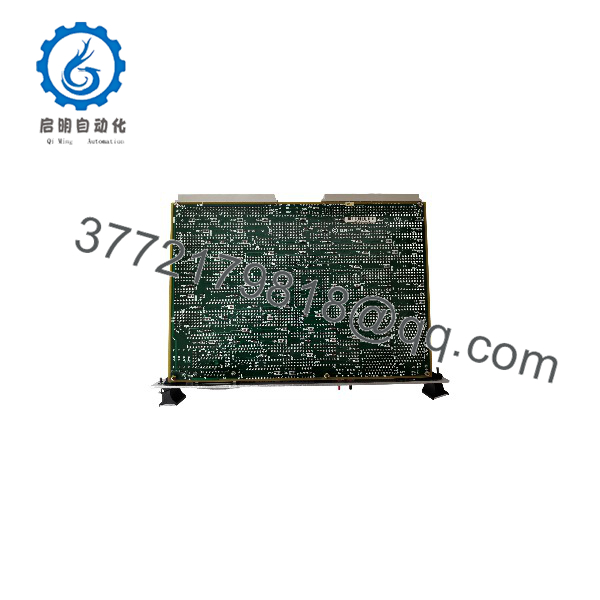
MVME 374-1
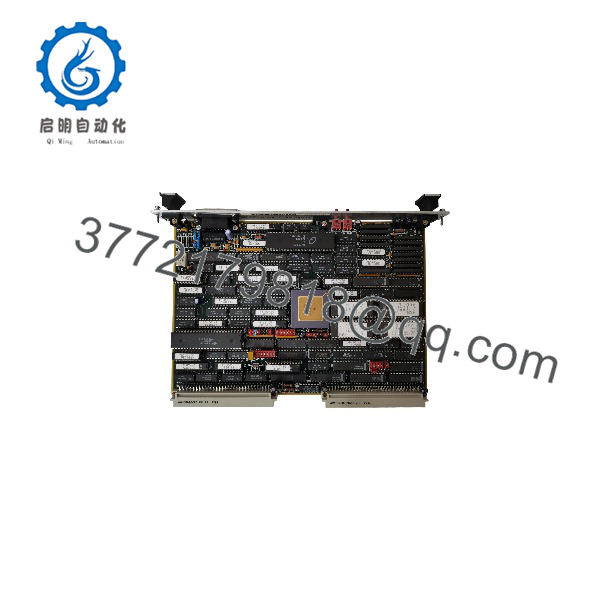
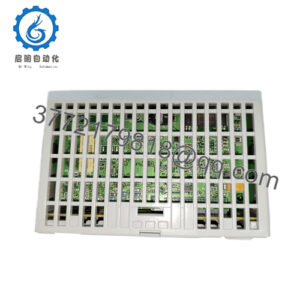
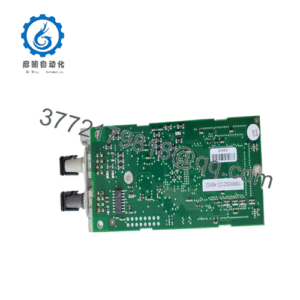
MVME 374-1
Installation & Configuration Guide
1.Pre-Installation (Prep & Safety):Tools needed: ESD wrist strap, flathead screwdriver.
Power down the VME chassis completely and disconnect the main AC/DC power feed. Put on a grounded ESD wrist strap before handling the board. Inspect the replacement unit to ensure jumper settings and onboard ROM/BIOS chips match your system configuration requirements.
Verification: Confirm chassis power indicators are completely dark and use a multimeter to verify 0 V across backplane power rails if necessary.
2.Removal:Hardware extraction.
Disconnect the 15-pin Ethernet drop cable from the front panel. Loosen the top and bottom front-panel mounting screws and carefully slide the MVME 374-1 straight out of the VME chassis slot.
Verification: Visually inspect the backplane P1/P2 connector pins inside the chassis slot for bending, dust, or contamination.
3.Installation (Clone & Seat):Hardware mounting.
Carefully align the edges of the new surplus board with the chassis card guides. Push the module straight back into the slot until the connectors seat firmly into the backplane, then tighten the front panel retaining screws. Reconnect the Ethernet cable.
Verification: Confirm that the board is securely seated and flush with adjacent modules in the rack.
4.Power-On & Testing:System startup.
Restore power to the VME chassis. Observe the front-panel status LEDs during the boot sequence to verify successful initialization and network link establishment.
Verification: Check that the module diagnostic LEDs indicate normal operation and network communication packets transmit successfully.
Firmware/Software Versions & Upgrade Notes
- Firmware Configuration: Ensure all required socketed BIOS/ROM chips are correctly seated and match the revision required by your host CPU board’s operating system (e.g., OS-9 or VxWorks environments).
- Compatibility Notes: The MVME 374-1 must be matched with compatible VME system controller configurations and network driver layers.
- Upgrade Risk Warning: Avoid swapping ROM chips or altering jumper settings on live systems. Always perform configuration changes with the chassis fully powered down to prevent bus contention or component frying.
Frequently Asked Questions (FAQ)
Is this Motorola MVME 374-1 board genuinely new and unused?
Yes. This unit is a Brand New Surplus item, preserved in original packaging with clean backplane contacts and zero operating hours.
Why choose New Surplus over refurbished vintage boards?
Legacy VME boards are sensitive to thermal stress. Refurbished units frequently contain aged components and brittle traces that fail unexpectedly. New Surplus ensures maximum operational longevity and reliability.
What warranty is included with this board?
Every unit is backed by a full 1-year replacement warranty, protecting your investment in legacy hardware maintenance.
Can I hot-swap the MVME 374-1 in an active VME chassis?
No. VMEbus architectures do not support hot-swapping. You must power down the entire rack before installing or removing controller boards to prevent catastrophic damage to the backplane.
How do I handle jumpers and configuration settings on a replacement?
Verify that all hardware jumper blocks and socketed firmware chips on the replacement board match the exact configuration of your original failed unit before inserting it into the rack.