
 WhatsApp: +86 16626708626
 Email:
  Phone: +86 16626708626
Description
3. Key Technical Specifications
| Parameter | Value |
|---|---|
| Processor | Motorola MC68000 / MC68010 (8–10 MHz) |
| Memory | Up to 512 KB DRAM (ECC variants available) |
| SRAM | 8 KB battery-backed |
| NVRAM | 2 KB with battery backup |
| Bus Interface | VMEbus A16/A24, D8/D16 |
| Serial Ports | 1 × RS-232C |
| Timers | 3 × programmable 16-bit timers + watchdog |
| Interrupt Levels | 7-level interrupt structure |
| Power Requirements | +5 V @ ~2–3 A; ±12 V minimal load |
| Form Factor | 6U VME (double-height board) |
| Operating Temperature | 0 to 70°C |
| Lifecycle Status | End-of-Life (OEM discontinued) |
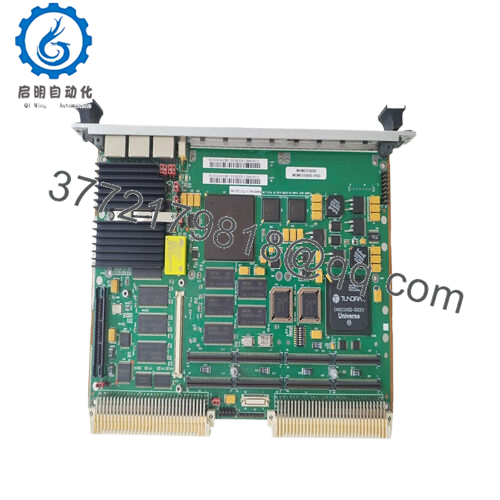
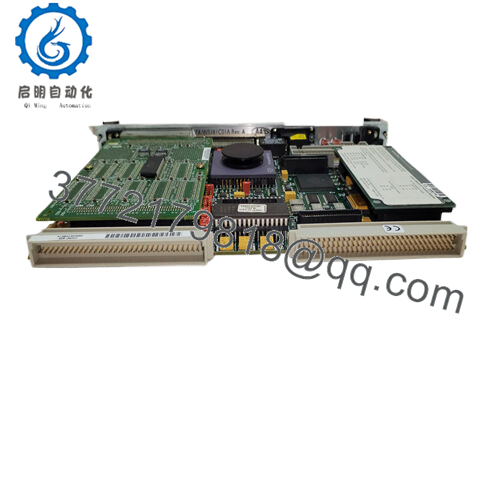
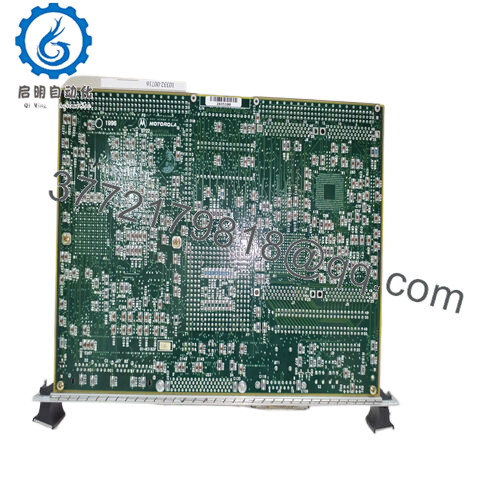
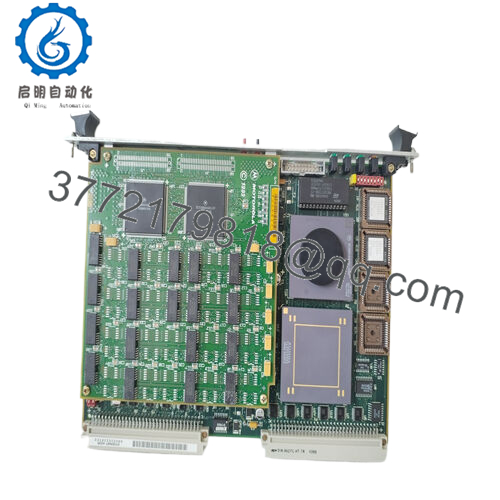
The MVME110-1 integrates CPU, memory, serial communication, and timer resources on a single VME board for real-time control environments.
4. Product Introduction & Supply Chain Strategy
The Motorola MVME110-1 is an early-generation VMEbus single board computer designed as a system controller for embedded industrial applications, including process control, SCADA, and instrumentation systems. It provides deterministic processing using the MC68000 architecture with integrated serial communication and timer resources.
From an inventory strategy perspective, this is a high-risk obsolescence component. OEM production ended decades ago, and failure results in total system outage. A structured last-time-buy combined with buffer stock (minimum 1–2 units per system) is mandatory. Procuring New Surplus eliminates the failure risk associated with aging refurbished boards and stabilizes Total Cost of Ownership (TCO) under long lead time variability.
5. Installation & Configuration Guide
Stage 1: Pre-Installation (Prep & Safety)
- Execute full lock-out/tag-out (LOTO).
- Apply ESD protection (grounded wrist strap mandatory).
- Document slot location, EPROM configuration, and wiring.
- Record system boot parameters and memory mapping.
Stage 2: Removal
- Power down the VME chassis completely.
- Release front panel screws and ejectors.
- Extract evenly to avoid PCB stress and connector damage.
Stage 3: Installation (Clone & Seat)
- Replicate EPROM, RAM, and jumper configurations exactly.
- Insert along card guides and engage ejectors fully.
- Ensure full backplane seating—partial insertion causes bus faults.
Stage 4: Power-On & Testing
- Power on and monitor RUN/FAIL LEDs.
- Verify CPU boot sequence and memory integrity.
- Test serial communication (RS-232 console).
- Confirm system controller handshake with other VME modules.

- MVME110-1
6. Firmware/Software Versions & Upgrade Notes
- Typically operates with early boot ROM (MVMEbug) or real-time OS such as VxWorks or pSOS.
- Firmware is EPROM-based—physical chip configuration must match the existing system.
- Upgrading firmware introduces high risk due to legacy dependencies and driver incompatibility.
- Always preserve original EPROM images before replacement.
- Critical risk: mismatched boot ROM versions can prevent system initialization entirely.
7. Frequently Asked Questions (FAQ)
Q1: Is this unit truly new or previously installed?
This product is a Brand New Surplus unit. It is not used, not pulled from a decommissioned plant, and not refurbished. All components are original with zero connector wear and no field stress.
Q2: Why is this more expensive than refurbished units?
Refurbished boards often contain degraded capacitors, unstable RAM, or aging EPROMs. A CPU board failure stops the entire system. The cost of downtime far exceeds any initial savings.
Q3: Is the MVME110-1 obsolete?
Yes. It is fully End-of-Life with no OEM production. Availability is limited and unpredictable—this is a classic last-time-buy scenario.
Q4: What stocking strategy do you recommend?
- Critical systems: Maintain 1–2 units as buffer stock
- Multi-site operations: Implement cross-site sharing
- Reorder Point: Based on lead time variability (6–12+ months typical due to scarcity)
Q5: Can this board be hot-swapped?
No. Full system shutdown is required to avoid VME bus faults and hardware damage.
Q6: What is the main integration risk?
EPROM/firmware mismatch and incorrect jumper configuration. These can prevent boot or cause unstable system behavior.
Q7: What warranty is provided?
12months warranty with full QC validation, including power-on testing, memory verification, communication checks



