WhatsApp: +86 16626708626
 Email:
 Phone: +86 16626708626
Description
Key Technical Specifications
| Parameter | Specification |
|---|---|
| Model number | MVME162-031 |
| Product family | MVME162 |
| Processor | MC68LC040 |
| Processor frequency | 25 MHz |
| DRAM | 8 MB |
| SRAM | 512 KB, battery-backed |
| SCSI interface | Included in the -031 configuration |
| Bus architecture | VMEbus embedded controller |
| Serial interfaces | Two ports documented for the MVME162 family; verify the specific board and breakout arrangement |
| IndustryPack interfaces | Available across the MVME162 family; confirm the exact -031 configuration |
| Ethernet | Not confirmed for the -031 configuration from the model-specific reference consulted |
| Operating system | Depends on the host application and installed software |
| Board condition | Confirm with supplier |
| Replacement compatibility | Requires hardware, peripheral, and software verification |
Sources: MVME162 model comparison and controller documentation.
Product Introduction
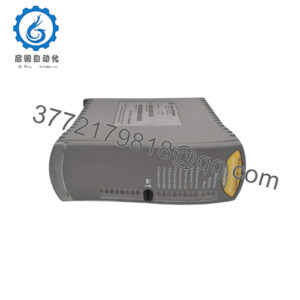
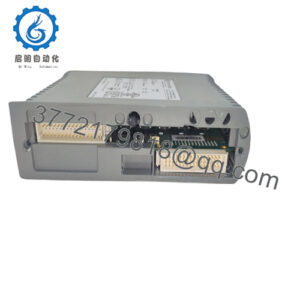
The Motorola MVME162-031 combines a 25 MHz MC68LC040 processor with 8 MB of DRAM and 512 KB of battery-backed SRAM. Its SCSI interface supports storage connectivity in compatible embedded systems, while the VMEbus architecture allows the controller to operate within a larger modular computing platform.
This board is primarily relevant to maintenance, repair, and legacy-system support. Before selecting it as a replacement, engineers should compare the existing board’s complete part number, memory configuration, SCSI requirements, VMEbus setup, and software environment. Confirming the installed transition hardware and peripheral wiring is also important because external I/O connections can depend on the system’s specific configuration.
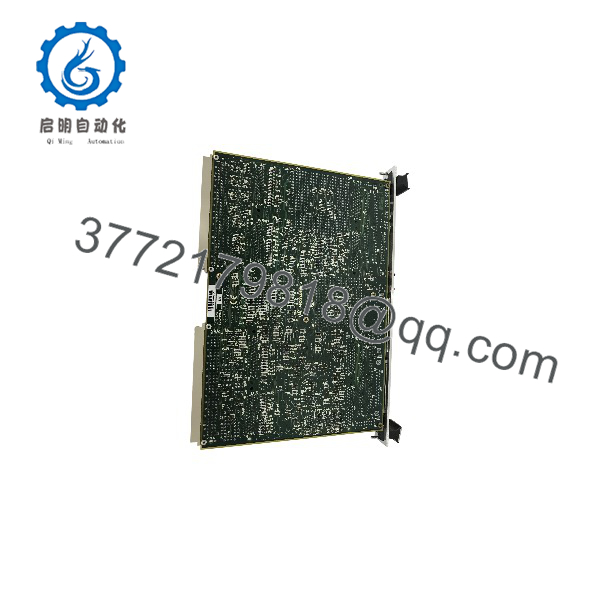
MVME162-031
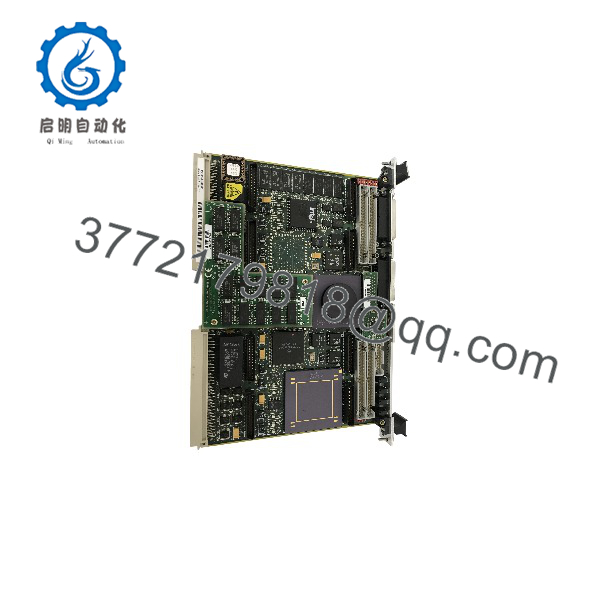
MVME162-031
Installation and Configuration Guide
Estimated time: 45–90 minutes for a like-for-like replacement with existing documentation and compatible peripherals. Legacy software or SCSI troubleshooting may require additional time.
Stage 1 — Verify compatibility
- Confirm the installed controller’s full part number and board revision.
- Verify that the chassis and backplane support the MVME162 VMEbus controller.
- Confirm that the application requires the MC68LC040 configuration, 8 MB DRAM, and onboard SCSI.
- Check the existing system’s operating environment, boot media, and transition-board arrangement.
Stage 2 — Prepare the system
- Shut down the host and isolate power according to the equipment manufacturer’s procedure.
- Apply electrostatic-discharge protection.
- Record existing jumper settings, cabling, and board identifiers.
- Inspect the replacement board and connectors for physical damage.
Safety precaution: Do not insert or remove the board while the system is powered unless the manufacturer’s documentation explicitly permits it.
Stage 3 — Install and configure
- Confirm the board’s configuration against the original system documentation.
- Insert and secure the board in the designated VMEbus slot.
- Reconnect the required SCSI and serial connections through the appropriate interfaces or transition hardware.
- Check the VMEbus system-controller configuration and ensure that it matches the chassis design.
- Verify the boot configuration and any required legacy software dependencies.
Stage 4 — Test operation
- Power up the system and observe its documented startup diagnostics.
- Confirm that the processor initializes and the expected memory is accessible.
- Verify SCSI device detection and storage access.
- Test required serial communications and other installed peripherals.
- Confirm that the application boots and runs normally.
- Record test results and the final hardware configuration.
Frequently Asked Questions
Q1. What is the Motorola MVME162-031 used for?
It is a legacy VMEbus embedded computer used in systems that rely on Motorola 68k-family processing, local memory, and compatible peripheral interfaces.
Q2. Which processor does the MVME162-031 use?
The documented -031 configuration uses the 25 MHz MC68LC040 processor. Do not assume it has the full MC68040 processor simply because both are available within the MVME162 family.
Q3. How much memory does it have?
The MVME162-031 is listed with 8 MB of DRAM and 512 KB of SRAM. The SRAM is documented as battery-backed in the family references.
Q4. Does the MVME162-031 include SCSI?
Yes. The model comparison identifies SCSI as part of the -031 configuration. Confirm the interface condition and the compatibility of the connected storage device before commissioning.
Q5. Does it include Ethernet?
Ethernet is available on certain MVME162 variants, but the model-specific reference used here does not confirm Ethernet for the -031. Verify the board’s complete ordering code and inspect the installed hardware before relying on Ethernet connectivity.
Q6. Can an MVME162-031 replace another MVME162 model?
Not automatically. Models can differ in processor type, memory, SCSI, Ethernet, and other hardware options. Check the complete model number and system interface requirements before substitution.
Q7. What should buyers confirm before ordering?
Confirm the part number, board revision, processor marking, memory configuration, SCSI interface, physical condition, and test status. For a legacy replacement, also verify return terms and whether the supplier can test the board in a compatible VMEbus system.