WhatsApp: +86 16626708626
 Email:
 Phone: +86 16626708626
Description
Key Technical Specifications
| Parameter | Value |
| Manufacturer | Nikki Denso Co., Ltd. (CKD) |
| Series | VPH-HA (I/O Control Type) |
| Model Number | NCR-HA2801A-A-000 |
| Output Capacity | 800 W |
| Input Power Supply | AC 200 V nominal |
| Control Interface | General-purpose analog / digital I/O |
| Operating Temperature | 0 to 55°C |
| Operating Humidity | 90% RH max (non-condensing) |
| Speed Frequency Response | High-response closed-loop architecture |
| Enclosure Type | Panel mount, IP20 open type |
Product Introduction & Supply Chain Strategy
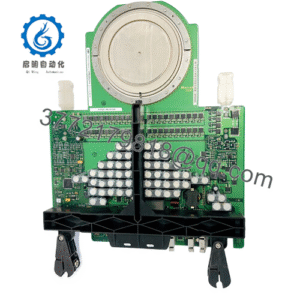
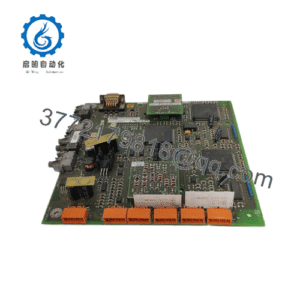
The NIKKI NCR-HA2801A-A-000 is an 800 W AC servo driver engineered for high-precision motion control applications within automated manufacturing environments. It manages velocity, torque, and positioning loops with minimal latency, driving high-responsiveness across industrial machinery.
Procuring this module as New Surplus secures plant reliability while controlling Total Cost of Ownership (TCO). Relying on second-hand hardware introduces severe latent failure risks in aging capacitors and power transistors. Stocking verified surplus components eliminates unplanned downtime, avoiding multi-thousand-dollar line stoppages while bypassing inflated direct-from-OEM lead times.
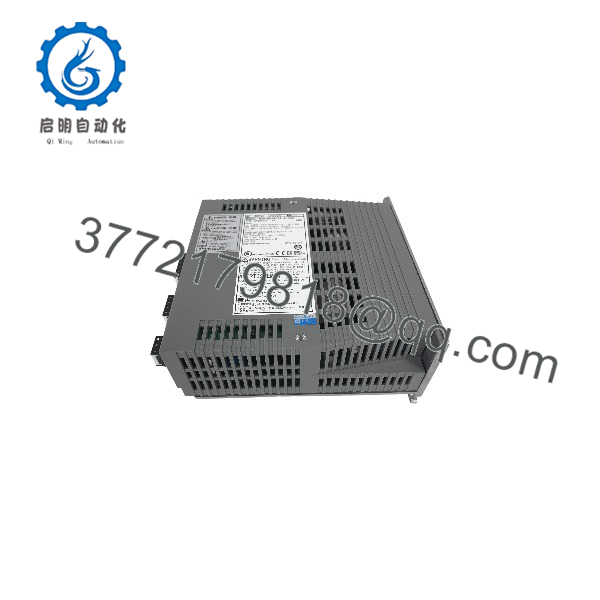
NCR-HA2801A-A-000
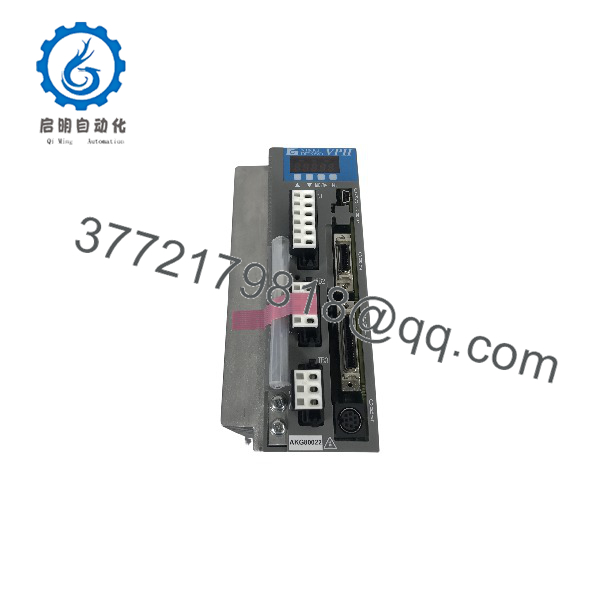
NCR-HA2801A-A-000
Installation & Configuration Guide
1.Pre-Installation (Prep & Safety):Estimated time: 10 mins.
Execute strict lock-out/tag-out (LOTO) procedures on the main control cabinet. Put on a grounded ESD wrist strap before handling the hardware. Document all existing parameter settings, take a clear photo of physical switch positions, and verify zero energy state on the DC bus capacitors using a multimeter.
2.Removal:Estimated time: 5 mins.
Disconnect pluggable terminal blocks carefully. Loosen mounting fasteners and slide the legacy unit out straight to prevent bending backplane pins or damaging adjacent chassis components.
3.Installation (Clone & Seat):Estimated time: 10 mins.
Configure any hardware jumpers or switches on the replacement NCR-HA2801A-A-000 to mirror the removed unit exactly. Insert the driver securely into the mounting slot and tighten retaining screws to ensure proper ground continuity. Reconnect all signal and power harnesses firmly.
4.Power-On & Testing:Estimated time: 15 mins.
Inspect wiring paths for secure connections. Energize the input power rails and check that the 24 V auxiliary voltage remains stable without drawing excessive current. Monitor front-panel LED indicators to verify normal initialization (RUN state active, zero error codes), then run a low-speed axis test via the controller interface.
Firmware/Software Versions & Upgrade Notes
- Recommended Version: Match the firmware revision string of the replacement unit directly to the machine backup file or record the exact version deployed on the active plant network prior to replacement.
- Compatibility Notes: Minor sub-version revisions generally support drop-in replacement for standard I/O profiles, but communication timing protocols require identical firmware baselines to prevent command dropouts.
- Risk Management: Avoid executing unverified firmware flashes during an active corrective maintenance window. Swapping matched hardware with the correct base firmware preserves system integrity and prevents unexpected communication timeouts.
Frequently Asked Questions (FAQ)
Is this unit genuinely new or refurbished?
This product is a Brand New Surplus unit. It features original OEM packaging, zero wear on connector pins, and has never been installed in a running production environment. We do not handle, sell, or source refurbished parts.
Why is New Surplus priced lower than direct OEM channels?
Our inventory is acquired through strategic global asset recovery and surplus consolidation. This allows us to offer genuine, unused factory-sealed hardware at market-adjusted rates without the administrative markups of standard primary distribution channels.
What warranty coverage is included?
Every unit comes with a comprehensive 1-year replacement warranty, validating our strict inbound quality control and electrical verification standards.
Can I hot-swap this servo drive during production?
No. Hot-swapping high-voltage AC servo drives risks severe arc flash damage, communication bus corruption, and catastrophic surge failures. Always power down the system and verify zero energy state before extraction.
How do I verify parameter settings after replacement?
Because the NCR-HA2801A-A-000 relies on external control inputs and internal configuration parameters, verify that your host controller or PLC transmits the correct command scaling factors and that all safety interlocks complete their handshake before enabling motor torque.