WhatsApp: +86 16626708626
 Email:
 Phone: +86 16626708626
Description
Key Technical Specifications
| Parameter | Value |
| Manufacturer | ProSoft Technology |
| Model Number | MVI46-MCM |
| Compatible Rack | Allen-Bradley ControlLogix (1756 series) |
| Communication Ports | 2 configurable serial ports (RS-232, RS-422, RS-485) |
| Protocols Supported | Modbus RTU, Modbus ASCII (Master and Slave modes) |
| Backplane Current Load | 800 mA at 5 V DC; 3 mA at 24 V DC |
| Baud Rates | Up to 115,500 bps per port |
| Operating Temperature | 0 to +60 °C |
| Enclosure Rating | IP20 Open-style industrial chassis |
| Configuration Method | ProSoft Configuration Builder (PCB) via serial/Ethernet port |
Product Introduction & Supply Chain Strategy
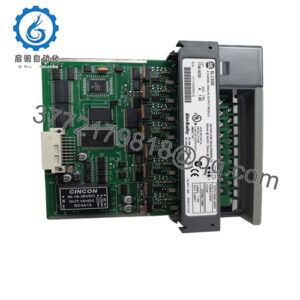
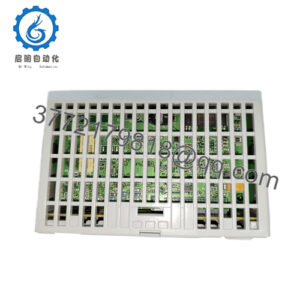
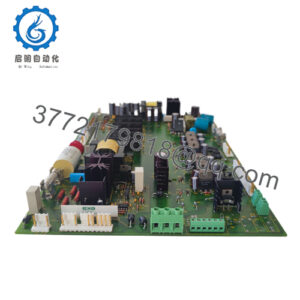
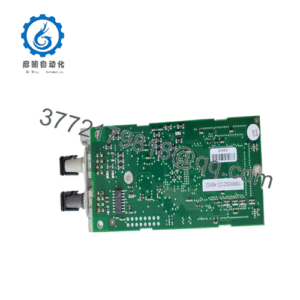
The ProSoft Technology MVI46-MCM is a specialized communication module designed to bridge serial Modbus field devices with Allen-Bradley ControlLogix programmable automation controllers (PACs). It handles multi-drop polling of drives, meters, and instrumentation without burdening the main processor scan cycle, streamlining integration across complex hybrid industrial architectures.
Sourcing this network module as a New Surplus asset optimizes your TCO while eliminating the reliability vulnerabilities tied to secondary-market refurbished cards. Communication processors manage continuous serial data streams and transceiver switching; pre-owned or repaired modules frequently harbor degraded optocouplers, fatigued bus transceivers, or unstable flash memory. Deploying a factory-sealed, traceable surplus unit guarantees robust protocol handshakes and prevents unexpected network dropouts.
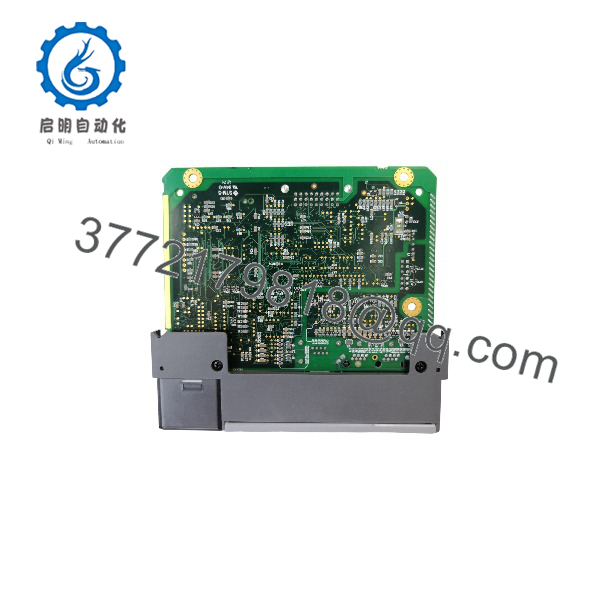
MVI46-MCM
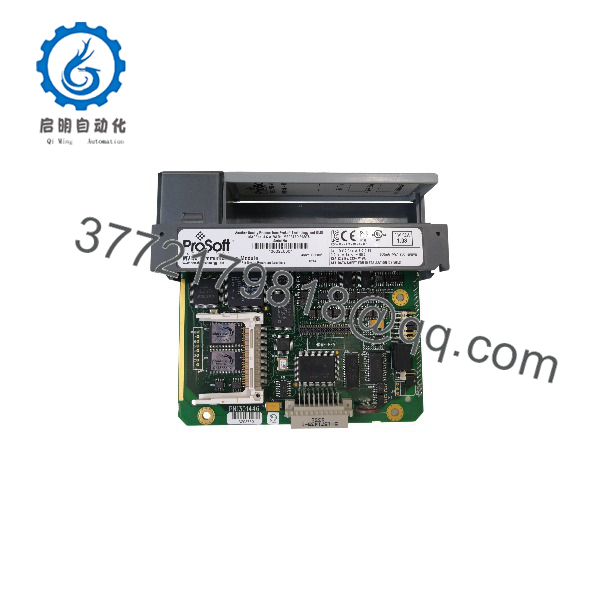
MVI46-MCM
Installation & Configuration Guide
Stage 1: Pre-Installation (Prep & Safety)
- Initiate strict lock-out/tag-out (LOTO) protocols on the ControlLogix chassis power supply before handling rack modules.
- Put on an ESD-safe grounded wrist strap to protect internal communication microprocessors and backplane transceivers from static discharge.
- Upload and back up the existing module configuration file and ladder logic integration tags using ProSoft Configuration Builder (PCB).
Stage 2: Removal
- Power down the ControlLogix chassis or isolate the specific rack power supply.
- Disconnect serial cabling from the front DB-9 terminal blocks, labeling port connections clearly.
- Release the top and bottom chassis locking latches and slide the MVI46-MCM module straight out of the backplane slot.
Stage 3: Installation (Clone & Seat)
- Verify that the chassis slot and backplane bus connectors are clean and free of debris.
- Align the module with the chassis guide rails and push firmly until the backplane pins seat securely, then lock the top and bottom latches.
- Reconnect the serial communication cables to their respective front-panel ports.
Stage 4: Power-On & Testing
- Restore power to the ControlLogix chassis and observe the module’s LED diagnostic panel for normal boot sequences.
- Verify that the application LED indicates a healthy running state and communication activity LEDs flash rhythmically during polling.
- Monitor controller tags in RSLogix 5000 / Studio 5000 to confirm valid data exchange between the PLC and connected Modbus slave devices.
Firmware/Software Versions & Upgrade Notes
- Configuration Baseline: Match the firmware version of the replacement module to the original configuration file using ProSoft Configuration Builder to prevent ladder logic block mismatch errors.
- Compatibility Notes: The MVI46-MCM requires specific rack backplane addressing configurations in Studio 5000 via produced/consumed or block-transfer tags depending on the revision.
- Replacement Strategy: Avoid upgrading module firmware mid-swap during an emergency breakdown. Mirror the exact firmware baseline of the failed unit to guarantee immediate system restoration.
Frequently Asked Questions (FAQ)
Are these units genuinely new, or are they refurbished?
This unit is a Brand New Surplus module. It is entirely unused, preserved in original factory packaging, and has never been installed in a live ControlLogix chassis or subjected to third-party bench repairs.
Why avoid refurbished communication modules?
Refurbished communication cards often feature thermally stressed serial transceivers and aged capacitors. A failure in a protocol gateway halts all serial data flow to connected field devices, risking major process visibility loss.
Does the MVI46-MCM require an external power supply?
No, the module draws its operating power directly from the 1756 ControlLogix rack backplane (800 mA at 5 V DC).
How is the module configured?
Configuration is handled via ProSoft Configuration Builder (PCB) software, transferring parameter files through the front communication port or processor backplane connection.
What warranty is provided with this unit?
This New Surplus unit is backed by a full 1-year operational warranty, ensuring complete confidence and dependable performance in your automation network.