WhatsApp: +86 16626708626
 Email:
 Phone: +86 16626708626
Description
Key Technical Specifications
| Parameter | Value |
| Module Family | MMC Motion and Control Series |
| Application | Industrial automation, multi-axis motor control |
| Control Architecture | Closed-loop position, velocity, and torque regulation |
| Bus Architecture | Standard industrial backplane compatibility |
| Input/Output Signals | Dedicated encoder feedback and control command lines |
| Operating Temperature | 0 to +55^\circC |
| Storage Temperature | -40 to +85^\circC |
| Relative Humidity | 5\% to 95\% (non-condensing) |
| Enclosure Type | Open-board module / rack-mountable card |
| Compliance Standards | CE, UL, cUL, RoHS |
Product Introduction & Supply Chain Strategy
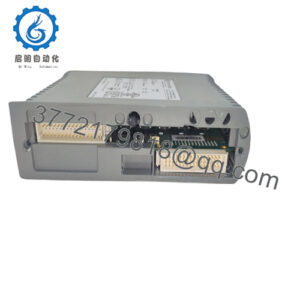
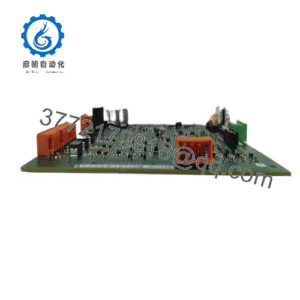
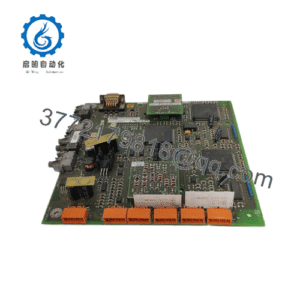
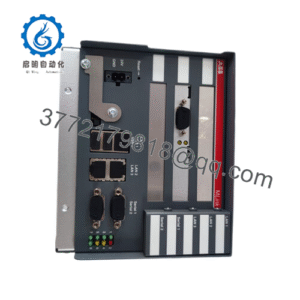
The Rockwell Automation MMC-BDPV41INA is a high-performance control module engineered for precision industrial automation and multi-axis motor control architectures. It provides rapid signal processing and stable loop closure for legacy and specialized manufacturing equipment.
Procuring this component as a Brand New Surplus asset shields plant operations from unexpected hardware failures and obsolete supply chain bottlenecks. Securing genuine, factory-fresh electronic modules eliminates the latent solder fatigue and capacitor aging inherent in used or repaired parts, protecting Total Cost of Ownership (TCO) and securing long-term line reliability.
Installation & Configuration Guide
- Stage 1: Pre-Installation (Prep & Safety): Perform complete lock-out/tag-out (LOTO) procedures on the controller chassis power rack. Wear a grounded ESD wrist strap to protect sensitive integrated circuits. Inspect backplane slots for dust or foreign debris. Back up existing system parameters and controller code before proceeding.
- Stage 2: Removal: Loosen any card-locking mechanisms or retention screws. Extract the legacy control module smoothly along its card guides, avoiding mechanical stress or bending of backplane pins.
- Stage 3: Installation (Clone & Seat): Verify hardware jumper settings or configuration switches on the replacement MMC-BDPV41INA match the legacy unit. Align the card carefully with the rack guides and push straight inward until firmly seated into the backplane connector. Secure fastening screws.
- Stage 4: Power-On & Testing: Energize the controller rack. Monitor diagnostic LED indicators on the module and power supply rails to confirm a healthy hardware handshake. Validate axis calibration parameters, command execution, and communication registers via programming software.
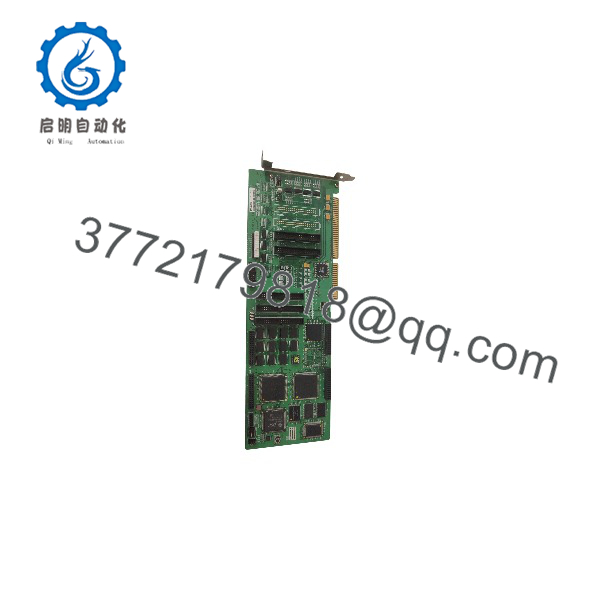
MMC-BDPV41INA
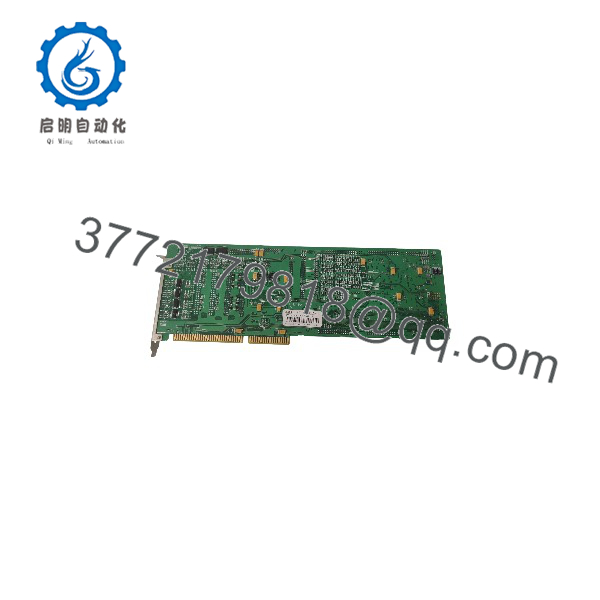
MMC-BDPV41INA
Firmware/Software Versions & Upgrade Notes
- Recommended Baseline: Match the system controller firmware version to the baseline qualified for the MMC control module family.
- Compatibility Notes: Ensure backplane communication rates and axis configuration parameters align correctly with system software profiles upon insertion.
- Upgrade Warning: Avoid simultaneous hardware swaps and major controller firmware updates during active production runs. Complete physical module installation first, test stability, and schedule firmware modifications during planned maintenance windows.
Frequently Asked Questions (FAQ)
- Are these control modules truly new or refurbished?
This unit is a Brand New Surplus part, preserved in factory-original packaging, completely unused, and never installed or repaired.
- Why choose New Surplus over a cheaper refurbished unit?
Refurbished control electronics often feature degraded surface-mount components, thermally fatigued solder joints, and hidden wear. Saving minimal capital on a used module invites catastrophic controller failure and unplanned line outages.
- What is the strategic inventory plan for this module?
Because mature control cards face restricted component availability, keeping 1 unit of buffer stock on-site serves as an essential insurance policy for critical automation cells.
- Do I need to reconfigure parameters after replacement?
When replacing an identical part number with matching hardware revision and switch settings, the system generally retains functionality seamlessly. However, always verify parameter registers through the programming environment.
- What warranty terms are included?
Every New Surplus MMC-BDPV41INA unit is backed by a comprehensive 1-to-2 year operational warranty, ensuring absolute reliability for mission-critical automation systems.