
 WhatsApp: +86 16626708626
 Email:
  Phone: +86 16626708626
Description
Key Technical Specifications
| Parameter | Specification |
| Manufacturer | Schneider Electric / Modicon |
| Part Number | 140CPU43412A |
| Product Series | Modicon Quantum |
| Microprocessor | 80486 (with internal mathematical coprocessor) |
| Clock Frequency | 66 MHz |
| Internal Memory | 896 KB RAM |
| Logic Execution Speed | 0.1 to 0.5 ms per 1k instructions (LL984) |
| Onboard Ports | 1 x Modbus Plus, 2 x Modbus RS-232 |
| Backplane Current Load | 1250 mA at 5.1 V DC |
| Max Network Capacity | 64 I/64 O Local/Remote drops, 63 Distributed drops |
| Memory Backup | 1.2 Ah Lithium battery (up to 10-year lifespan) |
| Operating Temperature | 0 to 60 °C (32 to 140 °F) |
Product Introduction & Supply Chain Strategy
The Modicon 140CPU43412A is a high-performance central processing unit engineered for the Modicon Quantum automation platform. Built on a 66 MHz 80486 architecture with 896 KB of internal RAM, it provides fast instruction execution, robust math co-processing, and multi-network communication via built-in Modbus and Modbus Plus ports for critical process control systems.
Because Schneider Electric has discontinued standard commercialization of the Quantum platform, stocking this unit as New Surplus is an essential supply-chain risk policy. A CPU failure causes complete plant shutdowns. Keeping 1–2 factory-sealed 140CPU43412A units on-site eliminates lead time variability, avoids the high failure rates of worn capacitors in refurbished processors, and reduces your Total Cost of Ownership (TCO).
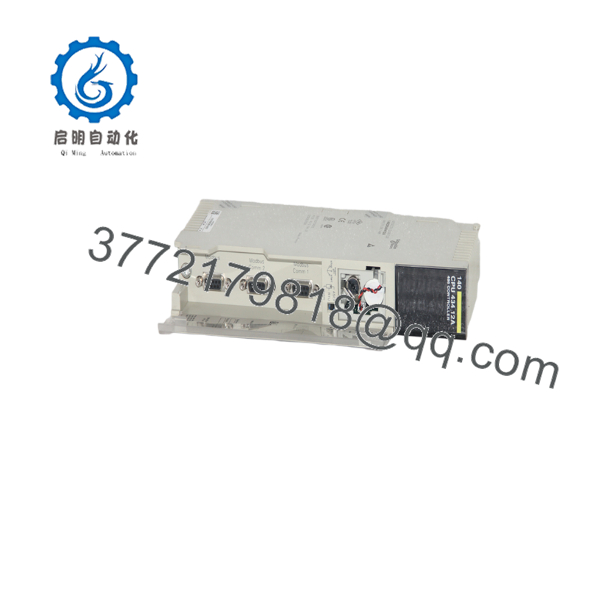
140CPU43412A
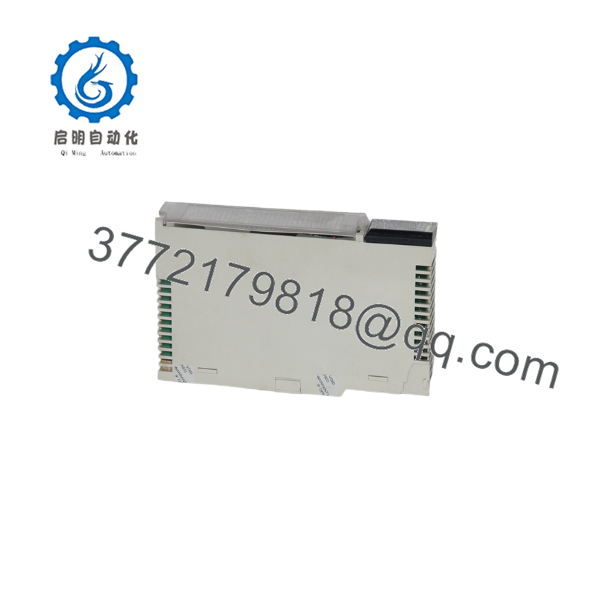
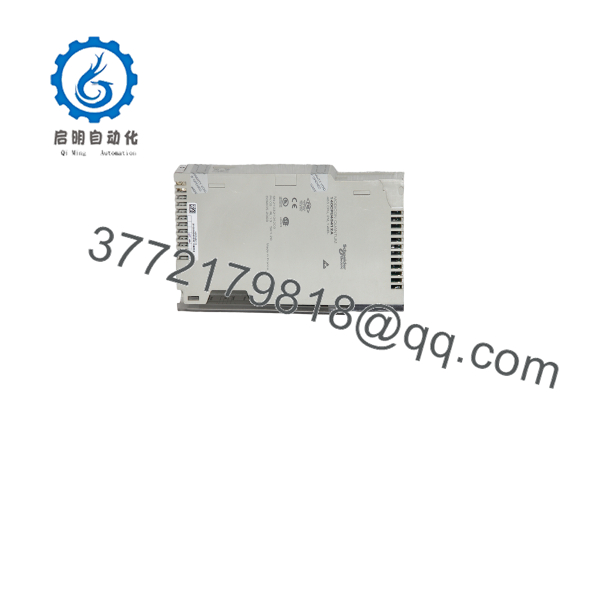
140CPU43412A
Installation & Configuration Guide
Stage 1: Pre-Installation (Prep & Safety)
Perform full Lock-Out/Tag-Out (LOTO) on the Quantum rack power supplies. Wear an ESD wrist strap connected to an approved earth ground. Backup the current PLC logic, configuration files, and state RAM register tables using your programming workstation software prior to hardware removal.
Stage 2: Removal
Label and disconnect all serial lines attached to the front Modbus RS-232 ports and the Modbus Plus connector. Depress the top and bottom module retention latches on the Quantum slot. Carefully pull the legacy CPU straight out along the guide rails, avoiding angular twisting to prevent damaging the rear backplane pin connections.
Stage 3: Installation (Clone & Seat)
Verify that the new 1.2 Ah lithium battery is correctly installed and engaged in the battery housing to ensure RAM retention. Align the 140CPU43412A with the backplane guide slots. Push the card in firmly until both upper and lower latches snap into place. Re-attach the serial communication cables to their corresponding ports.
Stage 4: Power-On & Testing
Energize the rack power supply. Observe the status LEDs: verify that the PWR and READY indicators turn solid green while the BAT LOW and MEM ERR LEDs remain off. Establish a communication link from your workstation, download the application logic and register data, and set the controller state to RUN.
Firmware/Software Versions & Upgrade Notes
- Software Compatibility: Fully supported in Concept (V2.1 or higher), ProWORX 32, and EcoStruxure Control Expert (Unity Pro via legacy conversion utilities).
- Executive Firmware Matching: Always check the Executive (Exec) firmware revision on the new CPU card before deployment. Matching firmware builds ensures that custom function blocks and network memory maps execute without runtime exceptions.
- Firmware Upgrade Caution: Avoid changing or flashing CPU executive firmware during emergency hardware swaps. Firmware updates can alter communication buffer timing on Modbus Plus drops, leading to unexpected loss of remote I/O data.
Frequently Asked Questions (FAQ)
Is this 140CPU43412A unit guaranteed to be New Surplus and un-used?
Yes, this unit is strictly New Original / New Surplus. It is sourced from unused corporate reserves and authorized inventory channels. It has never been energized in an active process plant or pulled from decommissioned machinery.
Why should I buy New Surplus instead of a cheaper refurbished CPU module?
Refurbished PLC CPUs carry hidden wear on internal memory chips, power management circuits, and surface-mount capacitors. An aged capacitor can suffer thermal failure after a few weeks of operation, causing random CPU HALT errors and costly downtime. Buying New Surplus ensures original OEM reliability and full expected service life.
How does the 140CPU43412A retain user memory during a facility power outage?
The module utilizes a high-capacity 1.2 Ah lithium battery to preserve internal RAM registers and user application logic when backplane power is removed. Replacing the battery at recommended maintenance intervals prevents memory loss during extended plant outages.
What is the primary hardware difference between the 140CPU11302 and the 140CPU43412A?
The 140CPU43412A upgrades the processor to a 66 MHz 80486 core with an integrated math coprocessor and expands internal memory to 896 KB RAM (compared to the 20 MHz 80386 processor and 256 KB RAM on the 140CPU11302). This allows for faster logic scanning and larger application programs.
What warranty is provided with this CPU processor?
Every New Surplus 140CPU43412A module includes a full 1-year replacement warranty. Units pass complete physical pin checks and bench testing before being dispatched in anti-static ESD packaging.



