
 WhatsApp: +86 16626708626
 Email:
  Phone: +86 16626708626
Description
Key Technical Specifications
| Parameter | Specification |
| Manufacturer | Schneider Electric / Modicon |
| Part Number | 140NOE77101 |
| Product Series | Modicon Quantum |
| Network Interface | 1 x RJ45 (10BASE-T / 100BASE-TX auto-negotiating) |
| Protocols Supported | Modbus TCP/IP, HTTP (Web Server), FTP, SNMP, BootP / DHCP |
| Transmission Speed | 10/100 Mbps full/half duplex |
| Max Concurrent Connections | Up to 64 Modbus TCP/IP client/server connections |
| Embedded Web Services | FactoryCast diagnostic web pages and data viewer |
| Backplane Current Load | 750 mA at 5.1 V DC |
| Diagnostics / LEDs | Module status (READY, RUN, ERR), Ethernet link/activity (100, LNK, ACT) |
| Isolation Voltage | 1,500 V rms network-to-bus |
| Operating Temperature | 0 to 60 °C (32 to 140 °F) |
Product Introduction & Supply Chain Strategy
The Modicon 140NOE77101 is an Ethernet TCP/IP network option module designed for the Modicon Quantum automation platform. It provides high-speed 10/100 Mbps industrial Ethernet connectivity, supporting Modbus TCP/IP client/server communication, peer-to-peer messaging, HMI/SCADA integration, and embedded web diagnostics.
Because Schneider Electric has retired the Modicon Quantum lineup, stocking this module as New Surplus is a critical component of plant reliability and risk management. A failure in an Ethernet module isolates the PLC from SCADA supervision and distributed plant control networks. Maintaining a factory-sealed 140NOE77101 on-site eliminates long lead times, avoids the high risk of degraded Ethernet physical layer chips common in refurbished units, and protects your Total Cost of Ownership (TCO).
Installation & Configuration Guide
Stage 1: Pre-Installation (Prep & Safety)
Execute strict Lock-Out/Tag-Out (LOTO) procedures on the Quantum rack power supplies. Wear a grounded ESD wrist strap before handling the card. Document the MAC address printed on the side label of the 140NOE77101 and note the IP address and subnet configuration from your existing network documentation or BootP server table.
Stage 2: Removal
Unplug the RJ45 Ethernet patch cable from the front port. Depress the top and bottom module retention levers on the Quantum rack slot. Carefully pull the legacy Ethernet card straight out along the guide rails, ensuring no lateral twisting forces are applied to the rear backplane pin block.
Stage 3: Installation (Clone & Seat)
Examine the rear backplane interface connector on the new 140NOE77101 module for transport contamination or pin misalignment. Align the card with the guide rails in the targeted rack slot. Push firmly until both upper and lower locking latches snap into place. Re-connect the RJ45 Ethernet network cable.
Stage 4: Power-On & Testing
Energize the Quantum rack. Observe the front status LEDs: verify that the READY and RUN LEDs illuminate solid green while the ERR LED remains unlit. Confirm that the LNK and ACT LEDs illuminate when connected to your network switch. Ping the assigned IP address from your engineering workstation and verify Modbus TCP/IP communication with SCADA/HMI packages.
Firmware/Software Versions & Upgrade Notes
- Software Compatibility: Programmed and configured using EcoStruxure Control Expert (formerly Unity Pro), Concept V2.6+, or ProWORX 32 through the CPU network configuration editor.
- IP Address Allocation: Supports static IP configuration within PLC software, or dynamic assignment via BootP/DHCP based on the module MAC address. Ensure the BootP server is accessible during power-up if dynamic addressing is used.
- Firmware Version Caution: Ensure the module kernel and executive firmware match the hardware definitions in your EcoStruxure project file. Mismatched firmware builds can lead to connection drops on high-density Modbus TCP/IP client polling schedules.
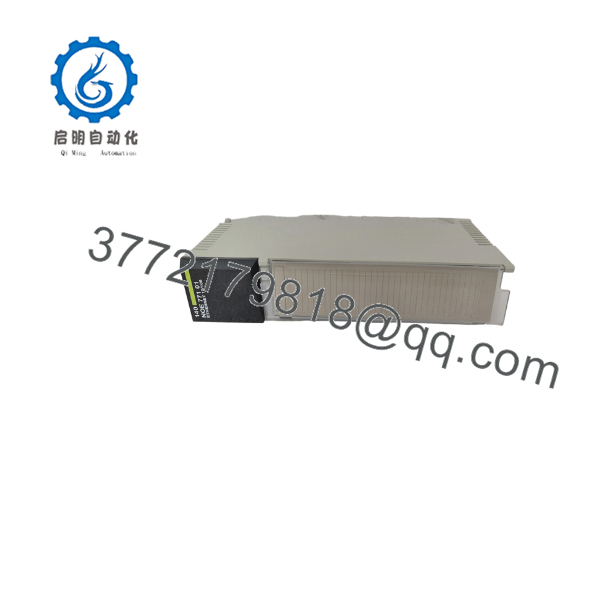
140NOE77101
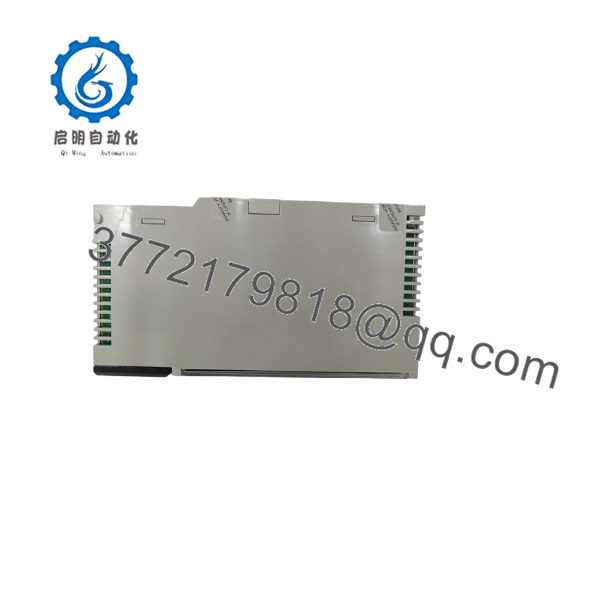
140NOE77101
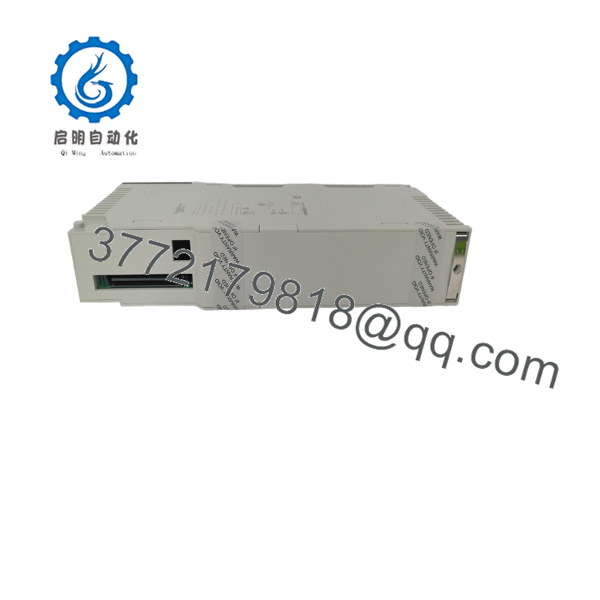
140NOE77101
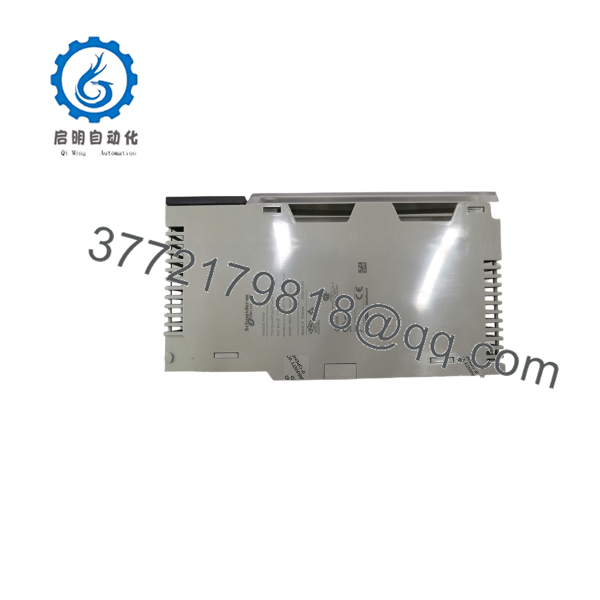
140NOE77101
Frequently Asked Questions (FAQ)
Is this 140NOE77101 Ethernet card guaranteed to be New Surplus and unused?
Yes, this module is 100% New Original / New Surplus. Sourced from corporate reserves and authorized inventory channels, it has never been installed in an operational rack, pulled from decommissioned machinery, or subjected to component-level board repairs.
Why should I choose New Surplus over a cheaper refurbished Ethernet module?
Ethernet communication cards contain high-speed physical layer (PHY) transceivers, pulse transformers, and power regulators that operate under constant thermal stress. Refurbished modules often suffer from degraded PHY chips, causing packet loss, intermittent disconnects, or auto-negotiation failures under heavy network traffic. Buying New Surplus guarantees OEM signal integrity and reliable networking.
Can I assign an IP address to the 140NOE77101 without a BootP server?
Yes, you can configure a static IP address directly in the PLC configuration using EcoStruxure Control Expert (Unity Pro) or Concept software and download the configuration file to the Quantum CPU. The CPU will transfer the IP parameters to the 140NOE77101 module upon startup.
Does the 140NOE77101 support web-based diagnostics?
Yes, the 140NOE77101 includes an embedded HTTP web server (FactoryCast lite). Entering the module’s IP address into a web browser opens diagnostic pages showing module status, network statistics, and I/O register tables without requiring specialized programming software.
What warranty comes with this New Surplus Ethernet option module?
All New Surplus 140NOE77101 modules include a full 1-year replacement warranty. Every unit undergoes complete physical inspection and power-on verification prior to dispatch in protective ESD packaging.



