
 WhatsApp: +86 16626708626
 Email:
  Phone: +86 16626708626
Description
- Key Technical Specifications
| Parameter | Specification |
| Part Number | TSXDMF342A |
| Manufacturer | Schneider Electric (Modicon) |
| PLC Compatibility | Modicon Premium Platform (TSX57 Series) |
| Input Channels | 16 Discrete Inputs (24 VDC Positive/Negative Logic) |
| Output Channels | 12 Discrete Outputs (24 VDC Transistor / Solid State) |
| Connection Type | Standard Modicon Premium HE10 Connector or Screw Terminal Block |
| Isolations | 1500 V RMS between channel groups and backplane |
| Backplane Current Drain | ~150 mA @ 5 VDC (Backplane) |
| Operating Temperature | 0°C to +60°C (32°F to 140°F) |
| Weight | ~0.34 kg (0.75 lbs) |
- Product Introduction
The Schneider Electric Modicon TSXDMF342A is a high-density mixed discrete I/O expansion card designed for the Modicon Premium (TSX57) Programmable Logic Controller platform. Combining both digital inputs and transistor outputs on a single-slot module, the TSXDMF342A maximizes rack space efficiency in compact automation panels and process control cabinets.
Engineered for high reliability, the module features isolated 24 VDC input channels capable of sensing limit switches, pushbuttons, and proximity sensors, alongside fast-acting 24 VDC outputs for driving solenoids, small relays, and indicators.
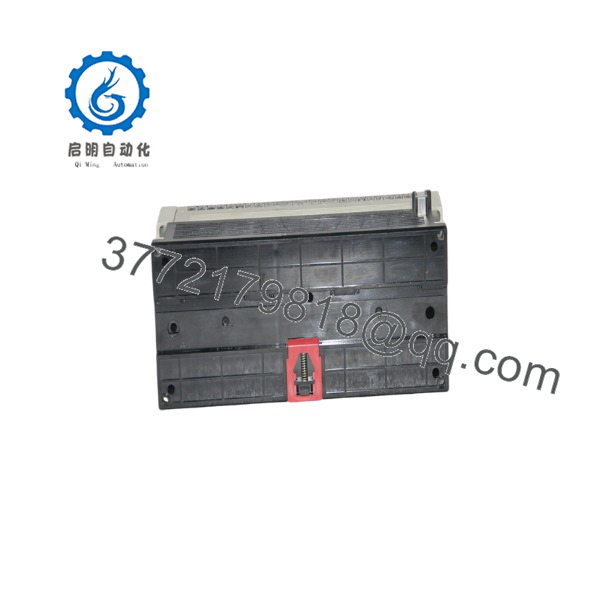
TSXDMF342A
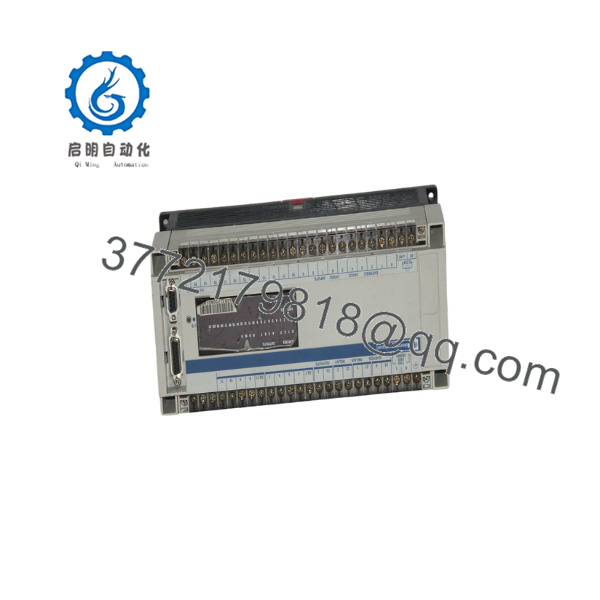
TSXDMF342A
- Troubleshooting Quick Reference
| Symptom | Possible Cause | Relevance to this Part | Quick Check Method | Recommendation |
| Input LEDs do not illuminate when field device trips | Blown field 24 VDC supply fuse or improper wiring polarization | ✅ High | Check 24 VDC field supply voltage at terminal block pins | Verify 24 VDC power supply output. Re-check sink/source wiring configuration. |
| Output channel ON state LED lit, but load does not energize | Blown channel transistor / relay contact or loose terminal pin | ✅ High | Measure output terminal voltage relative to 0V ground | Verify load current does not exceed rated channel maximum. Swap module if output driver is burned out. |
| “I/O Fault” LED on TSX Premium CPU | Module backplane seating fault or address conflict in PL7 / Unity Pro | ✅ High | Inspect CPU diagnostic buffer in EcoStruxure Control Expert / Unity | Re-seat TSXDMF342A in rack slot. Ensure rack backplane connector is clean and free of bent pins. |
| Intermittent channel signal loss | Loose HE10 ribbon cable or terminal connector block | ✅ High | Gently wiggle terminal connector while monitoring channel LEDs | Tighten terminal block retaining screws or replace HE10 connector cable assembly. |
- Frequently Asked Questions (FAQ)
Q: What programming software is used to configure the TSXDMF342A?
A: The TSXDMF342A is fully supported in Schneider Electric’s Unity Pro (now EcoStruxure Control Expert) as well as legacy PL7 Pro software packages.
Q: Is the Modicon Premium platform still actively produced by Schneider Electric?
A: No. Schneider Electric officially transitioned the Modicon Premium series to End-of-Life (EOL), recommending migration to the Modicon M580 platform. Replacement modules are available as high-quality new surplus or certified refurbished stock.
Q: Can the be hot-swapped while the Premium PLC is running?
A: Yes, Modicon Premium rack slots support hot-swapping (“hot-swap under power”) for discrete I/O modules, provided standard plant maintenance safety procedures are followed.
Q: Does the require external 24 VDC power?
A: Yes. While the module receives logic power from the rack backplane, the field inputs and transistor outputs require an external 24 VDC field power supply.
Q: How are surplus or refurbished modules verified before shipment?
A: Each unit undergoes a 5-step SOP quality inspection: visual pin and casing inspection, installation into a live Modicon Premium test rack, full 16-in/12-out I/O channel loop toggling under electrical load, thermal soak testing, and ESD anti-static packaging before dispatch.



