WhatsApp: +86 16626708626
 Email:
 Phone: +86 16626708626
Description
Key Technical Specifications
| Parameter | Specification |
|---|---|
| Product model | MPC4 |
| Product family | VM600 |
| Manufacturer product line | Vibro-Meter / Meggitt Sensing Systems |
| Function | Machinery protection and dynamic signal processing |
| Dynamic signal inputs | 4 per card |
| DC input range | 0 to +20 V or 0 to −20 V |
| Maximum AC input | ±10 V |
| Common-mode voltage range | −50 V to +50 V |
| Input impedance | 200 kΩ |
| Current input range | 0–25 mA DC; up to ±8 mA AC |
| Dynamic signal frequency range | 0.1 Hz to 10 kHz |
| Amplitude accuracy | ±1% of full scale |
| Linearity error | Less than ±1% |
| Front-panel signal outputs | Four buffered raw-signal BNC outputs |
| Configuration interface | RS-232; VME bus on applicable versions |
| Associated I/O hardware | IOC4T |
| Configuration software | VM600 MPSx |
| Height | 6U / 262 mm |
| Width | 20 mm |
| Depth | 187 mm |
| Approximate weight | 0.40 kg |
Specifications are based on the VM600 MPC4 technical documentation. Interface availability and processing features vary by card version.
Product Introduction
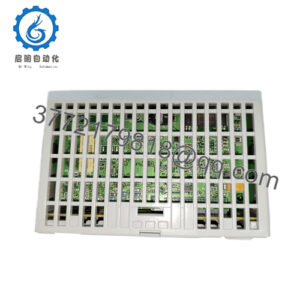
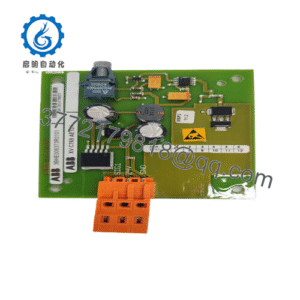
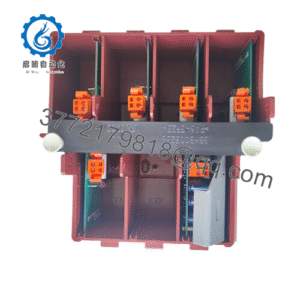
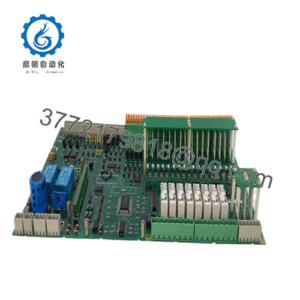
The Vibro-Meter MPC4 is a machinery protection card designed for the VM600 rack-based monitoring platform. It processes dynamic signals from machinery sensors to support vibration protection and related monitoring functions in rotating equipment. The card accepts four dynamic signal inputs and works with an associated IOC4T input/output card for system-level signal connections and outputs. It is commonly relevant to maintenance and replacement projects involving established VM600 installations.
The MPC4 is not interchangeable with every card in the VM600 family. Standard, separate-circuits, and MPC4SIL safety versions have different capabilities, so the full ordering number, firmware, hardware revision, and intended protection architecture should be checked before replacement.
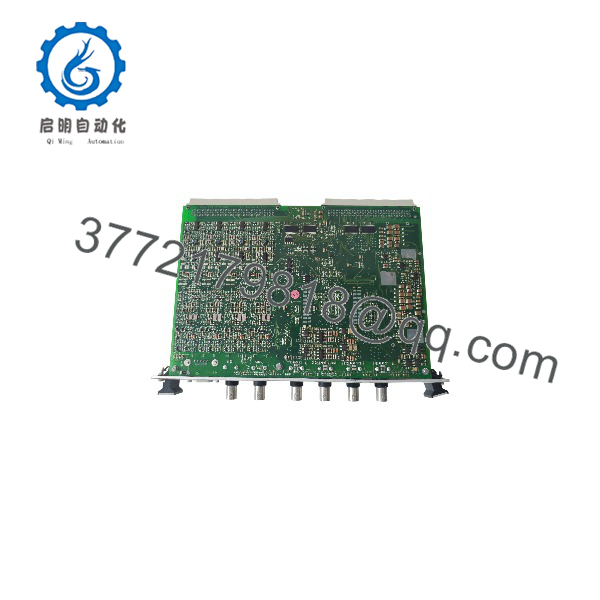
MPC4
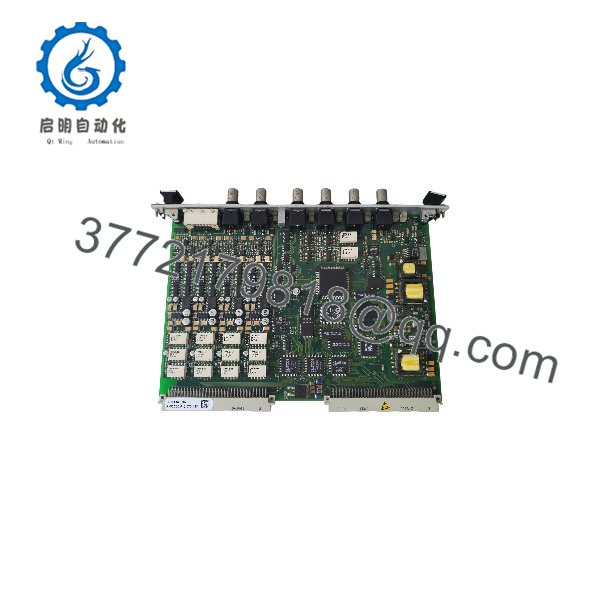
MPC4
Installation and Configuration Guide
Stage 1: Verify the Existing System
- Confirm that the installed rack is a compatible system.
- Record the complete MPC4 part number and hardware revision.
- Identify the associated IOC4T card and verify that the pair is compatible.
- Determine whether the application requires a standard card, a separate-circuits version, or the MPC4SIL safety version.
- Check the existing configuration and sensor types before removing the installed card.
Stage 2: Prepare for Removal
- Follow the plant’s approved shutdown and machinery-protection maintenance procedure.
- Place the monitored equipment and protection system in the required safe maintenance state.
- Record the existing card configuration, channel assignments, alarm settings, and trip settings.
- Use appropriate electrostatic-discharge precautions when handling the card.
Safety warning: Do not bypass or disable machinery protection without the site’s approved risk controls and authorization. A card replacement can affect alarm and trip functions.
Stage 3: Install the Card
- Verify the rack slot and associated IOC4T arrangement.
- Inspect the card and backplane connectors for damage or contamination.
- Insert the card according to the installation instructions.
- Check that the associated I/O connections and sensor wiring match the approved drawings.
- Confirm that the installed card’s revision is appropriate for the existing system.
Stage 4: Configure and Commission
- Use MPSx software to access the MPC4/IOC4T card pair.
- Verify channel assignments, sensor scaling, processing parameters, alarm thresholds, and trip settings against the approved configuration records.
- Confirm measurement-chain health and check for open-circuit or short-circuit faults where applicable.
- Validate signal readings against known reference values or the site’s approved test procedure.
- Test alarm and trip functions according to the machinery protection commissioning procedure before returning equipment to normal service.
The /IOC4T pair can be configured through the VME bus or RS-232 on applicable versions. The MPC4SIL safety version does not include the VME bus, and its available functions differ from those of standard cards.
Stage 5: Troubleshooting
If the system reports a channel fault or incorrect measurement, check:
- Sensor wiring and sensor compatibility.
- Input type and signal range.
- Channel configuration and measurement scaling.
- Card seating and the associated connection.
- Firmware and hardware revision compatibility.
- Configuration access and communication interface.
Do not assume that a failed channel means the itself is defective until the sensor, wiring, I/O card, and configuration have been checked.
Frequently Asked Questions
Q1: What is the Vibro-Meter used for?
It is a machinery protection card that processes dynamic signals for machinery monitoring and protection, including vibration-related measurements.
Q2: How many input channels does the have?
The card supports four dynamic signal inputs. Its exact measurement and processing capabilities depend on the version and configuration.
Q3: Does the work without an card?
The is designed to operate as part of an / card pair. The provides the associated system input/output connections, including applicable analog and relay outputs. Confirm the exact rack and card arrangement in the system documentation.
Q4: What is the difference between and MPC4SIL?
MPC4SIL is the safety version intended for safety-related machinery protection configurations. Its available functions and interfaces differ from the standard and separate-circuits versions. The standard and separate-circuits versions support features such as the VME bus and speed/phase reference functions that are not available in the same way on MPC4SIL. Confirm the required safety architecture before selecting a replacement.
Q5: Which software is used to configure the ?
The / card pair is configured and operated using MPSx software. The configuration method depends on the installed card version and rack arrangement.
Q6: Can one replace another with a different part number?
Not necessarily. Ordering numbers encode firmware and hardware versions, and some hardware revisions can affect interchangeability. Verify the complete part number, revision, card type, and associated before ordering.
Q7: What should buyers confirm before purchasing a replacement?
Request confirmation of the full ordering number, standard or SIL version, hardware revision, firmware version, and physical condition. For used or surplus inventory, request actual label photos and any available inspection or functional-test records. Stock status and warranty terms should be confirmed directly with the supplier.