WhatsApp: +86 16626708626
 Email:
 Phone: +86 16626708626
Description
Key Technical Specifications
| Parameter | Value |
| Manufacturer | Yokogawa Electric Corporation |
| Series | Centum VP / ProSafe-RS compatible |
| Model Code | NFAI841-S00 (Standard with Digital Communication) |
| Number of Channels | 16 channels per module |
| Input Signal Type | 4 to 20 mA DC or 1 to 5 V DC |
| Allowable Input Voltage | ±30 V max |
| Accuracy | ±0.1% of span |
| Conversion Speed | 10 ms / 16 channels |
| Insulation Resistance | Between input and system: 20 MΩ or more at 500 V DC |
| Power Consumption | 200 mA max (5 V DC system power) |
Product Introduction & Supply Chain Strategy
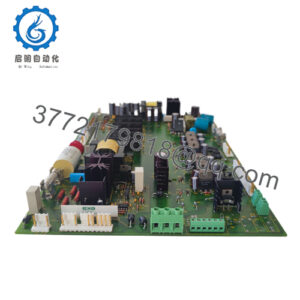
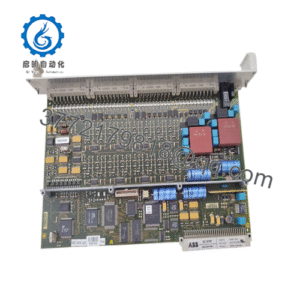
The Yokogawa NFAI841-S00 is a 16-channel analog input module designed for Centum VP distributed control systems, delivering reliable data acquisition for critical process variables such as pressure, temperature, and flow. It converts field sensor inputs into stable digital data streams for real-time supervisory loop regulation.
Procuring this module as New Surplus secures plant reliability while optimizing Total Cost of Ownership (TCO). Relying on second-hand DCS hardware introduces severe latent failure risks in internal analog-to-digital converters and multiplexing circuits. Stocking verified surplus components eliminates unplanned downtime, avoiding multi-thousand-dollar line stoppages while bypassing inflated direct-from-OEM lead times.
Installation & Configuration Guide
1.Pre-Installation (Prep & Safety):Estimated time: 10 mins.
Verify system redundancy status and ensure the target node is placed in maintenance mode via the engineering station if required by plant safety procedures. Put on a grounded ESD wrist strap before handling the hardware. Inspect the backplane slot for debris and verify zero voltage on terminal blocks.
2.Removal:Estimated time: 5 mins.
Release the module locking mechanism on the top and bottom edge. Pull the legacy NFAI841-S00 module straight out from the base unit smoothly to prevent bending backplane connection pins.
3.Installation (Clone & Seat):Estimated time: 10 mins.
Inspect the slot alignment guides and insert the replacement NFAI841-S00 module squarely into the I/O base. Push firmly until the locking latches click securely into place, ensuring complete electrical seating across all backplane pins.
4.Power-On & Testing:Estimated time: 15 mins.
Confirm that module status LEDs indicate normal operation (GREEN status and active execution loops without hardware error flags). Check the engineering workstation diagnostics to verify that all 16 input channels are streaming live, uncorrupted process values.
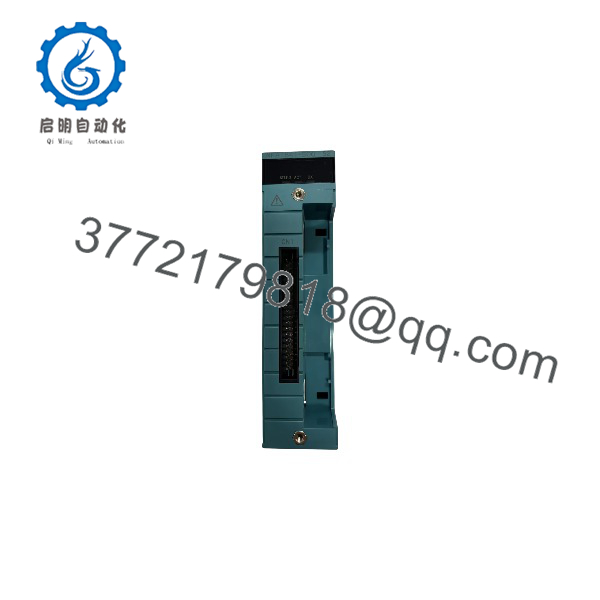
NFAI841-S00
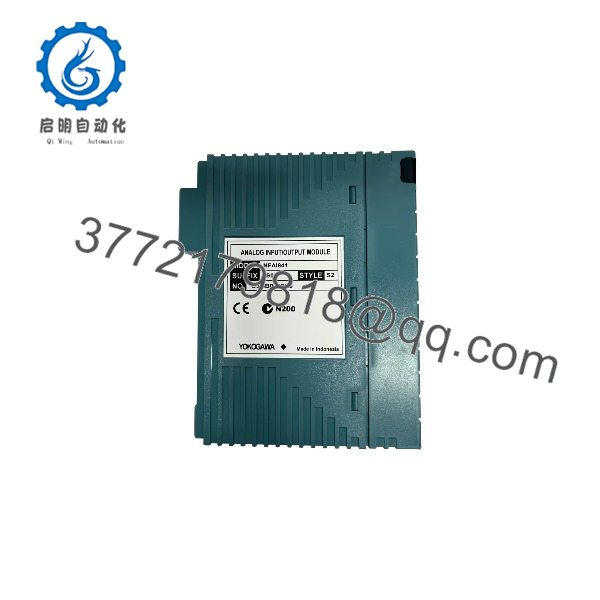
NFAI841-S00
Firmware/Software Versions & Upgrade Notes
- Recommended Version: Match the software revision and system package revision of your active Centum VP engineering database to ensure seamless integration.
- Compatibility Notes: The NFAI841-S00 supports standard Centum VP FIO node architectures, but ensure your system’s Node Unit interface supports the specific S00 suffix revision level.
- Risk Management: Avoid executing unverified system generation downloads during active production runs. Swapping matched hardware with the correct base configuration maintains loop integrity and prevents unexpected control interruption.
Frequently Asked Questions (FAQ)
Is this unit genuinely new or refurbished?
This product is a Brand New Surplus unit. It features original OEM packaging, zero wear on connector pins, and has never been installed in a running production environment. We do not handle, sell, or source refurbished parts.
Why is New Surplus priced lower than direct OEM channels?
Our inventory is acquired through strategic global asset recovery and surplus consolidation. This allows us to offer genuine, unused factory-sealed hardware at market-adjusted rates without the administrative markups of standard primary distribution channels.
What warranty coverage is included?
Every unit comes with a comprehensive 1-year replacement warranty, validating our strict inbound quality control and electrical verification standards.
Can I hot-swap this I/O module during operation?
Yes, the Centum VP FIO architecture supports module hot-swapping under normal operating conditions when installed on an appropriate node base, provided proper safety protocols and node redundancy settings are maintained.
How do I verify channel scaling after replacement?
Because the module handles raw conversion, scaling parameters are managed within the Centum VP system database (CS1000/CENTUM VP builder). Once seated, the system automatically writes configuration parameters to the hardware, restoring pre-defined engineering units instantly.