WhatsApp: +86 16626708626
 Email:
 Phone: +86 16626708626
Description
Key Technical Specifications
| Parameter | Value |
|---|---|
| Manufacturer | Yokogawa Electric Corporation |
| Model | NFCP100-S00 |
| Style / revision | Style S3 |
| Product family | STARDOM FCN-100 |
| Processor | MMX Pentium, 166 MHz |
| Main memory | 128 MB DRAM with ECC |
| Retentive memory | 1 MB SRAM with ECC, battery backed |
| System card | 1 slot |
| Serial port | 1 x RS-232C, D-sub 9-pin male |
| Ethernet | 2 x 10/100 Mbps, 100BASE-TX or 10BASE-T, RJ45 |
| I/O interface | SB bus, duplex |
| Programming | IEC 61131-3-compliant languages; Java virtual machine support |
| Battery | 2700 mAh lithium battery |
| Status indication | 3 CPU-status LEDs and 2 LAN-status LEDs |
| Controls | Reset and shutdown switches |
| RAS functions | Watchdog timer and temperature monitoring |
| Dimensions | 22 mm x 124 mm x 126 mm |
| Weight | 0.1 kg |
| Supply voltage | 24 VDC via FCN baseplate |
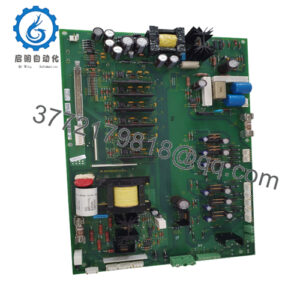
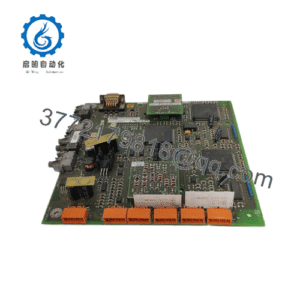
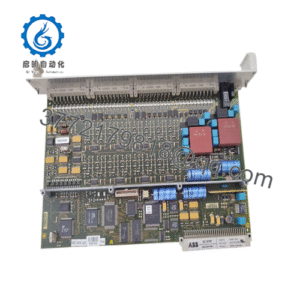
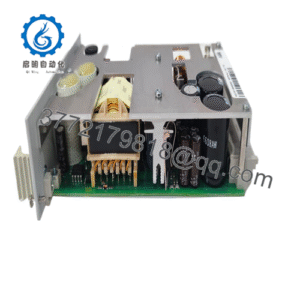
The Yokogawa NFCP100-S00 is the FCN-100 processor module for the STARDOM autonomous control system. The Style S3 configuration uses a 166 MHz MMX Pentium processor, 128 MB ECC DRAM, 1 MB battery-backed ECC SRAM, dual Ethernet ports, and an RS-232C serial port.
Product Introduction
The Yokogawa NFCP100-S00 S3 is a CPU module for the STARDOM FCN-100 autonomous controller. It executes real-time control logic, communicates with operator and engineering systems, and supports IEC 61131-3 programming and Java-based applications.
The module mounts on an FCN-100 baseplate and can be used singly or in a duplexed CPU configuration. Its ECC memory, watchdog timer, temperature monitoring, dual Ethernet interfaces, and battery-backed SRAM make it suitable for continuous process control and remote automation applications.
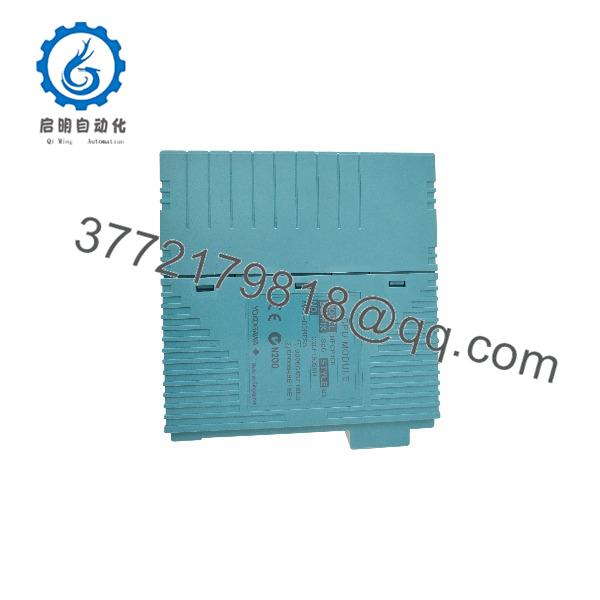
NFCP100-S00 S3
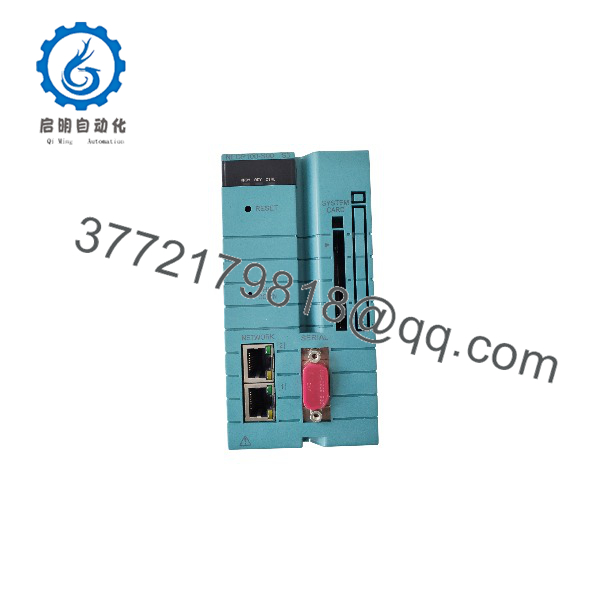
NFCP100-S00 S3
Troubleshooting Quick Reference
| Symptom | Possible Cause | Relevance to this Part | Quick Check Method | Recommendation |
|---|---|---|---|---|
| No LEDs on power-up | Baseplate power, fuse, backplane fault, or poor module seating | ❌ Low | Measure 24 VDC at the FCN baseplate; reseat the CPU module with power off | Check power supply and baseplate before replacing the CPU |
| CPU STATUS LED indicates fault | Project error, corrupted memory, startup fault, or hardware failure | ✅ High | Connect through Yokogawa engineering tools and review CPU diagnostics/error log | Restore project/configuration; replace the CPU only if diagnostics indicate hardware failure |
| No Ethernet communication | Cable, switch port, IP conflict, or network configuration issue | ❌ Low | Swap cable and switch port; verify link LEDs and IP settings | Test both Ethernet ports before condemning the module |
| Serial communication failure | Baud-rate mismatch, cable wiring, COM port setting, or driver issue | ✅ High | Verify RS-232 pinout, baud rate, parity, stop bits, and cable continuity | Test with a known-good serial cable before replacing the CPU |
| I/O modules offline | SB bus fault, baseplate issue, I/O module failure, or configuration mismatch | ❌ Low | Check SB bus status and LEDs on adjacent I/O modules | Isolate the fault to the CPU, baseplate, or I/O module |
| Retain data or time lost | Weak or exhausted lithium battery | ✅ High | Check battery status and system time/retain-data behavior after power cycling | Replace the battery following Yokogawa’s procedure; back up data first |
| Random resets or overheating | Poor airflow, high ambient temperature, failing ECC memory, or poor module contact | ✅ Medium | Check cabinet temperature, clean module contacts, and review diagnostic logs | Replace the CPU if ECC or watchdog errors persist after environmental checks |
If the fault remains unresolved, send photos of the CPU module, FCN baseplate, LED status, network/serial configuration, and diagnostic logs before ordering a replacement.
Frequently Asked Questions
Can I hot-swap the Yokogawa NFCP100-S00 S3?
In a properly configured duplexed CPU system, Yokogawa hardware is designed to support module replacement without stopping the paired CPU. For a single (non-redundant) CPU configuration, shut down the control unit before removal. Use a grounded ESD wrist strap and follow the site’s change-management procedure.
Is the NFCP100-S00 S3 obsolete?
Yes. The NFCP100-S00 is a legacy STARDOM FCN-100 processor module. Current supply is generally limited to New Surplus, refurbished, or tested pre-owned inventory.
What does “Style S3” mean?
Style S3 identifies the hardware revision/configuration of the NFCP100-S00. Match the same style when replacing an existing module unless Yokogawa confirms that another style is compatible with your FCN-100 baseplate and software version.
Will it directly replace an earlier NFCP100 style?
Often yes at the hardware level, but confirm the FCN-100 baseplate compatibility, firmware, project database, battery status, and network configuration. Do not assume that all NFCP100 styles have identical memory, diagnostics, or replacement procedures.
Will my control program remain after replacement?
Not automatically. The project, configuration, and retain data may reside in CPU memory, SRAM, or another storage location in the FCN system. Back up the complete project database and retain data before removing the old module.
Why is this surplus module less expensive than a new OEM unit?
Because Yokogawa no longer supplies it as standard new production, pricing reflects available surplus inventory rather than current OEM manufacturing. New Surplus stock is unused original product; it may have older date codes but should not have field-operating hours.
What should I check before ordering?
Confirm the exact NFCP100-S00 Style S3 marking, FCN-100 baseplate type, firmware/software version, duplex versus single-CPU configuration, battery condition, and Ethernet/serial requirements. The module uses a 166 MHz MMX Pentium processor, 128 MB ECC DRAM, and dual 10/100 Mbps Ethernet ports.