
 WhatsApp: +86 16626708626
 Email:
  Phone: +86 16626708626
Description
Key Technical Specifications
| Parameter | Value |
|---|---|
| Manufacturer | ABB Robotics |
| Model | DSQC336 |
| ABB Part Number | 3HNE04092-1 |
| Associated Legacy Reference | SR92C210 |
| Product Category | Robot controller computer / interface board |
| Intended Controller Family | ABB S4 and S4P legacy robot controller systems |
| Typical Function | Controller-side interface for robot-control and peripheral system functions |
| Installation Location | Internal ABB S4/S4P robot controller cabinet |
| Form Factor | Plug-in printed circuit board |
| Reported Dimensions | 18.6 cm × 6.1 cm × 6 cm; verify against supplied unit |
| Reported Weight | Approximately 0.4 kg; verify with actual packaging |
| Field I/O Type | Not confirmed from authoritative ABB documentation found in available search results |
| Ethernet Function | Not confirmed; one aftermarket listing calls it an Ethernet board, but this must not be used as an engineering specification |
| Relay Outputs | Not confirmed; one aftermarket listing claims 16 relay outputs, but this must not be used as an engineering specification |
| Compatible Robots | Verify from the exact S4/S4P controller configuration; do not infer compatibility from robot model names in reseller listings |
| Firmware / Configuration | Must match the installed controller software, board revision, and system backup |
| Lifecycle Status | Obsolete ABB robot-control hardware; limited surplus and refurbished supply expected |
Reliable aftermarket listings identify DSQC336 3HNE04092-1, also referenced as SR92C210, as an ABB board associated with legacy S4 and S4P robot-controller systems. However, online sellers inconsistently call it an I/O board, Ethernet board, relay board, servo drive, and generic controller board. Those conflicting claims are not sufficiently verified to establish I/O count, electrical ratings, protocol support, or direct robot compatibility.
Product Introduction
The ABB DSQC336, Part Number 3HNE04092-1 and legacy reference SR92C210, is a controller-board spare for ABB S4 and S4P robot systems. It operates inside the robot controller cabinet as part of the controller hardware that supports robot operation and integration with the surrounding automation cell. It is typically sourced for repair of installed legacy ABB robot cells where preserving existing robot programs and panel wiring is the practical path.
This is not a generic PLC, relay module, Ethernet adapter, or servo drive replacement. ABB S4 controller boards are configuration-sensitive. Match the full DSQC336 label, 3HNE04092-1 number, SR92C210 reference, connector layout, board revision, controller type, cabinet slot, and system software before purchase.
Troubleshooting Quick Reference
| Symptom | Possible Cause | Relevance to This Part | Quick Check Method | Recommendation |
|---|---|---|---|---|
| Robot controller does not boot | Missing cabinet power, failed controller power supply, loose board, bad backplane connection, failed DSQC336, corrupted controller system software | ⚠️ Medium | Verify controller incoming power and internal DC supply rails according to ABB service documentation. Inspect board seating, latches, connectors, and cabinet diagnostic indicators. | Check controller power and backplane connections before replacing DSQC336. A no-boot fault often originates in the controller power section or another system board. |
| S4/S4P controller reports board or rack fault | Loose connector, incompatible board revision, wrong slot, damaged backplane contact, failed board | ✅ High | Record the exact error code. Power down under ABB lockout procedures, then inspect card edge contacts, slot location, locking hardware, and connector condition. | Confirm the exact 3HNE04092-1 / SR92C210 identity and original slot before installing a replacement. |
| Robot starts but cell peripheral signals do not respond | External 24 V DC supply loss, safety chain open, I/O configuration issue, interposing-relay fault, cable fault, interface-board failure | ⚠️ Medium | Check cell I/O power, safety relay status, controller I/O diagnostics, and field terminal voltage. Compare affected signals with a known-good circuit. | Troubleshoot external I/O, field wiring, and safety circuits first. Do not replace until the signal path is proven up to the controller interface. |
| Communication to teach pendant or host system fails | Cable issue, network setting, pendant fault, other controller-board issue, interface fault | ❌ Usually low | Test with known-good cables where approved. Review controller communication diagnostics and determine whether other controller functions remain normal. | Do not assume provides every communication interface. Verify the cabinet architecture and specific port ownership before replacement. |
| Robot stops intermittently during production | Safety circuit interruption, cabinet temperature, vibration, failing power supply, loose board, software fault, controller-board issue | ⚠️ Medium | Review event log timestamps, safety-chain diagnostics, cabinet-temperature readings, and power quality. Inspect card retention during planned downtime. | Correct external and environmental causes first. If the issue tracks with after controlled testing, replacement is reasonable. |
| Replacement board creates new faults immediately | Incorrect revision, wrong controller family, wrong slot, unseated connector, static damage, incompatible system software | ✅ High | Compare front and rear labels, connector layout, jumpers if present, slot location, and board revision against the removed unit. Record all errors before and after replacement. | Stop commissioning until every hardware identifier matches. Do not move boards among S4/S4P cabinets based solely on connector appearance. |
| Robot motion is disabled but controller looks healthy | Emergency stop active, deadman switch released, safety gate open, motor contactor circuit fault, drive fault, not normally | ❌ Low | Check emergency-stop chain, enabling device, safety gates, contactor feedback, servo-drive status, and controller event log. | Investigate safety and drive systems first. is not the first suspect for a normal safety stop. |
| One group of external outputs remains active or inactive | Field wiring short, relay/contactor fault, I/O configuration, failed output interface, board fault | ⚠️ Medium | Compare controller command status, voltage at cabinet terminal blocks, interposing relay operation, and field-device status. | Treat unexpected outputs as safety-relevant. Isolate the cell safely and trace from controller diagnostic to terminal to field load. |
| Fault appears after cabinet cleaning or maintenance | Board not fully seated, connector bent, cable moved, ESD event, incorrect board swap | ⚠️ Medium | Compare cabinet photos, slot map, connector labels, and maintenance records. Reseat only with power removed and ESD precautions applied. | Restore original board placement and verify all connectors. Take clear photos before any additional service work. |
| Replacement board is physically similar but machine behavior differs | Hardware revision difference, software mismatch, altered parameter memory, different system configuration | ✅ High | Load and verify the controller backup according to ABB procedures. Compare board revision and controller system version with the original unit. | Use a like-for-like board or obtain ABB-qualified integration support. Do not rely on generic “ compatible” claims. |
❗ Robot-safety warning: Disconnecting or replacing internal robot controller boards can affect safety circuits, motor power logic, and cell I/O. Apply lockout/tagout, verify the robot is in a safe state, secure stored energy, and follow ABB robot service procedures. Never bypass gates, emergency stops, or enabling-device circuits to test a replacement board.
❗ ESD warning: This is a controller PCB. Use a grounded wrist strap, ESD-safe surface, and antistatic packaging. Do not touch card-edge contacts or connector pins. One static event can produce a fault that only appears when the cell is back in production.
If you need technical support, provide full photos of both sides of the old , the 3HNE04092-1 and SR92C210 labels, controller type plate, cabinet slot position, all fault codes, robot software version, backup status, connector images, and a description of what changed before the failure.
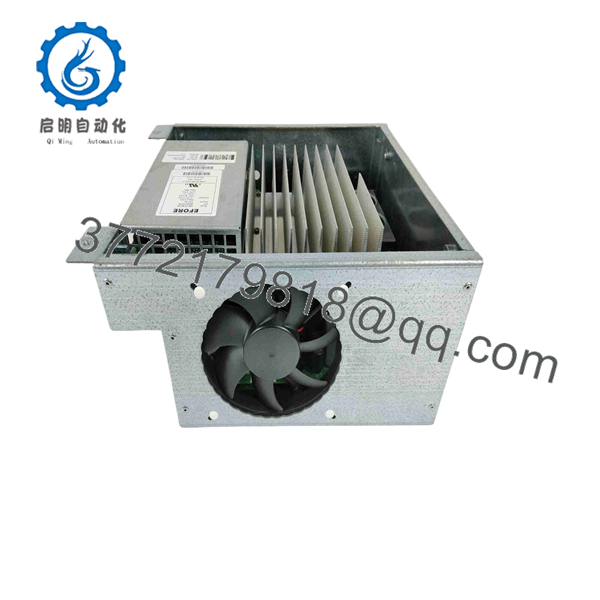
DSQC336 3HNE04092-1
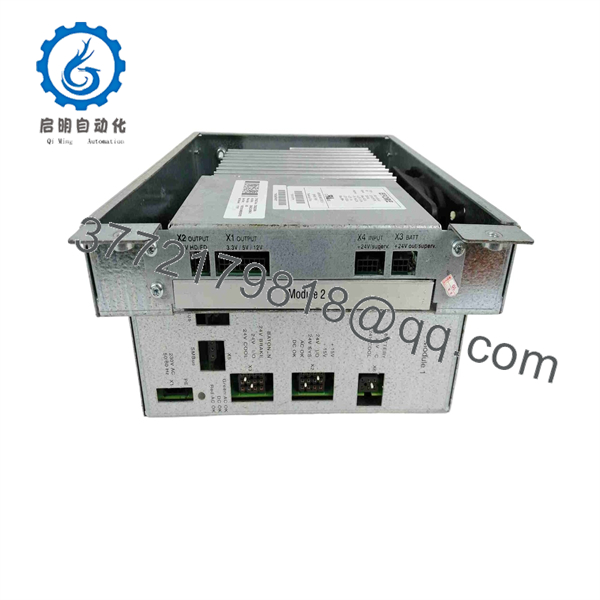
DSQC336 3HNE04092-1
Frequently Asked Questions
What is ABB 3HNE04092-1?
The ABB , Part Number 3HNE04092-1 and reference , is a plug-in board associated with ABB legacy S4 and S4P robot-controller systems. It is used as a controller-side interface or computer-board spare within the robot controller cabinet.
Is an Ethernet board, I/O board, relay board, or servo drive?
The available reseller descriptions conflict, so none of those specific functional claims should be used without ABB documentation for the actual controller configuration. The same part has been called an Ethernet board, digital I/O relay board, controller interface board, and servo drive in aftermarket listings. Confirm the existing board’s connectors, slot, wiring diagrams, and ABB S4/S4P service documentation before calling it any one of those things.
Is compatible with ABB S4 and S4P controllers?
Aftermarket listings associate 3HNE04092-1 with ABB S4 and S4P legacy controllers. Still, compatibility must be verified using the exact controller version, cabinet slot, board revision, robot system software, and ABB spare-parts documentation.
Can I use in an ABB IRC5 controller?
Do not assume it can be used in IRC5. S4/S4P and IRC5 controllers use different hardware architectures, software platforms, backplanes, safety systems, and board families. The should be treated as a legacy S4/S4P spare unless ABB documentation explicitly approves another controller family.
Can I hot-swap ?
No. Do not hot-swap internal S4/S4P controller boards. Shut down the robot under the approved ABB procedure, isolate controller power, lock out energy sources, wait for stored energy to dissipate, use ESD controls, and document board location and connectors before removal.
Will replacing erase robot programs?
The robot program and system configuration may reside in controller storage, memory boards, or backup media rather than exclusively on . However, a board replacement can still affect boot behavior, configuration recognition, communications, or I/O integration. Make a complete system backup and capture the robot/controller software version before any hardware change.
Why is a New Surplus cheaper than a current ABB board?
New Surplus inventory may come from unused robot spares, system upgrades, OEM stock, dismantled cells, or distributor overstock. The price can be lower because S4/S4P hardware is obsolete and may lack factory support. Request exact-unit photos, full label confirmation, board revision details, connector condition, storage history, written warranty, test evidence, and return terms.
What testing should a supplier perform before shipping a refurbished ?
Request inspection for corrosion, damaged card edges, broken connectors, missing components, heat damage, and rework marks; exact-label and revision documentation; controlled installation in a compatible S4/S4P controller; controller boot recognition; relevant interface or I/O checks based on the specific board function; and a documented burn-in or functional test record. Bench testing alone cannot validate the board against your robot’s system software, peripheral wiring, safety configuration, or installed cell hardware.



