
 WhatsApp: +86 16626708626
 Email:
  Phone: +86 16626708626
Description
3. Key Technical Specifications
| Parameter | Value |
|---|---|
| Ethernet Port | 1 × RJ45, 10/100 Mbps |
| TCP Connections | 128 |
| CIP / Logix Connections | 256 |
| Integrated Motion Axes, Max | 8 |
| Backplane Current @ 5.1 V DC | 1.0 A |
| Backplane Current @ 24 V DC | 3 mA |
| Power Dissipation, Max | 5.1 W |
| Thermal Dissipation | ≈ 17.4 BTU/hr |
| Isolation Voltage | 30 V continuous, basic insulation |
| USB Port | Yes (configuration / diagnostics) |
| Slot Width | 1 |
| Operating Temperature | 0 °C to +60 °C |
| Compatible Chassis | 1756-A4, A7, A10, A13, A17 |
4. Product Introduction
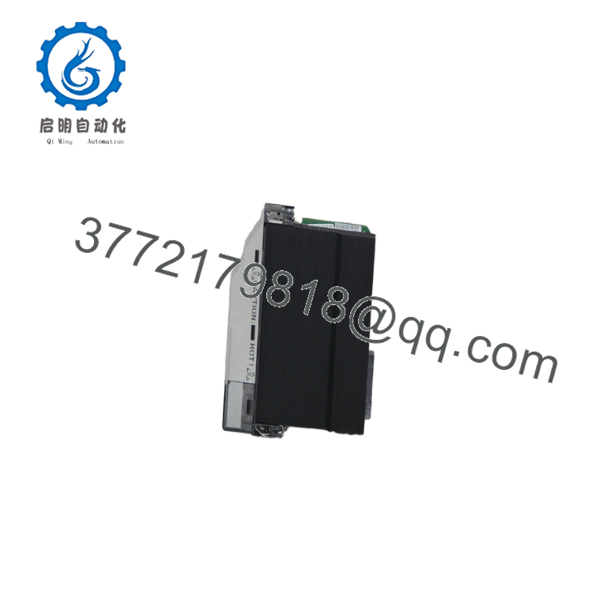
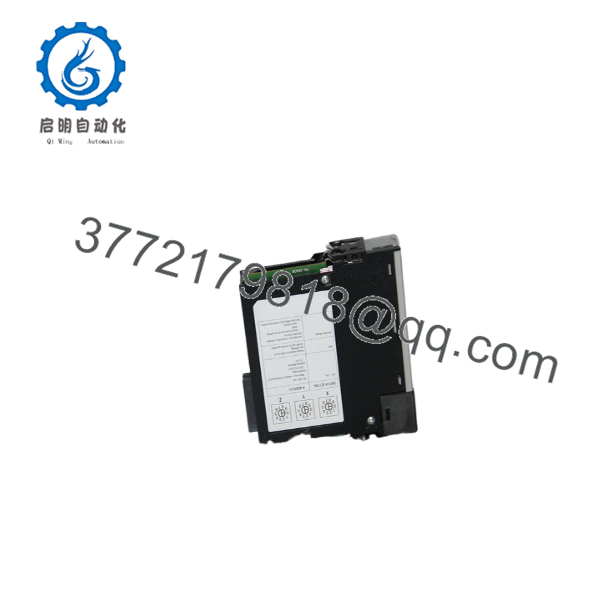
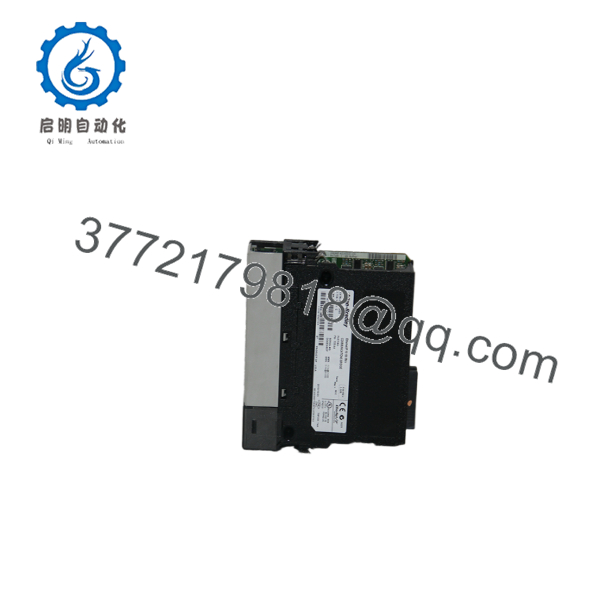
The Allen-Bradley 1756-EN2T is a single-port EtherNet/IP bridge module for ControlLogix systems. It installs in any slot of a 1756 chassis and provides 10/100 Mbps Ethernet communication for I/O, messaging, and motion control.
It supports 128 TCP connections and 256 CIP connections, with capacity for up to 8 axes of integrated motion on EtherNet/IP. A front USB port allows local configuration and diagnostics without requiring network access. Series D and later revisions include improved isolation and performance. The module is the standard choice for linear or star Ethernet topologies in ControlLogix applications.
1756-EN2T
1756-EN2T
1756-EN2T
5. Troubleshooting Quick Reference
| Symptom | Possible Cause | Relevance to this Part | Quick Check Method | Recommendation |
|---|---|---|---|---|
| OK LED red / module faulted | IP conflict, firmware issue, or backplane fault | ✅ High | Check alphanumeric display and Studio 5000 diagnostics | Correct IP settings; update firmware if required |
| No Ethernet link | Cable fault, wrong speed, or switch issue | ✅ High | Verify link LEDs; test with known-good Cat5e cable | Replace cable; confirm switch port settings |
| Lost I/O or messaging connections | Exceeded connection limit or network load | ✅ High | Monitor TCP/CIP connection counts in diagnostics | Reduce concurrent connections or add another module |
| USB port not recognized | Driver or cable problem | ❌ Medium | Use recommended USB cable; check device manager | Install correct drivers; try different cable |
| High packet loss / slow response | Network congestion or improper QoS | ✅ Medium | Check switch statistics and multicast filtering | Enable IGMP snooping; segment network traffic |
| Module draws excessive current | Chassis power supply overload | ❌ Low | Measure total chassis current draw | Upgrade power supply or redistribute modules |
If diagnostics remain unclear, capture the alphanumeric display codes, IP configuration, and connection statistics before contacting support.
6. Frequently Asked Questions (FAQ)
Q: Is the 1756-EN2T still in production? Yes. It is an active ControlLogix product and remains widely used for EtherNet/IP connectivity.
Q: What is the difference between 1756-EN2T and 1756-EN2TR? The EN2T has a single Ethernet port. The EN2TR has dual ports with embedded switch and Device Level Ring (DLR) support for ring topology redundancy.
Q: How many connections does the 1756-EN2T support? 128 TCP connections and 256 CIP (Logix) connections. It also supports up to 8 axes of integrated motion.
Q: Can the module be used for ControlLogix redundancy? Yes. It is compatible with ControlLogix redundancy systems when properly configured in primary and secondary chassis.
Q: Does the 1756-EN2T support 1 Gbps Ethernet? No. It is a 10/100 Mbps module. For Gigabit Ethernet use the 1756-EN4TR.
Q: Is a USB cable required for configuration? A USB cable is optional but convenient for initial IP setup and diagnostics. Network configuration via Studio 5000 or BOOTP/DHCP is also supported.
Q: Why is New Surplus sometimes priced lower? These are genuine Allen-Bradley modules from excess inventory or cancelled projects. They are unused and typically supplied with anti-static protection. They are not refurbished unless specifically stated.



