
 WhatsApp: +86 16626708626
 Email:
  Phone: +86 16626708626
Description
Key Technical Specifications
- Part Number: 1769-SDN
- Manufacturer: Allen-Bradley / Rockwell Automation
- Product Family: Compact I/O communication modules
- Module Type: DeviceNet scanner
- Supported Platforms: CompactLogix, MicroLogix 1500
- DeviceNet Ports: 1 open-style 5-pin linear plug
- Maximum Nodes: 64
- Communication Rates: 125 kbps, 250 kbps, 500 kbps
- Cable Distance: 500 m at 125 kbps, 250 m at 250 kbps, 100 m at 500 kbps
- DeviceNet Current Draw: 110 mA @ 24 V DC
- Backplane Current Draw: 440 mA @ 5.2 V DC
- Power Dissipation: 4.7 W
- DeviceNet Voltage Range: 11-25 V DC
- Isolation Voltage: 30 V continuous, basic insulation
- Operating Temperature: 0-60 °C
- Mounting: DIN rail or panel
- Dimensions: 118 x 35 x 87 mm
- Weight: 0.28 kg
- Power Supply Distance Rating: 4 modules
Product Introduction
The Allen-Bradley 1769-SDN is a CompactLogix DeviceNet scanner module used to connect a 1769 controller to DeviceNet devices and adapters. It is commonly used in legacy machine systems that still depend on DeviceNet networks for distributed I/O and drive communication.
It gives you a single DeviceNet port with support for up to 64 nodes and multiple baud rates. For retrofits, that matters because you can keep the existing DeviceNet field devices while integrating them with CompactLogix or MicroLogix 1500 control.
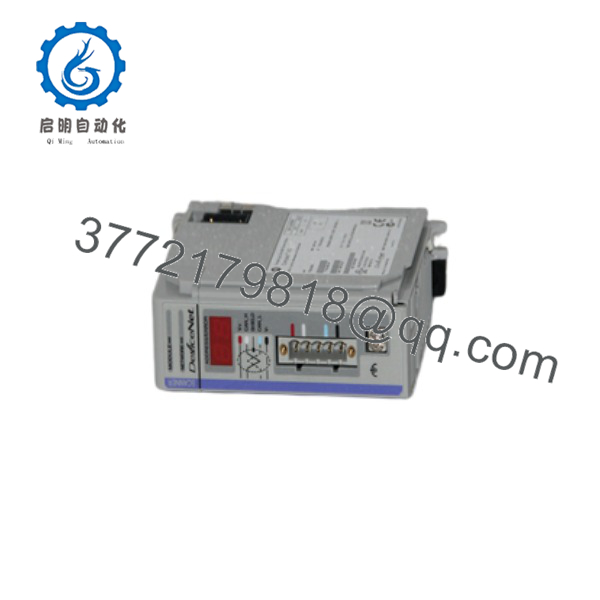
1769-SDN
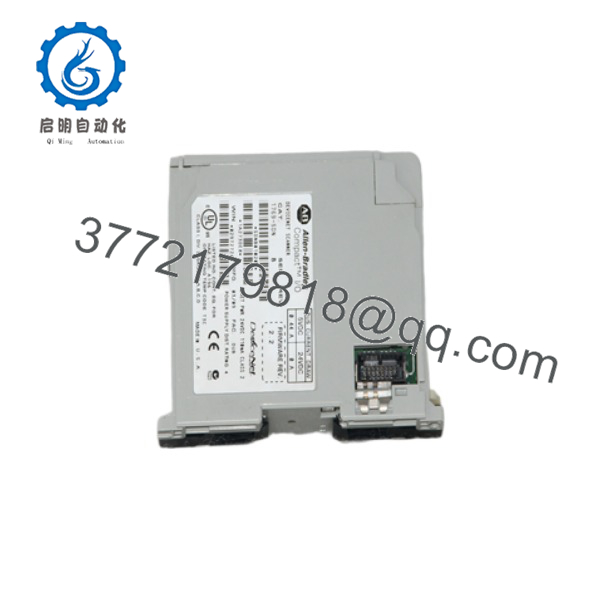
1769-SDN
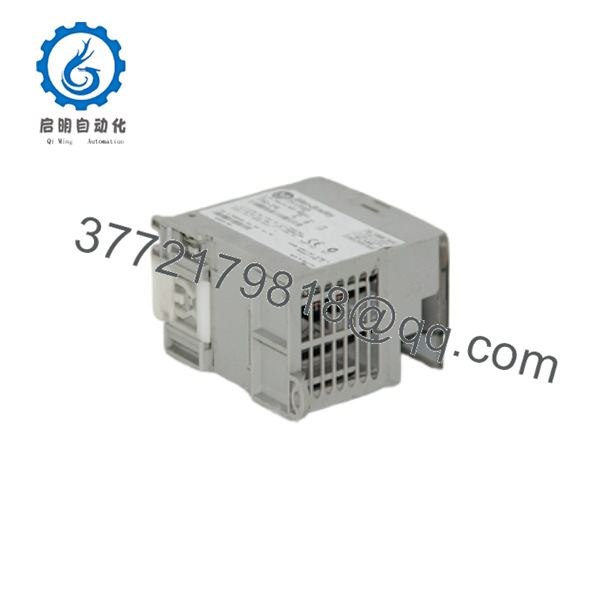
1769-SDN
Troubleshooting Quick Reference
| Symptom | Possible Cause | Relevance to this Part | Quick Check Method | Recommendation |
|---|---|---|---|---|
| Module does not communicate on DeviceNet | Wrong baud rate, missing bus power, or broken trunk line | ✅ High | Measure DeviceNet voltage and verify node baud settings | Check network power and speed first |
| Network LED shows fault | Duplicate MAC ID, wiring issue, or bad termination | ✅ High | Inspect node addresses and bus termination | Fix the network setup before replacing the module |
| Some nodes are offline | Device wiring fault or bad device power | ✅ High | Check the drop line and device supply at each failed node | Isolate the failed branch |
| Controller sees module but not slaves | Scanner configuration issue or scan list mismatch | ✅ High | Review RSNetWorx scan list and node mapping | Rebuild the scan list if needed |
| Intermittent comms drops | Loose connector, shield problem, or noisy bus | ✅ High | Inspect the 5-pin connector and cable shielding | Repair the physical layer first |
| Module runs hot | Overload, poor airflow, or cabinet temperature issue | ⚠️ Medium | Measure cabinet ambient and current draw | Improve cooling and confirm load |
| Module not recognized by controller | Poor seating, wrong slot, or expansion bus issue | ⚠️ Medium | Reseat the module and check diagnostics | Verify the chassis and slot setup |
If you are stuck, send support photos of the DeviceNet wiring, node labels, and diagnostics screens.
Frequently Asked Questions
Q: What does the 1769-SDN do?
A: It is a DeviceNet scanner module. It lets a CompactLogix or MicroLogix 1500 controller talk to DeviceNet devices over a dedicated DeviceNet network.
Q: How many nodes can it handle?
A: Up to 64 nodes.
Q: What baud rates does it support?
A: 125 kbps, 250 kbps, and 500 kbps. Cable distance changes with baud rate, so that part matters during installation.
Q: Does it support safety communications?
A: No, it does not support CIP Safety. That is an important compatibility limit if you are working on a safety-rated system.
Q: Why is this often sold as New Surplus?
A: Because DeviceNet hardware is usually legacy stock from old projects or unused inventory. That is normal for parts in this category.
Q: What should I verify before swapping one in?
A: Check the node addressing, baud rate, bus power, scan list, and termination. Most “dead scanner” calls are really network problems, not a failed module.
Q: Is the 1769-SDN hard to misdiagnose?
A: Yes, if you assume the scanner is bad before checking the network. Take the time to verify bus power and termination first—it saves a lot of unnecessary module swaps.



