
 WhatsApp: +86 16626708626
 Email:
  Phone: +86 16626708626
Description
3. Key Technical Specifications
| Parameter | Value |
|---|---|
| Processor Type | PLC-5/60 Enhanced |
| User Memory | 64K words (battery-backed SRAM) |
| Memory Limits | 56K words max per program file; 32K words max per data table file |
| Max Total I/O | 3072 (any mix) or 3072 in + 3072 out (complementary) |
| Max Analog I/O | 3072 |
| Communication Ports | 4 DH+/Remote I/O (adapter or scanner); 1 serial (RS-232-C/422-A/423-A) |
| Max I/O Racks | 24 (addresses 0–27) |
| Max I/O Chassis | 93 total (1 local + 92 remote) |
| Backplane Current | 3.3 A @ 5 V DC |
| I/O Scan Time per Rack | 10 ms @ 57.6 kbps; 7 ms @ 115.2 kbps; 3 ms @ 230.4 kbps |
| Battery | 1770-XYC |
| EEPROM Backup Option | 1785-ME16 / ME32 / ME64 / M100 |
| Operating Temperature | 0 to 60 °C (32 to 140 °F) |
| Storage Temperature | –40 to 85 °C (–40 to 185 °F) |
| Relative Humidity | 5 to 95 % non-condensing |
4. Product Introduction
The Allen-Bradley 1785-L60B is the PLC-5/60 enhanced processor module. It provides 64K words of battery-backed user memory and supports up to 3072 I/O points (any mix or complementary). The module occupies the leftmost slot of a 1771 chassis and includes four configurable DH+/Remote I/O channels plus one serial port.
This processor is used in medium-to-large PLC-5 systems that require substantial memory, multiple remote I/O links, and high I/O density. Program backup is available via optional EEPROM modules. The 1785-L60B belongs to the discontinued PLC-5 family and is typically sourced as new surplus for maintenance of existing installations.
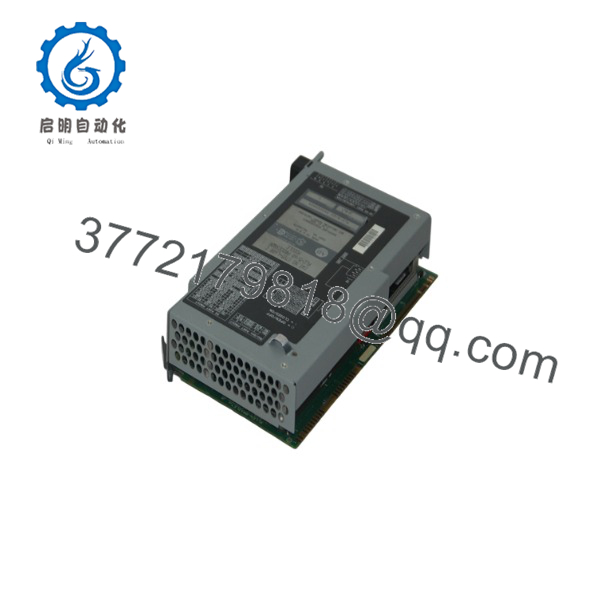
1785-L60B
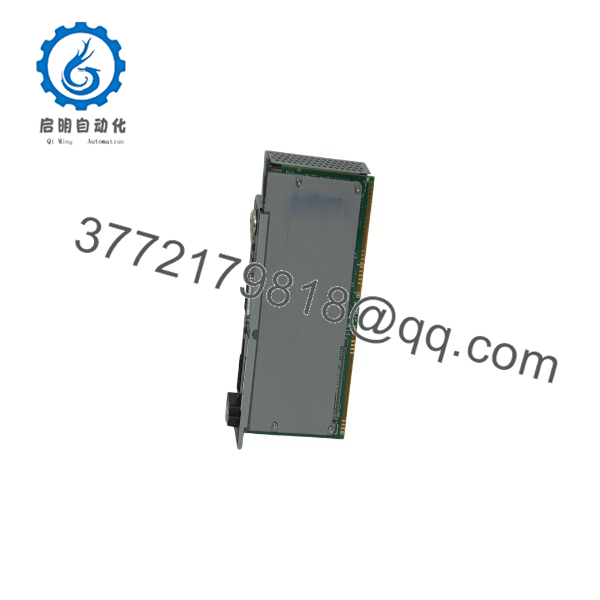
1785-L60B
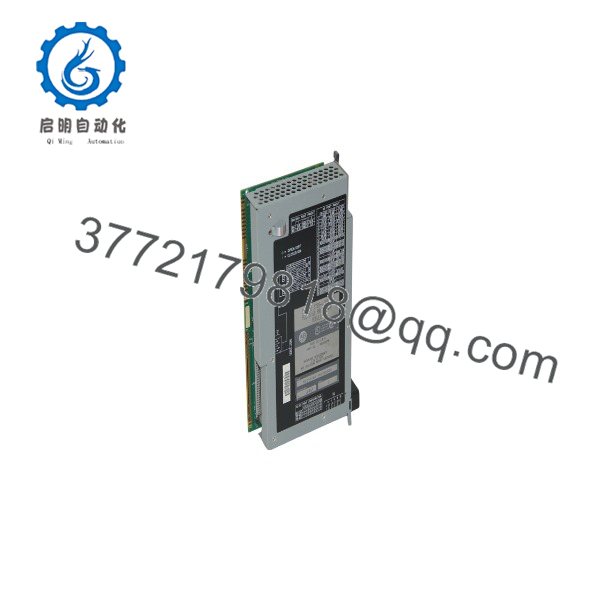
1785-L60B
5. Installation & Configuration Guide
Stage 1: Pre-Installation Preparation (10–15 min) ⚠️ Safety First: Place the system in a safe state. Lock out/tag out chassis power and all field power. Wait for residual voltage to dissipate. Wear an ESD wrist strap. Tools Required: ESD strap, PH1 screwdriver, multimeter, key for mode switch, smartphone for photos. Data Backup: Upload the complete program and data tables using RSLogix 5 or equivalent. Photograph the keyswitch position, battery status, and all communication cable connections. Record current node addresses and I/O configuration.
Stage 2: Removing the Old Processor (8–12 min)
- Confirm chassis power is removed and the keyswitch is in PROG.
- Disconnect all DH+/RIO cables and the serial cable. Label each connection.
- Release the module locking tab and carefully pull the processor straight out of the leftmost chassis slot.
- Inspect the backplane connector for bent pins or contamination. ⚠️ Keep the old processor until the replacement is verified under load and the program is confirmed intact.
Stage 3: Installing the New Processor (10–15 min)
- Verify the module is marked 1785-L60B. Confirm the 1770-XYC battery is installed and connected.
- Align the processor with the leftmost chassis slot guides and slide it fully into the backplane until seated.
- Secure the locking tab.
- Reconnect DH+/RIO cables (Belden 9463 or equivalent) and the serial cable.
- Set the keyswitch to the desired mode (PROG for download). Self-Checklist: [ ] Processor fully seated [ ] Battery connected [ ] Cables labeled and secure [ ] Keyswitch position noted.
Stage 4: Power-On & Testing (15–30 min)
- Apply chassis power. Observe the processor status LEDs (RUN, FAULT, BATT, etc.).
- Connect a programming terminal and establish communication via DH+ or serial.
- Download the previously backed-up program and data tables.
- Verify I/O configuration, force status, and communication status of all DH+/RIO channels.
- Place the processor in RUN mode and monitor scan time and fault bits. ⚠️ Troubleshooting Note: A solid FAULT LED after power-up usually indicates a memory or configuration mismatch. Clear faults, re-download, and confirm battery voltage if the BATT LED is illuminated.
6. Frequently Asked Questions (FAQ)
Q: Can the 1785-L60B be hot-swapped? No. Always remove chassis power before inserting or removing the processor. Hot-swapping risks damage to the backplane and loss of program integrity.
Q: Is the 1785-L60B still in production? No. The entire PLC-5 family was discontinued by Rockwell Automation. Remaining units are new surplus or refurbished. Migration to ControlLogix (1756) is recommended for new designs.
Q: What battery does this processor use? The 1770-XYC 3 V lithium battery with the 2-pin keyed connector. Do not use the older 1785-XY AA-style battery.
Q: How much user memory is available? 64K words total. Practical limits are 56K words per program file and 32K words per data table file. Optional EEPROM modules (1785-ME series) provide non-volatile program backup.
Q: Why is the price lower than historical OEM list price? These are genuine surplus units. They are original Allen-Bradley processors that have never been installed in a running system, but they are no longer available through standard Rockwell distribution channels. Full functional testing and warranty are provided.
Q: What is the maximum number of remote I/O chassis? 92 universal remote I/O chassis plus the local chassis for a total of 93. Maximum of 24 I/O rack addresses (0–27).
Q: Does replacing the processor erase the program? Not if the battery remains connected and valid during the swap, or if a complete upload/download is performed. Always back up the program before removing the old processor.



