
 WhatsApp: +86 16626708626
 Email:
  Phone: +86 16626708626
Description
3. Key Technical Specifications
| Parameter | Specification / Value |
| Part Number | 0190-22670 |
| Manufacturer | Applied Materials (AMAT) |
| Platform Compatibility | AMAT Producer, Endura, and Centura 300mm Mainframe Racks |
| Assembly Type | Printed Circuit Board Assembly (PCBA) / Interface Controller |
| Input Voltage | 24 V DC (Backplane System Bus Powered) |
| Signal Interface | High-density backplane bus connector with noise-isolation filters |
| Target Subsystems | Central Processor to Peripheral Routing (Turbo Pumps, RF Controllers) |
| Hot-Swap Support | No (System power-down required) |
| Form Factor | OEM Rack-Mount Card Module |
| Operating Temperature | 10 to 55°C (50 to 131°F) |
| Humidity Range | 10% to 90% RH Non-Condensing |
4. Product Introduction & Supply Chain Strategy
This product is a Brand New Surplus unit. It is not used, not pulled from a decommissioned plant, and not refurbished. All modules undergo rigorous quality verification to ensure OEM-level reliability. The Applied Materials 0190-22670 functions as a vital signal routing node between the central system processing units and peripheral hardware like turbo pumps and RF generators across 300mm fabrication tool racks.
Procuring this module as New Surplus ensures immediate operational readiness while mitigating total cost of ownership. Refurbished boards in semiconductor fabs present hidden failure risks due to thermal stress and electrolyte dry-out in surface-mount components; choosing factory-fresh surplus guarantees full signal integrity and avoids catastrophic, unscheduled tool stops.
5. Installation & Configuration Guide
- Stage 1: Pre-Installation (Prep & Safety)
- Execute full Lock-Out/Tag-Out (LOTO) procedures on the tool mainframe power supply.
- Attach a calibrated, grounded ESD wrist strap before handling the replacement PCB.
- Inspect the board for physical transit damage and confirm DIP switch/jumper addresses match the original unit.
- Stage 2: Removal
- Unscrew the front panel locking hardware using anti-static hand tools.
- Actuate the card ejection handles evenly on both sides to unseat the edge connector from the backplane without bending pins.
- Stage 3: Installation (Clone & Seat)
- Verify all configuration jumpers on the new 0190-22670 match the pulled module exactly.
- Slide the PCB carefully into the rack card guides and press firmly until the backplane connectors latch securely.
- Tighten top and bottom retaining screws to ensure continuous ground grounding.
- Stage 4: Power-On & Testing
- Restore system logic power and monitor the 24V supply lines for stable voltage draw.
- Verify status LEDs indicate ready state and clear system software alarms via the main display.
- Run system diagnostic routines to confirm communication handshakes with connected subsystems.
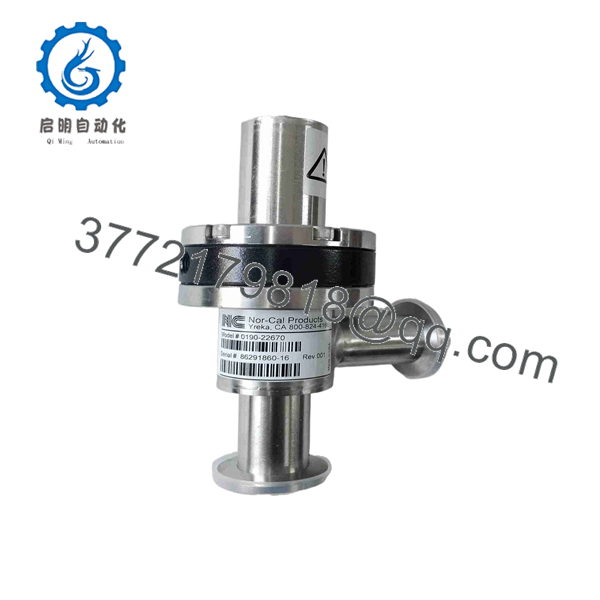
0190-22670
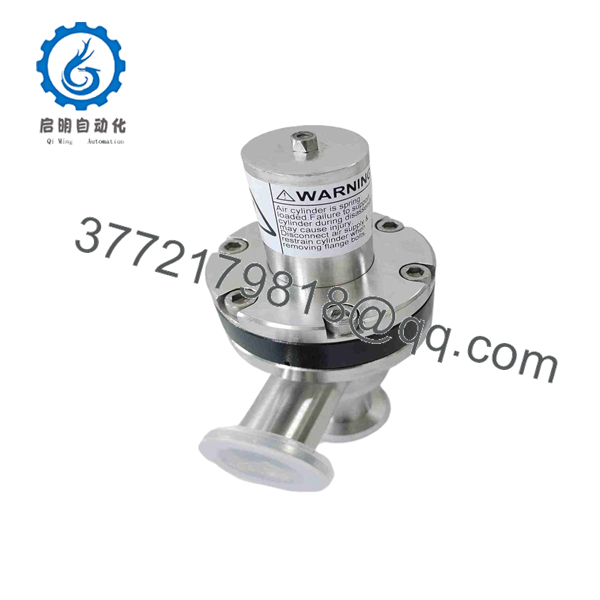
0190-22670
6. Firmware/Software Versions & Upgrade Notes
- Recommended Firmware: Requires system software build compatible with AMAT 300mm mainframe rack architectures (Release 3.X or higher).
- Compatibility Notice: Ensure backplane interface revision matches hardware revision requirements; older backplane revisions may experience signal noise if non-filtered cards are installed.
- Upgrade Risks: Do not reflash interface controller firmware during a live hardware swap. Firmware mismatches can result in bus timeout faults or communication dropping between the tool CPU and RF/vacuum subsystems.
7. Frequently Asked Questions (FAQ)
Q: Are these 0190-22670 boards truly brand new surplus?
A: Yes. All units are genuine, unused New Surplus inventory sourced from OEM supply chains. They feature zero socket wear, zero soldering repair work, and original static shielding.
Q: Why shouldn’t we buy a refurbished 0190-22670 to save on initial procurement?
A: Refurbished circuit boards often harbor invisible micro-cracks or aged electrolytic capacitors from thousands of thermal cycles. While a refurbished board might save $400 upfront, a single communication drop during a 300mm wafer run can scrap tens of thousands of dollars in product.
Q: Is the 0190-22670 board hot-swappable?
A: No. Hot-swapping this interface card can cause voltage arc spikes across high-density backplane pins, potentially damaging upstream processor cards or frying onboard logic chips.
Q: Does this card require initial software configuration upon replacement?
A: Physical DIP switch and jumper mirroring is required before insertion. Once hardware jumpers are aligned to match the original layout, the host system will automatically establish communication on boot.
Q: What warranty is provided with this New Surplus board?
A: Every unit carries a comprehensive 12-month operational warranty backed by strict incoming automated optical inspection (AOI) and backplane continuity test reports.



