WhatsApp: +86 16626708626
 Email:
 Phone: +86 16626708626
Description
Key Technical Specifications
- Module Type: Central Processing Unit (CPU) Module
- Processor Architecture: 386EX (33 MHz)
- Memory Configuration: 8 MB DRAM / 512 kB SRAM
- Storage: 8 MB file-flash memory
- Communication Interfaces: 1x CAN/CANopen, 1x RS232, 1x RS232/422/485
- Integrated Power Supply: 17 W onboard power conversion
- Expansion Slot: PC-Card (PCC) slot
- Operating Temperature: 0 to +60 °C (standard industrial rack conditions)
- Mounting Type: M200 / M1 system backplane slot (occupies 1 single slot)
- Dimensions: Standard Bachmann M200 module format
- Weight: 0.40 kg
Product Introduction
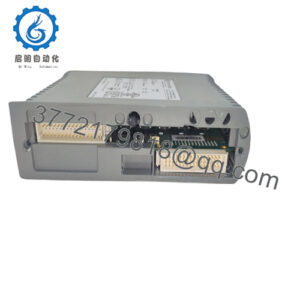
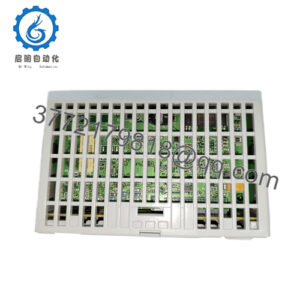
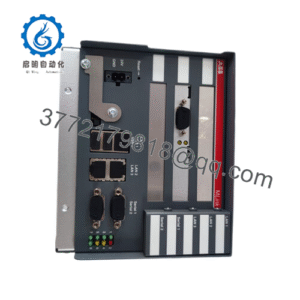
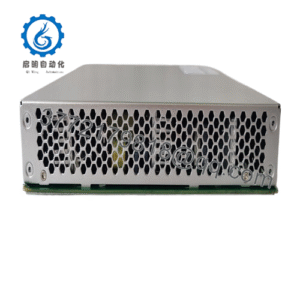
The Bachmann ME203CN.0025 (ME203/CN) is a legacy central processing module engineered for the Bachmann M1 and M200 industrial automation and control ecosystems. It coordinates real-time task execution, manages system backplane communication, and interfaces with distributed field devices through onboard serial and CANopen networks.
This processor is deployed extensively in energy infrastructure, maritime systems, and heavy industrial machinery. Maintenance teams rely on exact-model inventory replacements to sustain legacy Bachmann racks without requiring costly system redesigns or complete backplane rewiring.
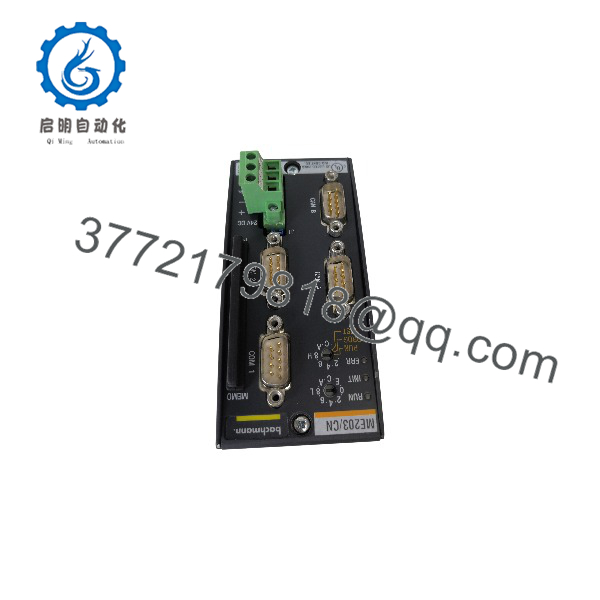
ME203CN.0025
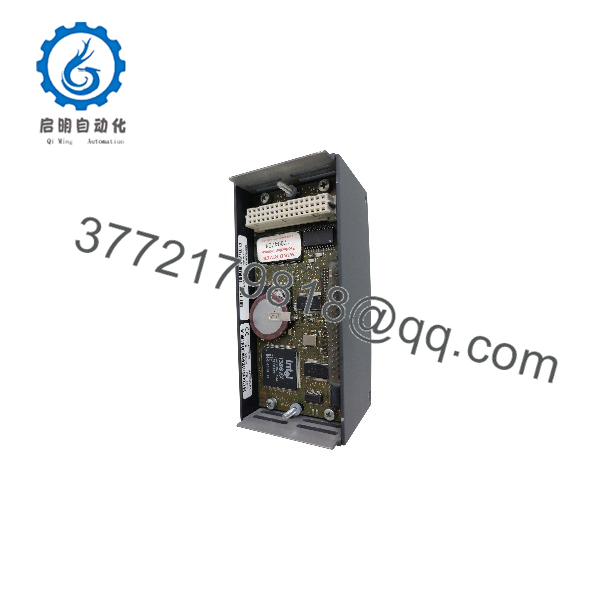
ME203CN.0025
Installation & Configuration Guide
Stage 1: Pre-Installation Preparation
- ⚠️ Safety First: Notify operations of potential control rack downtime, verify the automation system is in a safe manual or stopped state, execute Lock Out/Tag Out (LOTO) on rack power feeds, and wait 2 minutes for internal power capacitors to discharge.
- Tools Required: ESD grounding wrist strap, #1 flat-head screwdriver, programming cable, backup storage media, reference camera.
- Data Backup: Upload the active PLC program, configuration files, and network node settings using Bachmann programming software (Solution Center / M-Target) before unseating the old CPU.
Stage 2: Removing the Old Module
- Verify that system power to the Bachmann backplane rack is completely turned off.
- Label and disconnect any connected serial or CANopen communication cables plugged into the front panel. Note connector port designations.
- Release the upper and lower mechanical locking mechanisms securing the module to the backplane frame.
- Pull the module straight out of the slot, taking care not to scrape neighboring modules or bend backplane connector pins.
- Self-Check: Inspect the backplane slot connectors for dust, oxidation, or pin alignment issues. Keep the old CPU accessible until the replacement is verified operational.
Stage 3: Installing the New Module
- Ground yourself using an ESD wrist strap and verify that the replacement part number (
ME203CN.0025) matches your system documentation. - Configuration Clone: If the module utilizes a removable PC card (PCC) or memory storage medium containing project parameters, transfer it carefully to the new CPU before mounting.
- Align the module housing with the top and bottom backplane guides and push straight back until the locking levers snap firmly into place.
- Reconnect serial and CANopen communication lines to their exact original port locations.
- Self-Check: Confirm that the module is seated fully and locking tabs are securely engaged.
Stage 4: Power-On & Testing
- Pre-Power Check: Verify rack power supply wiring and input voltage levels with a digital multimeter.
- Power-On Steps:
- Energize the rack power supply module.
- Observe the front LED status indicators on the CPU (Check for normal boot sequence, active run state, and absence of hardware fault lights).
- Go online with the engineering software to verify that firmware versions match, network communication handshakes are clear, and the application program runs without errors.
- ⚠️ Troubleshooting Note: If the CPU faults immediately on startup or fails to communicate over the CANopen bus, verify that node address switches/software parameters match the system configuration and check the PC-card seating.
Frequently Asked Questions (FAQ)
Can this CPU module be hot-swapped under power?
Honestly, pulling or inserting a central processor module while the Bachmann backplane rack is energized will cause bus communication crashes, corrupt memory registers, and potentially damage backplane pins. Always shut down system power to the rack before replacing a CPU module.
Is this model obsolete, and is it genuinely new?
The ME203/CN series is a mature legacy processor line from Bachmann, with direct factory production having ceased as newer controllers (such as the MX series) took over. Units designated as “New Original” or “New Surplus” are authentic, uninstalled hardware items sourced from verified industrial reserve stocks and plant liquidations.
What is the direct replacement if this exact model is out of stock?
Bachmann often points toward newer processors like the MX207 or MX213 series as architectural evolution paths. However, be aware that newer MX modules frequently require two backplane slots instead of the single slot used by the ME203, and software project migration may be required. For drop-in ease, matching the exact ME203CN.0025 part number is recommended.
Will I lose my program logic when I pull the old CPU?
If your application logic and system variables are stored on a removable PC card (PCC) inserted into the module, moving that card to the new CPU preserves your project data. If the project lives entirely in onboard volatile/flash memory without an external card, you will need to re-download the project file via the programming software after installation.
Why is your price lower than the OEM factory list price?
Independent surplus automation suppliers acquire new-in-box excess stock from plant upgrades, plant closures, and reserve warehouse liquidations. By bypassing traditional multi-tier factory distribution channels, we can provide maintenance teams with immediate component availability at competitive pricing.