
 WhatsApp: +86 16626708626
 Email:
  Phone: +86 16626708626
Description
Key Technical Specifications
- Part Number: 140734-01
- Associated Model: 3500/40M
- Brand: Bently Nevada
- Function: Proximitor Monitor
- Channels: 4
- Input Type: Proximity transducer signals
- Outputs / Alarms: User-programmable alarm setpoints
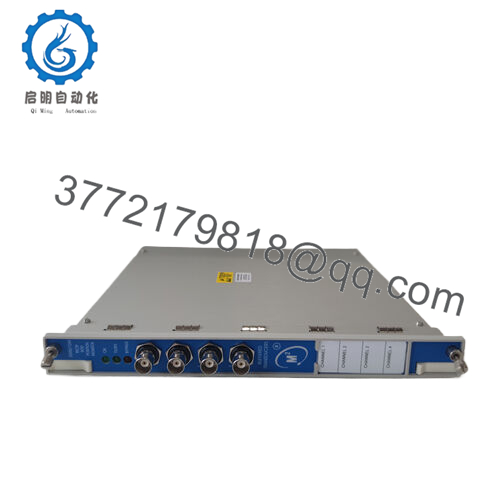
- Physical Format: Rack-mounted 3500 series module
- Approx. Weight: 0.8 kg
- Approx. Dimensions: 16 cm x 16 cm x 12 cm
- Typical Use: Machinery protection and shaft monitoring
- Compatibility Note: Verify exact 3500 rack and I/O configuration before installation
Product Introduction
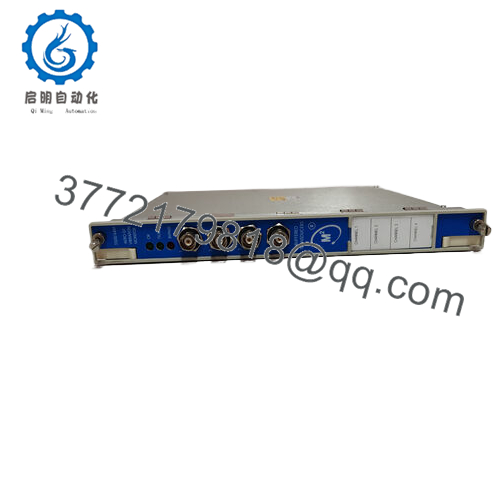
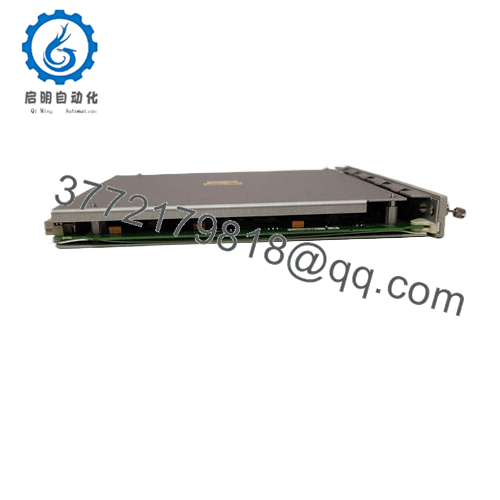
Bently Nevada 140734-01 is a 3500/40M Proximitor Monitor used in rotating machinery protection systems. It conditions proximity probe signals for vibration, position, and related shaft measurements in Bently Nevada 3500 racks.
It is chosen when the site needs a 4-channel monitor with programmable alarms and clear rack-level diagnostics. In the field, the main job is simple: read the probe, compare against setpoints, and alert before a machine moves out of tolerance.

- 140734-01
Troubleshooting Quick Reference
| Symptom | Possible Cause | Relevance to this Part | Quick Check Method | Recommendation |
|---|---|---|---|---|
| No status LEDs on the module | Rack power loss or backplane issue | ❌ Low | Measure rack supply at the backplane and check adjacent modules | Check the 3500 rack PSU and slot power before replacing the module |
| Alarm output active immediately after power-up | Probe gap set wrong or configuration mismatch | ✅ High | Read the rack configuration and verify probe gap values | Recheck setup data before declaring the module faulty |
| Channel reads unstable vibration value | Probe wiring, loose connector, or damaged transducer | ✅ Medium | Inspect terminations and verify signal at the probe input | Swap probe leads or test the transducer first |
| Communication or rack fault message | I/O config mismatch or slot issue | ✅ Medium | Compare installed module type against rack configuration | Confirm the exact 140734-01 configuration in the 3500 software |
| One channel dead, others normal | Local channel failure or external probe fault | ✅ High | Move the input to a known-good channel and compare readings | Replace only after the probe and wiring test clean |
| Values drift after warm-up | Grounding, shielding, or noisy field wiring | ❌ Low | Check shield termination and ground continuity | Fix grounding and cable routing before ordering a replacement |
Contact technical support with photos of the front label, rack slot, wiring, and any diagnostic logs if the fault is still unclear.
Frequently Asked Questions
Can I use 140734-01 as a direct replacement?
Usually yes, if the installed rack and configuration match the existing 3500/40M setup. Check the exact slot type, I/O termination style, and alarm configuration before swapping it in.
Is this module hot-swappable?
Do not assume it is. Pulling a monitor without confirming the rack procedure can create a fault or disturb the system, so power down or follow the site maintenance method first.
Will my existing configuration transfer automatically?
No, not always. The replacement may need the same rack setup, channel mapping, and alarm thresholds loaded again. Take screenshots or backup files before removal.
Why is surplus stock cheaper than factory new?
Because surplus parts often come from excess inventory, decommissioned systems, or channel stock. The price is lower, but you still need a clear test record and condition statement.
What condition should I expect on a surplus unit?
For a credible sale listing, state whether it is New Original, New Surplus, or Refurbished (tested). Buyers in this market want the truth up front, not a vague “used” label.
Does this part fail often?
Not usually. In practice, the probe, wiring, rack power, or configuration causes more trouble than the monitor itself, so verify the system around it before replacing the module.



