
 WhatsApp: +86 16626708626
 Email:
  Phone: +86 16626708626
Description
Key Technical Specifications
| Parameter | Specification Value |
| Catalog / Model Number | PSM01.1-FW |
| Manufacturer Part Number | R911280669 / R911280669-202 |
| Manufacturer | Bosch Rexroth (Indramat) |
| System Compatibility | Indramat PPC-R and PPC-P Series Motion Controllers |
| Form Factor | PC-Card / PCMCIA Slot-Mount Module |
| Memory Type | Non-Volatile Flash Memory (Flash EPROM) |
| Functions | System Boot, Initialization, NC Program Execution, Tool Data |
| Operating Temperature | 0^\circC to +55^\circC (32^\circF to 131^\circF) |
| Storage Temperature | -25^\circC to +70^\circC (-13^\circF to 158^\circF) |
| Mounting Style | Direct Insertion into PPC Controller Front Panel Memory Slot |
Product Introduction
The Bosch Rexroth Indramat PSM01.1-FW is a dedicated flash memory firmware card designed specifically for the Indramat PPC series of industrial motion controllers (including PPC-R and PPC-P units). Formatted in a rugged PC Card (PCMCIA) slot-mount architecture, the PSM01.1-FW holds the core operating system software, startup algorithms, SERCOS interface configurations, and NC processing rules required to bring the PPC controller online.
In automated processing lines, CNC machine tools, and multi-axis packaging systems, the PSM01.1-FW allows easy firmware updates and swift controller swaps without requiring complex field programming. Maintenance personnel can simply insert the card into a replacement PPC base module, allowing the controller to immediately load its necessary operating parameters upon boot-up.
Troubleshooting Quick Reference
| Symptom | Possible Cause | Relevance to Part | Quick Check Method | Recommendation |
| Controller Displays “Boot Fault” / “No FW” | Card unseated or corrupt firmware memory | ✅ High | Check front panel 7-segment display on the PPC controller for firmware loading errors. | Power off the controller, clean card edge contacts, and re-seat the card firmly in the slot. |
| PPC System Stays in Reset State | Incorrect firmware version loaded on PSM card | ✅ High | Cross-reference the firmware release number printed on the PSM label with system requirements. | Ensure the PSM01.1-FW card contains the exact firmware release matching your machine software. |
| Card Read Error During Boot | Bent connector pins in PPC PC Card socket | ❓ Medium | Inspect internal connector pins in the PPC controller front card slot with a flashlight. | Straighten bent socket pins carefully or replace the damaged controller base card slot. |
| Communication Timeout on SERCOS Bus | Missing bus interface parameters on card | ✅ High | Check if the SERCOS initialization code is loaded properly during boot sequence. | Re-flash or replace the PSM01.1-FW card with the correct option-code firmware version. |
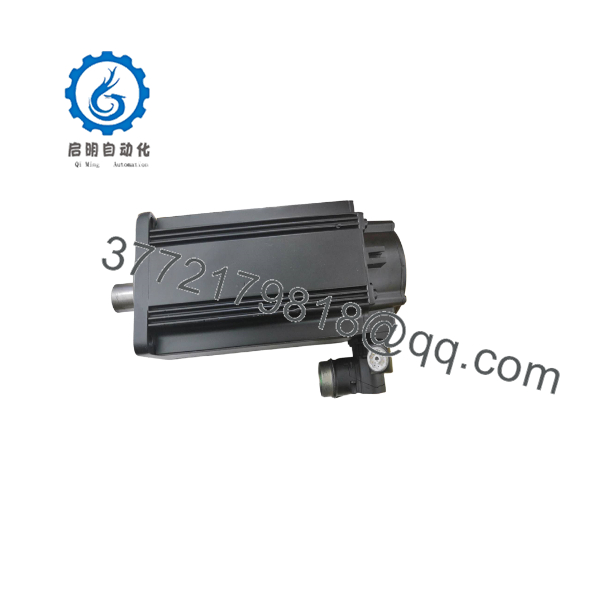
PSM01.1-FW
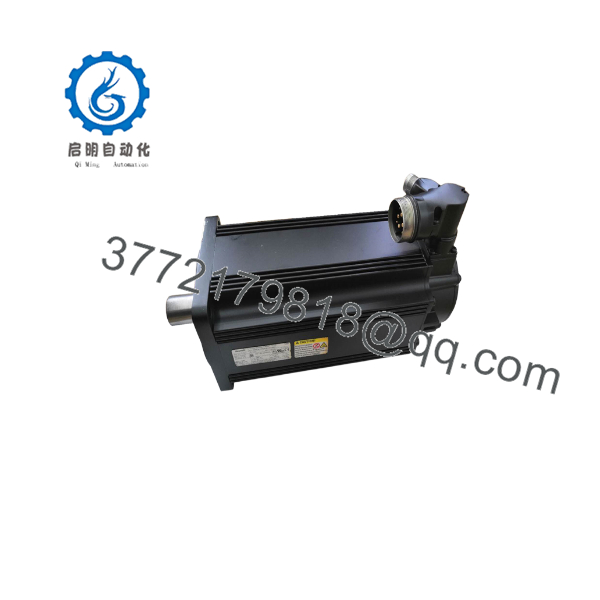
PSM01.1-FW
Frequently Asked Questions (FAQ)
Q: Can a PPC controller operate without the .1-FW card installed?
A: No. The PPC controller relies on the firmware stored on the .1-FW card to boot its internal processor, initialize hardware components, and establish SERCOS communication.
Q: Is the firmware on the .1-FW customizable in the field?
A: The physical card itself is a flash memory card. While firmware updates can be flashed onto the card using specialized Indramat programming utilities (such as DriveTop or IndraWorks), cards are generally pre-loaded with specific system firmware versions prior to installation.
Q: Are .1-FW cards interchangeable between different machines?
A: Only if both machines run on the exact same controller platform, firmware version, and option code structure. Installing a card with an incompatible firmware version may prevent the controller from initializing system I/O.
SOP Quality Control Process
- Visual & Contact Inspection: Verify housing structural integrity, check PC Card edge contacts for scratches or oxidation, and confirm original Indramat part number labeling.
- Flash Memory Integrity Test: Read and verify checksum data across the flash memory array to ensure no corrupted data blocks exist.
- PPC Controller Live Boot Test: Insert card into an Indramat PPC test rack; power cycle the system and monitor the boot sequence through hardware initialization and SERCOS loop establishment.
- Firmware Version Cataloging: Document exact software revision codes, firmware build numbers, and option flags in the QA tracking database.
- Anti-Static Packaging: Treat with anti-static spray and seal inside a vacuum ESD shielding bag with desiccant before shipping.
Technical Pitfall & Survival Guide
- ❗ Never Hot-Swap the Memory Card: Removing or inserting the .1-FW card while the PPC controller is powered ON can corrupt the onboard flash memory or destroy the PC Card interface transceiver chips. Always disconnect system power before swapping cards.
- ❗ Match Firmware Revisions Exactly: Indramat software option codes are tied to specific firmware build levels. When ordering a spare or replacement card, match the complete firmware code (e.g., FWC-PPC-R02-…) from the old card’s label to avoid system compatibility conflicts.
- ❗ ESD Handling Precautions: The internal flash chips on PC Cards are sensitive to electrostatic discharge. Always wear a grounded wrist strap when handling the card outside its shielding bag.



