
 WhatsApp: +86 16626708626
 Email:
  Phone: +86 16626708626
Description
Key Technical Specifications
| Parameter | Value |
|---|---|
| Manufacturer | B&R Industrial Automation |
| Model | 5P81 |
| Product Type | Industrial automation PC |
| Application | Machine control and visualization |
| CPU Architecture | x86 industrial processor platform |
| Operating System | Windows Embedded / Windows compatible (configuration dependent) |
| Runtime Environment | B&R Automation Runtime |
| Display Support | External operator panel connection (configuration dependent) |
| Communication | Ethernet and fieldbus options depending on configuration |
| Storage | Industrial storage media configuration dependent |
| Expansion | Hardware option dependent |
| Installation | Industrial control cabinet integration |
| Operating Environment | Industrial automation applications |
| Product Status | Legacy B&R automation hardware |
Technical Note:
The designation 5P81 represents a B&R industrial PC platform family identifier. B&R frequently uses additional suffix characters and complete ordering codes to define processor type, memory size, storage media, operating system, and interface options. The complete material number is required for exact replacement matching.
Product Introduction
The B&R 5P81 is an industrial automation computer platform used in B&R machine control architectures. It provides the computing hardware required for applications running B&R Automation Runtime, visualization systems, and machine-control software.
In field maintenance work, replacing a B&R industrial PC requires more than matching the front label. Engineers must verify the complete ordering code, Automation Studio project configuration, storage media, operating system image, and communication interfaces before returning the machine to production.
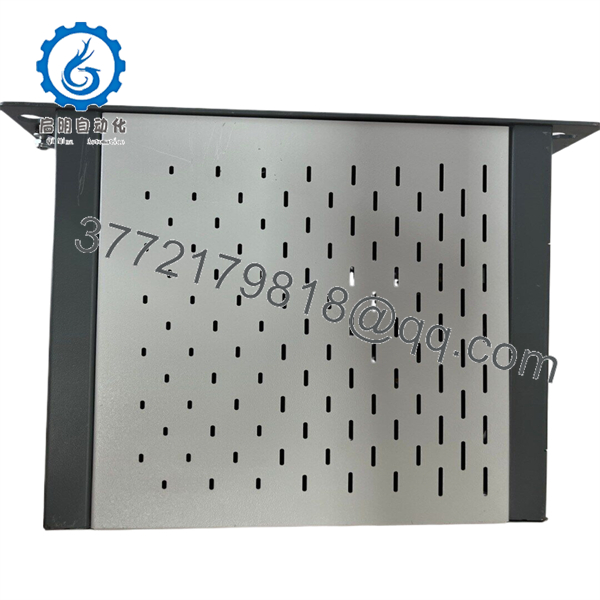
5P81
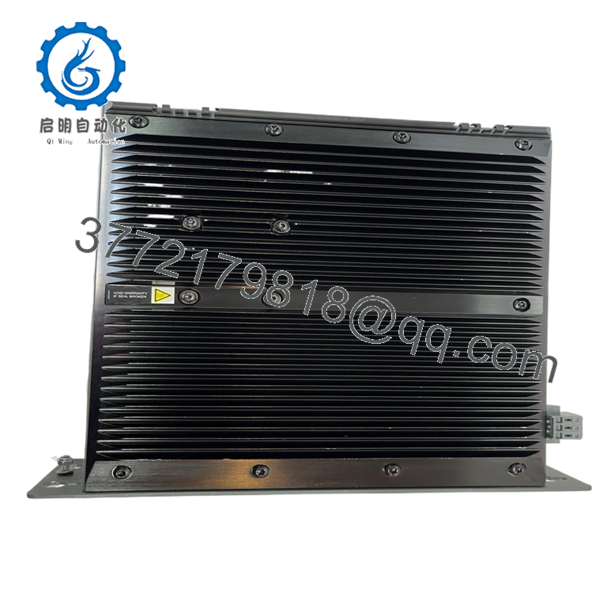
5P81
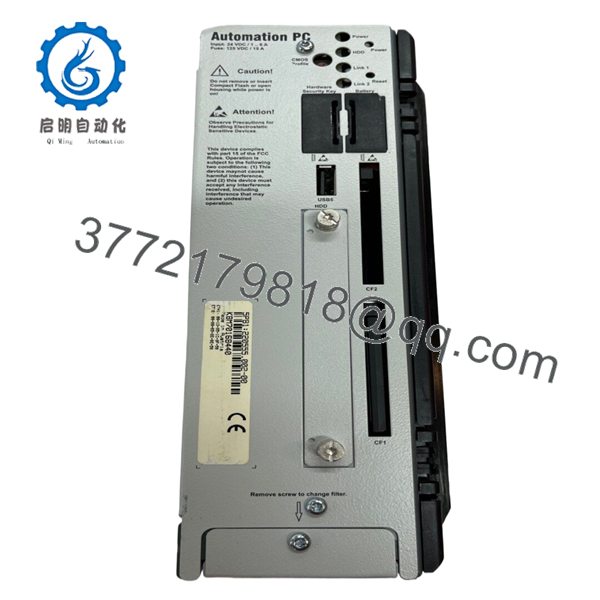
5P81
Installation & Configuration Guide
Stage 1: Pre-Installation Preparation (~15 minutes)
- Notify production personnel about planned downtime.
- Apply lockout/tagout procedures before opening the cabinet.
- Disconnect the main power source.
- Wait at least 5 minutes for capacitor discharge.
Tools Required:
- ESD wrist strap
- PH1 screwdriver
- Digital multimeter
- Wire labels
- Smartphone/camera for documentation
Data Backup:
- Backup the B&R Automation Studio project.
- Record:
- Current firmware version
- Automation Runtime version
- IP addresses
- Network configuration
- Storage device contents
- Photograph:
- Cable connections
- DIP switches/jumpers
- Nameplate information
⚠️ Do not remove the original unit before securing software backups. Industrial PC replacements often fail because the hardware was preserved but the application image was not.
Stage 2: Removing the Old Unit (~10 minutes)
- Shut down the machine using the approved procedure.
- Verify the 24 VDC supply is disconnected.
- Label all cables.
- Disconnect:
- Power supply wiring
- Ethernet cables
- Fieldbus connections
- USB devices
- Panel communication cables
- Remove mounting hardware.
- Pull the unit straight out.
- Inspect connectors and cabinet wiring.
⚠️ Keep the original controller available until commissioning is complete.
Stage 3: Installing the Replacement (~15 minutes)
- Wear ESD protection.
- Verify the complete B&R identification label.
- Compare:
- CPU configuration
- Memory capacity
- Storage media
- Interface modules
- Hardware revision
- Install the unit mechanically.
- Secure mounting screws.
- Reconnect all cables according to the documented layout.
- Verify grounding and shield connections.
Configuration Clone Checklist:
- Hardware configuration matches
- Storage media transferred or restored
- Network settings verified
- Communication interfaces matched
- Power wiring checked
Stage 4: Power-On & Testing (~20 minutes)
- Measure supply voltage before energizing.
- Apply power to the controller.
- Confirm boot sequence.
- Verify Automation Runtime startup.
- Check Ethernet communication.
- Connect using Automation Studio.
- Confirm:
- PLC application status
- Visualization operation
- Fieldbus communication
- Machine I/O response
- Perform controlled machine testing.
Technical Pitfall & Survival Guide
❗ Firmware and Automation Runtime mismatch
A replacement B&R industrial PC may boot correctly but fail to run the machine application if the Automation Runtime version does not match the project.
I have seen machines remain offline for hours because a replacement controller arrived with a newer runtime version than the original system. The hardware was correct; the software environment was not.
Avoidance:
Record the original Automation Runtime version before replacement.
❗ Storage media is part of the control system
Many B&R systems store application data, runtime files, and configuration information on internal storage media.
Avoidance:
Back up the original storage device before removing the controller.
❗ Communication configuration errors
Ethernet/IP addresses, fieldbus parameters, and device assignments must match the original installation.
Avoidance:
Photograph network settings and document every connected device.
❗ Power supply sizing
Industrial PCs can draw more current than simple PLC modules.
Calculate the total cabinet load and maintain approximately 20% power reserve.
Frequently Asked Questions (FAQ)
What is the B&R 5P81?
The B&R 5P81 is an industrial automation computer platform used for machine control, visualization, and B&R Automation Runtime applications.
Is the 5P81 a PLC CPU module?
No. It is an industrial PC platform. The control application normally runs through B&R Automation Runtime rather than a traditional standalone PLC CPU architecture.
Can I directly replace a 5P81 with another B&R controller?
Not automatically. Verify the complete ordering code, processor configuration, storage media, runtime version, and communication hardware.
Will I lose the machine program when replacing this unit?
Potentially. The application may depend on the original storage media and software image. Always create a backup before removal.
Why are legacy B&R industrial PCs difficult to replace?
Because the hardware is only one part of the system. Compatibility also depends on Automation Studio configuration, Automation Runtime version, visualization software, and connected devices.
Is the B&R 5P81 obsolete?
The short designation alone is not enough to determine lifecycle status. B&R industrial PC families have many revisions. Confirm the complete material number and current lifecycle information before planning a migration.
What should I verify before purchasing a replacement?
Confirm:
- Complete B&R material number
- Processor type
- RAM configuration
- Storage media
- Operating system image
- Automation Runtime version
- Communication interfaces
- Hardware revision
- Functional test report
For surplus equipment, request identification-label photos and powered test results before installation.



