
 WhatsApp: +86 16626708626
 Email:
  Phone: +86 16626708626
Description
3. Key Technical Specifications
| Parameter | Value |
|---|---|
| Access Point Capacity | Base 6 APs (expandable) |
| Form Factor | 1U rack-mountable |
| Network Ports | Multiple Gigabit Ethernet |
| Security Features | Stateful firewall, IPSec VPN |
| Management | Centralized AP control and policy |
| Redundancy | Supports clustering (model dependent) |
| Power | AC power supply |
| Licensing | AP license upgrades available |
4. Product Introduction
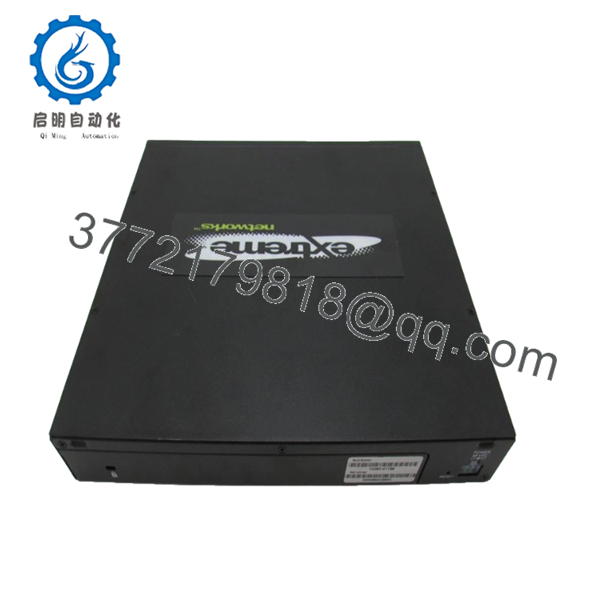
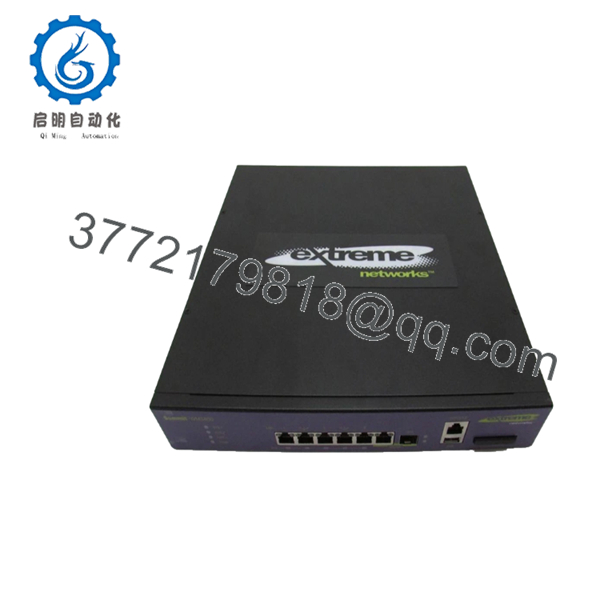
The Extreme Networks WM3400 is a Summit series Wireless LAN Controller designed for small to medium enterprises and branch offices. It provides centralized management of wireless access points with integrated wired and wireless security features.
This controller combines AP control, Layer 2/3 networking, and security services into a compact platform. It is well-suited for environments needing reliable Wi-Fi with role-based access, firewall protection, and VPN capabilities without requiring a full data center deployment.

- WM3400
- WM3400
5. Troubleshooting Quick Reference
| Symptom | Possible Cause | Relevance to this Part | Quick Check Method | Recommendation |
|---|---|---|---|---|
| APs not joining controller | License limit or network reachability | High | Check show license and AP discovery logs | Add licenses or verify Layer 3 connectivity |
| Wireless clients cannot connect | Policy or radio configuration | Medium | Review client association logs | Check SSID settings and RADIUS if applicable |
| Controller web GUI inaccessible | Management interface issue | High | Test console access and IP configuration | Verify management VLAN and firewall rules |
| High CPU or slow performance | Over-subscribed APs or traffic | Medium | Monitor system resources | Upgrade hardware or distribute load |
| Failover or redundancy issue | Clustering configuration | Low | Check cluster status commands | Validate peer connectivity and sync |
Collect controller logs and AP status before contacting support for complex issues.
6. Frequently Asked Questions (FAQ)
What is the base AP capacity of the WM3400? It ships with licenses for 6 access points. You can add licenses (typically in increments up to 30 or more) depending on your needs and software version.
Does this controller support modern Wi-Fi standards? The WM3400 is an older platform best suited for 802.11n/a/b/g environments. For Wi-Fi 6/6E or newer, consider current ExtremeCloud IQ or newer controller models.
Can the WM3400 be used in a redundant setup? Yes, it supports controller clustering or redundancy configurations. Check your specific software release for exact capabilities.
Is this unit still supported? This is a legacy Summit WM series product. New surplus units are available with testing and a 1-year warranty. Software updates may be limited.
What licensing do I need for additional features? Beyond AP counts, check for 3G, advanced security, or other feature licenses. We can provide details based on your intended deployment.
How do I upgrade AP licenses? License keys are applied through the controller CLI or GUI. Have your serial number and desired capacity ready when contacting sales or support.
What are common pitfalls with WM3400 deployments? Ensure proper licensing before deploying many APs. Also verify network connectivity between controller and APs (UDP ports, routing). Take a configuration backup before any changes.



