
 WhatsApp: +86 16626708626
 Email:
  Phone: +86 16626708626
Description
3. Key Technical Specifications
| Parameter | Value |
|---|---|
| Ports | 12 x 10/100/1000BASE-T PoE+ |
| Uplink Ports | 4 x 1G/10GBASE-X SFP+ (unpopulated) |
| Switching Capacity | 104 Gbps |
| Forwarding Rate | 77.4 Mpps |
| PoE Budget | 200W (802.3at PoE+) |
| Stacking | SummitStack-V support |
| Dimensions (HxWxD) | 1.73 x 12.01 x 10.28 inches |
| Weight | Approx. 9.66 lb (4.38 kg) |
| Operating Temperature | 0°C to 45°C |
| Power Supply | Internal AC with RPS option |
| Management | ExtremeXOS, CLI, web, SNMP |
4. Product Introduction
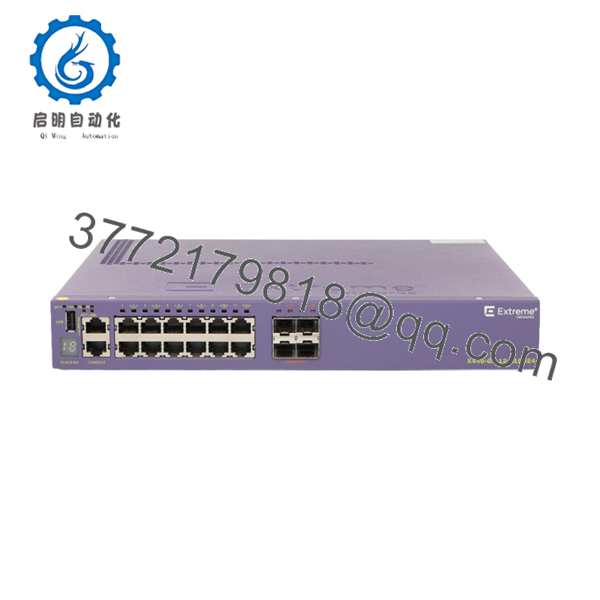
The Extreme Networks X440-G2-12P-10 is a compact 1RU access switch that delivers 12 Gigabit PoE+ ports and four flexible SFP+ ports upgradeable to 10 Gigabit Ethernet. It targets small to medium edge deployments where you need both power for devices and high-speed uplinks to aggregation layers.
In field use with X440-G2 stacks, this model provides solid performance for IP surveillance, wireless access points, and VoIP setups while keeping rack space and power consumption low. The ability to license the SFP+ ports for 10GbE makes it a practical choice when future bandwidth needs grow.

- X440-G2-12P-10
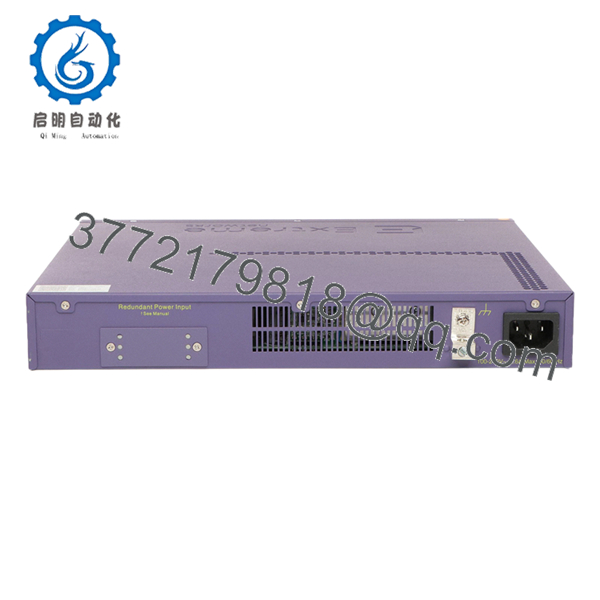
- X440-G2-12P-10
5. Troubleshooting Quick Reference
| Symptom | Possible Cause | Relevance to this Part | Quick Check Method | Recommendation |
|---|---|---|---|---|
| No power / fans off | AC input or internal PSU issue | ✅ High | Check voltage at power cord inlet | Verify outlet; test with known good cord |
| PoE ports not powering devices | Budget exceeded or port shutdown | ✅ High | Run “show inline-power” and “show power” in CLI | Confirm total draw and re-enable ports |
| SFP+ ports no link | Module not seated or incompatible | ✅ High | Inspect module; run “show ports” command | Use Extreme-qualified transceivers |
| Stack member not joining | Cabling or license mismatch | ✅ Medium | Check “show stack” and stacking ports | Verify SummitStack cables and licenses |
| High CPU utilization | Broadcast storm or heavy traffic | ❌ Low | Run “show cpu-process” and “show log” | Review QoS and STP configuration |
| Link flaps on copper ports | Cable length or EMI | ✅ Medium | Test cable with certifier; check “show port info” | Keep runs under 100m and use shielded cable |
Contact technical support with “show tech-support” output, port logs, and photos of cabling if the issue persists.
6. Frequently Asked Questions (FAQ)
Is the X440-G2-12P-10 still under manufacturer support? The X440-G2 series has reached or is approaching end-of-support on newer ExtremeXOS releases. Many installations continue running stable versions. Check the exact Extreme Networks support portal for your required software image.
Can the SFP+ ports run at 10GbE out of the box? No. The four SFP+ ports default to 1GbE. You need the appropriate software license to unlock 10GbE operation. Confirm licensing status with “show license” before ordering optics.
What is the maximum PoE budget? The internal power supply provides 200W PoE budget. You can attach an external RPS for redundancy, but it does not increase the PoE budget on this model. Calculate connected loads carefully.
Does this switch support stacking? Yes. It supports SummitStack-V stacking. Use compatible stacking cables and ensure all stack members run matching firmware versions for proper operation.
Is this unit new surplus? This is New Original / New Surplus stock. Units ship with full factory traceability and undergo functional testing of all ports and PoE functionality prior to packing.
Will my existing ExtremeXOS configuration work? In most cases yes, especially within the same major release. Always save your current config and review release notes for any command or feature changes before the swap.
What warranty do you provide? We provide a 1-year warranty covering hardware defects on this New Surplus unit. Test documentation and serial records are available on request before shipment.



