
 WhatsApp: +86 16626708626
 Email:
  Phone: +86 16626708626
Description
Key Technical Specifications
- Manufacturer: Foxboro, now associated with Schneider Electric process automation product lines
- Manufacturer Part Number: H90JFBD022J0
- Product Family: Foxboro I/A Series process-control hardware
- Product Category: Fieldbus Module or I/O interface hardware
- Primary Function: Interfaces process field signals with the associated Foxboro I/A Series control architecture
- Typical Application: DCS-based process control in oil and gas, chemical, power generation, pulp and paper, water treatment, and industrial process plants
- Mounting Method: System-specific baseplate, termination assembly, or carrier installation; verify the installed hardware arrangement before ordering
- I/O Signal Type: Public listings conflict on the exact function; do not assume analog input, pressure measurement, discrete I/O, or communications without an OEM label and system documentation
- Communication Architecture: Foxboro system-specific fieldbus/backplane communications; protocol and controller compatibility must be verified at the site
- Supply Requirements: Not publicly verified; confirm rated supply voltage, terminal assignment, grounding, and fuse protection from the applicable Foxboro documentation
- Configuration Requirements: Verify hardware revision, software database assignment, tag configuration, termination assembly, and channel configuration before replacement
- Lifecycle Status: Treat as legacy DCS hardware; condition and availability depend on surplus, used, or tested-refurbished inventory
The public information available for H90JFBD022J0 is inconsistent: one listing calls it a pressure transmitter, while another describes it as an analog input Fieldbus Module. That conflict means the exact device identity and specifications cannot be verified from public resale pages alone. Confirm the complete OEM label, installed carrier/baseplate, termination assembly, and Foxboro system documentation before buying or publishing detailed claims.
Product Introduction
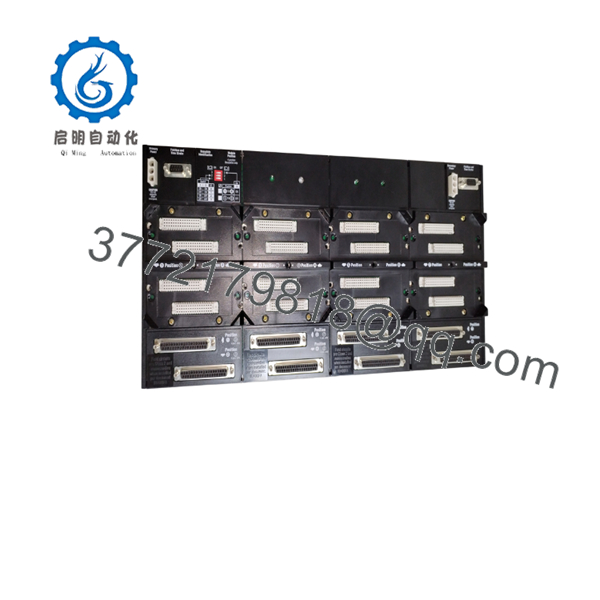
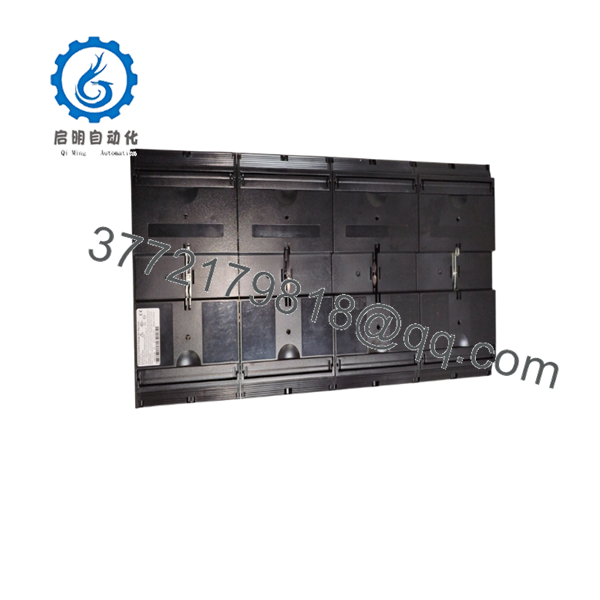
The Foxboro H90JFBD022J0 is a legacy Foxboro I/A Series process-control component intended for use in a compatible distributed control system environment. It supports the connection or processing of field-level process signals within the DCS architecture, subject to confirmation of its exact module identity and installed system configuration.
This is not a part number to substitute by description alone. Public reseller records disagree on whether H90JFBD022J0 is an I/O module or a pressure transmitter, so buyers must match the full OEM label, hardware revision, installed termination hardware, and existing Foxboro database configuration before ordering.
Troubleshooting Quick Reference
| Symptom | Possible Cause | Relevance to this Part | Quick Check Method | Recommendation |
|---|---|---|---|---|
| Module has no status indication after power-up | Missing carrier power, blown fuse, damaged baseplate, improperly seated module | ❌ Low to medium | Under approved maintenance procedures, inspect module seating and baseplate contacts. Measure the documented supply rail at the carrier or termination assembly using a calibrated Fluke 115 or equivalent meter. | Verify system power, fuses, baseplate integrity, and cabinet grounding before replacing the module. |
| One process tag reads zero, fixed, or bad quality | Failed transmitter, open field loop, loose terminal, incorrect database configuration, possible channel fault | ✅ Medium | Check the field device locally. Measure the actual process signal at the termination assembly and compare it with the value displayed in the Foxboro workstation or controller diagnostic. | Prove the field device and loop wiring first. Replace the module only if a valid field signal reaches its channel but does not appear in the DCS. |
| Several associated tags fail together | Common supply issue, failed termination assembly, fieldbus/backplane problem, module failure | ✅ High | Determine whether failed tags share the same module, carrier, termination assembly, or power source. Check module and controller diagnostic messages. | A module fault is possible, but inspect shared power and termination hardware before replacement. |
| DCS reports module offline or communication failure | Loose module, failed baseplate, controller communication issue, hardware revision mismatch, module fault | ✅ High | Record the exact Foxboro diagnostic message. Inspect seating, carrier contacts, and fieldbus/backplane connections with the system in an approved shutdown state. | Reseat and inspect first. Replace only after the carrier and system communications are verified. |
| Input value is noisy or fluctuates | Ground loop, shield termination problem, unstable transmitter supply, damaged cable, incorrect signal range | ❌ Low to medium | Measure the field signal over time and inspect shield grounding according to the loop drawing. Confirm whether shield termination is single-ended as specified. | Fix the field loop and grounding issue first; noisy readings often originate outside the module. |
| Replacement module shows configuration or channel errors | Wrong part number, incompatible hardware revision, incorrect database assignment, unmatched termination assembly | ✅ High | Compare the exact model, revision, connector layout, and carrier/termination hardware with the removed unit. Review the configured module type in the Foxboro engineering database. | Stop installation and confirm hardware/software compatibility before forcing the module into service. |
| All I/O values fail after shutdown maintenance | Connector not seated, swapped termination cable, missing field supply, damaged carrier contact | ✅ Medium | Compare post-maintenance wiring with pre-maintenance photos and drawings. Confirm each termination cable position and field supply fuse. | Check wiring and terminations before replacing a module that was working before maintenance. |
| Visible corrosion, burned area, or damaged terminals | Moisture ingress, electrical overstress, wiring fault, external loop short, ESD | ✅ High | Isolate all energy sources, inspect both the module and termination hardware, and test field circuits for shorts before fitting a replacement. | Replace the damaged component and correct the root cause before energizing a replacement. |
❗ Exact module identification matters: Do not order H90JFBD022J0 based only on a generic description. The conflicting public descriptions are a clear warning that a single character, revision, or label suffix may change the product category entirely.
❗ Take photos before removal: Photograph the full label, module location, carrier, termination assembly, cable identifiers, and every terminal connection. In a Foxboro I/A Series cabinet, a wrong termination assembly can create faults that look like a bad module.
❗ Do not wire from memory: Verify each field loop against the current loop drawing. Similar termination blocks can carry different signal types, common references, shield schemes, or field-supply arrangements.
❗ Check supply capacity: A weak 24 V DC field supply or carrier supply can make several channels fail at once. Measure voltage under load and preserve at least a 20% supply-current margin.
❗ Observe ESD controls: Wear a grounded wrist strap and place the module on an ESD-safe surface. A module can be damaged by static discharge without showing a burn mark or immediate failure.
Keep these checks in mind and you will save yourself 90% of typical rework time. If the issue remains unresolved, contact technical support with photographs of the full nameplate, carrier and termination assembly, DCS diagnostic messages, field-loop readings, and relevant controller logs.
H90JFBD022J0
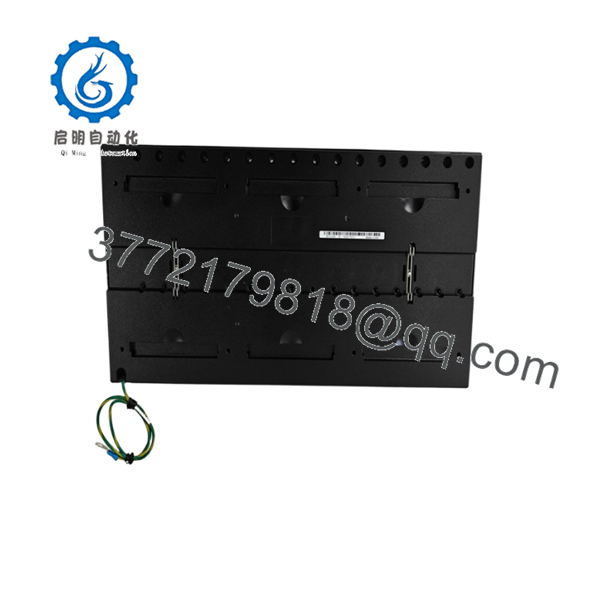
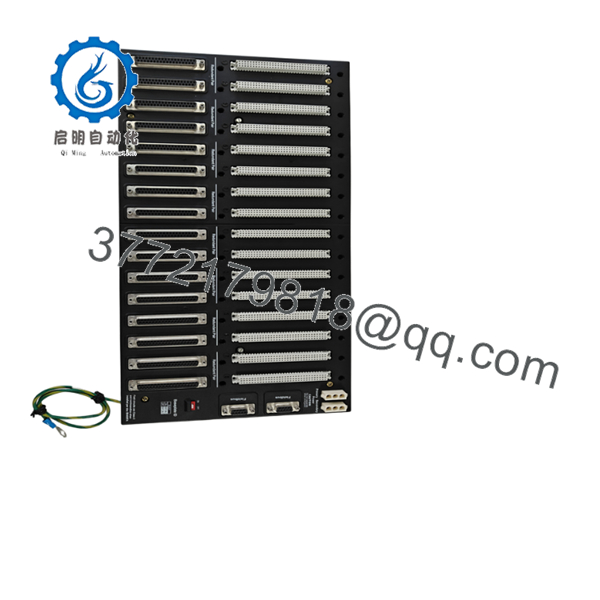
H90JFBD022J0
Frequently Asked Questions
What is Foxboro H90JFBD022J0?
appears to be a Foxboro I/A Series process-control component, but publicly available reseller descriptions conflict. One listing identifies it as a pressure transmitter, while another identifies it as an analog input Fieldbus Module. For that reason, the correct answer must come from the physical OEM label and the installed Foxboro system documentation rather than a generic internet listing.
Is a direct replacement for another Foxboro module?
Do not assume a direct substitute. A compatible replacement must match the complete part number, hardware revision, installed baseplate or carrier, termination assembly, field signal type, controller version, and engineering database configuration. If the part number on your installed hardware differs by even one suffix character, verify it through the Foxboro documentation before purchase.
Can I hot-swap this module?
Do not hot-swap it unless the precise Foxboro I/A Series hardware manual for the installed baseplate and module explicitly permits it. Some DCS hardware supports controlled replacement, but field wiring, process criticality, redundancy status, and termination design all matter. If this device handles a live process signal, coordinate with operations, place the control strategy in a safe state, and follow the site management-of-change procedure.
Will replacing it affect my process configuration or control database?
The DCS application and tag database generally reside in controllers and engineering workstations, not solely inside a field module. However, the new hardware may require channel confirmation, module-type verification, calibration or range checks, and database reconciliation. Back up the engineering database, record the old module status, and document every channel and termination connection before removal.
How can I tell if the failure is in the module rather than the transmitter or wiring?
Measure at the field device and again at the termination assembly. For a standard analog loop, verify transmitter power, loop continuity, actual signal level, terminal polarity, shield termination, and DCS diagnostic quality. If the correct field signal is present at the module termination but the DCS still reports a failed or implausible value on that one channel, the module becomes a likely cause. If several channels fail together, inspect common power and the termination assembly first.
Is obsolete?
Treat it as legacy Foxboro process-control hardware until the OEM confirms current production status. It is typically sourced through new-surplus, used, or tested-refurbished inventory, and availability can be limited. Confirm real-time stock, condition, test scope, lead time, warranty, and the full OEM label before issuing a purchase order.
Why might this part cost less than a factory replacement?
Surplus stock can come from unused maintenance inventories, project cancellations, plant shutdowns, upgrades, or asset liquidations. The price can be lower without indicating a counterfeit or defective item, but the supplier should document the condition clearly. Request photos of the label and connectors, traceability information where available, declared condition, test results, ESD packaging confirmation, and warranty terms.
What testing should I request from the supplier?
Ask for inbound inspection records, anti-counterfeit label verification where practical, high-resolution photos of the nameplate and connectors, and inspection for corrosion, rework marks, damaged terminals, or UV-yellowed plastics. For a tested unit, request a documented power-on test using compatible Foxboro hardware, communication verification, channel simulation where the exact I/O type is known, and a dated test report. If a complete system test is not possible, the supplier should state that limitation clearly.



