
 WhatsApp: +86 16626708626
 Email:
  Phone: +86 16626708626
Description
Key Technical Specifications
- Model: IC693CPU372
- Brand: GE Fanuc
- Series: Series 90-30
- Type: Single-slot CPU with embedded Ethernet
- Processor: AMD SC520
- Clock Speed: 133 MHz
- User Memory: 240 KB maximum
- Ethernet Ports: 2
- Ethernet Speed: 10/100 Mbps auto-sensing
- Protocols: Industrial Ethernet, Modbus TCP/IP, SRTP, EGD
- Power Requirement: 7.4 W at 5 VDC
- Function: PLC logic, communications, and network control
- Compatibility: GE 90-30 system family
- Memory Retention: RAM with battery backup, optional nonvolatile memory

- IC693CPU372
Product Introduction
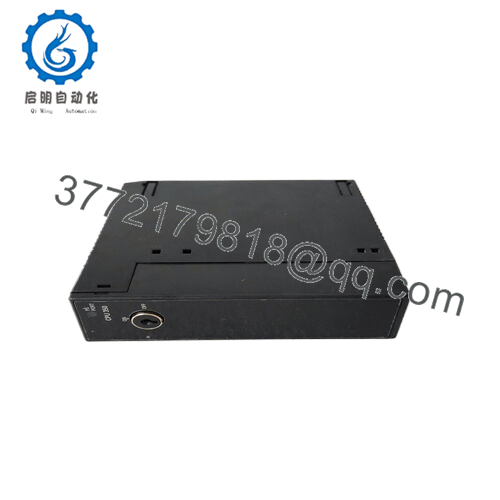
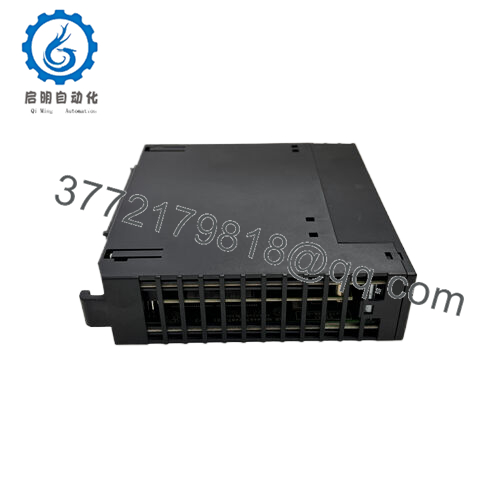
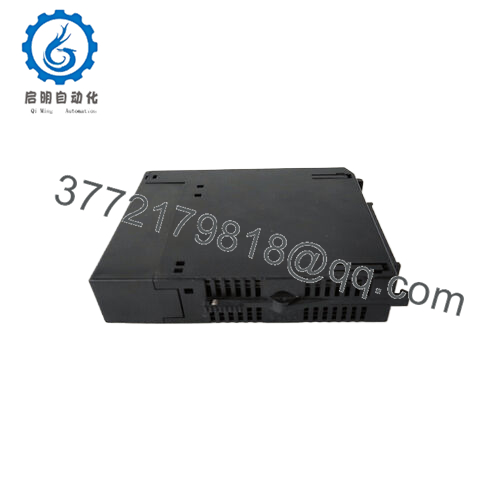
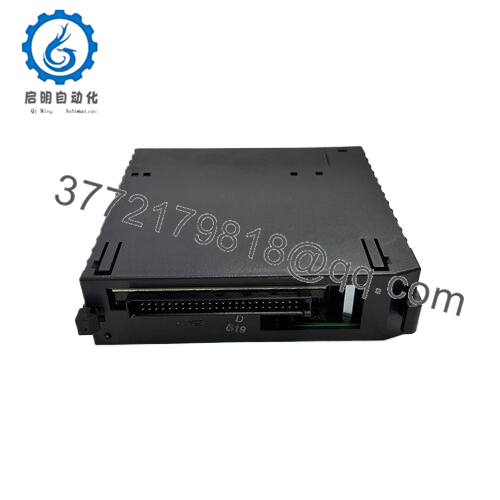
GE IC693CPU372 is a Series 90-30 single-slot CPU with embedded Ethernet for PLC logic and industrial network communication. It uses an AMD SC520 processor at 133 MHz and supports dual auto-sensing Ethernet ports for 10/100 Mbps networking.
It is commonly chosen for 90-30 replacement work where Ethernet communication, Modbus TCP/IP, SRTP, and EGD are required in one CPU. The practical advantage is fewer external comms modules and a cleaner retrofit path, but exact firmware and suffix compatibility still need verification before installation.
Troubleshooting Quick Reference
| Symptom | Possible Cause | Relevance to this Part | Quick Check Method | Recommendation |
|---|---|---|---|---|
| CPU will not boot | Backplane power issue or failed CPU | High | Measure 5 VDC at the rack and inspect CPU LEDs | Check power and seating before replacing the module |
| Ethernet link is down | Cable, port, or switch mismatch | High | Check both RJ-45 link LEDs and test with a known-good cable | Verify network settings before declaring failure |
| PLC cannot be reached by software | IP configuration or protocol mismatch | High | Read the configured IP and compare to the engineering workstation | Confirm address, subnet, and protocol setup |
| Program memory fault | Corrupt application or bad battery-backed memory | High | Check diagnostic buffer and battery status | Reload the project and replace battery if needed |
| Intermittent resets | Weak 5 VDC supply or heat issue | Medium | Monitor supply voltage under load and cabinet temperature | Stabilize power and cooling first |
| I/O data is stale | Network mapping or EGD/SRTP configuration problem | Medium | Verify comms task setup and exchange tables | Recheck network configuration before swapping CPU |
If the fault remains unclear, send photos of the LED pattern, rack layout, and diagnostic logs to technical support.
Frequently Asked Questions
Q: Is IC693CPU372 a CPU or just an Ethernet module?
It is a CPU. It handles logic execution and also includes embedded Ethernet communication.
Q: Does it support dual Ethernet ports?
Yes. The part is documented with two auto-sensing Ethernet ports for 10/100 Mbps communication.
Q: Can I hot-swap this CPU?
No. Power it down first. Live removal risks data corruption and backplane damage.
Q: What protocols matter most on this unit?
Industrial Ethernet, Modbus TCP/IP, SRTP, and EGD are the key ones buyers usually care about.
Q: Is this part obsolete?
In practice, yes, it is mostly a secondary-market item now. That is why stock usually shows up as surplus rather than current OEM production.
Q: Why does the same model sometimes show different suffixes?
Different suffixes can reflect hardware revision or release variation. Match the exact suffix on your old unit before ordering.
Q: What should I verify before installation?
Confirm rack power, IP settings, suffix, battery status, and whether your existing project expects the same Ethernet configuration. One wrong network setting can look like a bad CPU when the hardware is fine.



