
 WhatsApp: +86 16626708626
 Email:
  Phone: +86 16626708626
Description
3. Key Technical Specifications
| Parameter | Value |
|---|---|
| Processor Architecture | Intel Pentium-class embedded CPU |
| Bus Interface | VMEbus (ANSI/VITA compliant) |
| Form Factor | 6U VME Single Board Computer |
| Memory | SDRAM (up to 512 MB, configuration dependent) |
| Storage Interface | IDE / CompactFlash support |
| Ethernet | Dual 10/100Base-T ports |
| Serial Ports | Multiple RS-232/422/485 configurable |
| Expansion | PMC (PCI Mezzanine Card) slots |
| Operating Systems | VxWorks, Linux, Windows Embedded |
| Power Supply | +5 V DC via VME backplane |
| Operating Temperature | 0°C to +55°C |
| Cooling | Forced air cooling required |
4. Product Introduction & Supply Chain Strategy
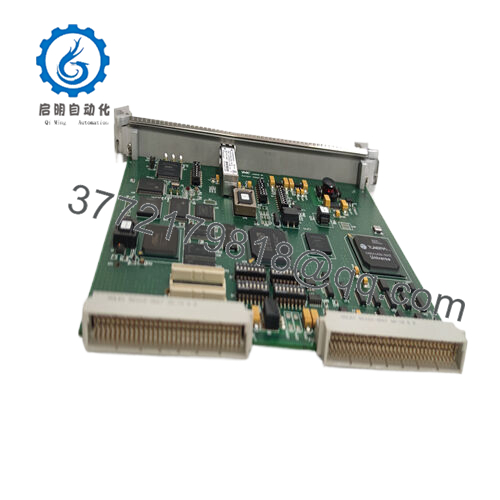
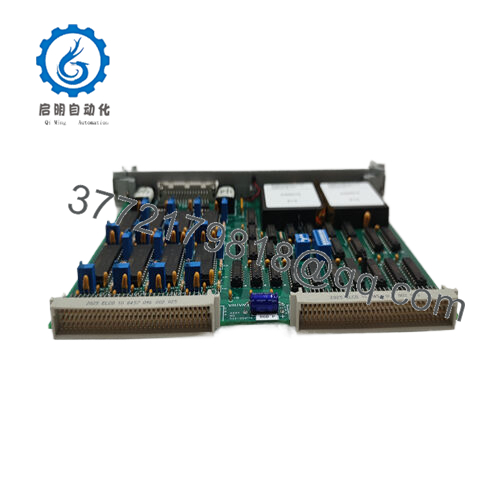
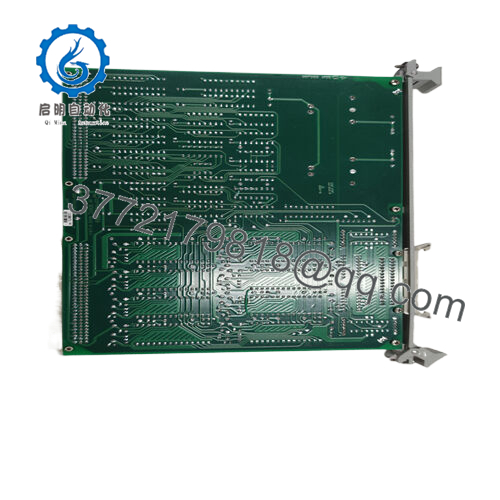
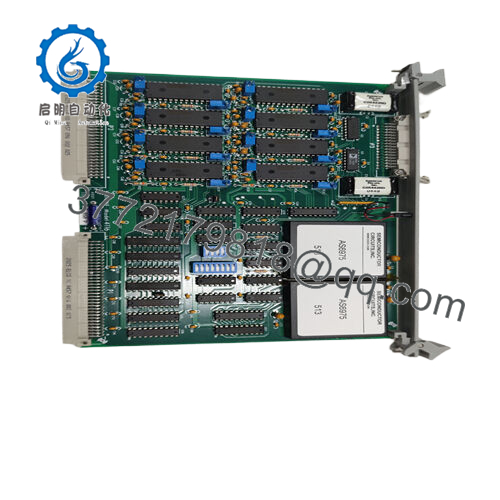
The GE VMIVME-7486 is a 6U VMEbus single board computer designed for deterministic control systems, test platforms, and legacy industrial automation environments. It handles CPU processing, system coordination, and high-speed communication across VME-based architectures.
This product is a Brand New Surplus unit. It is not used, not pulled from a decommissioned plant, and not refurbished. With the VMIVME-7486 now EOL, proactive inventory strategy is critical. Securing New Surplus units reduces exposure to lead time variability and eliminates the failure risk associated with refurbished boards, protecting Total Cost of Ownership (TCO) and avoiding emergency procurement premiums.
5. Installation & Configuration Guide
Stage 1: Pre-Installation (Prep & Safety)
- Implement lock-out/tag-out (LOTO) on the VME chassis.
- Use an ESD wrist strap and grounded workspace.
- Capture photos of DIP switches, jumper settings, and cable connections.
- Confirm +5 V rail capacity with at least 20% buffer.
Stage 2: Removal
- Loosen front panel screws evenly.
- Use ejector levers to withdraw the board gradually.
- Maintain straight alignment to prevent backplane connector damage.
Stage 3: Installation (Clone & Seat)
- Match DIP switch and jumper settings exactly.
- Align board with guide rails and insert evenly.
- Press firmly using ejector handles until fully seated.
Stage 4: Power-On & Testing
- Apply power and monitor for abnormal current draw.
- Observe LEDs: RUN indicates normal operation; ERR signals faults.
- Verify Ethernet links and system boot sequence.
- Load or confirm application software execution.

- VMIVME-7486
6. Firmware/Software Versions & Upgrade Notes
- Recommended Firmware: Maintain identical BIOS and BSP versions as the existing unit.
- Compatibility Warning:
- Newer firmware revisions may break compatibility with legacy VME drivers or PMC modules.
- Older firmware may not support updated peripherals.
- Upgrade Risk:
- Firmware upgrades during replacement can introduce timing conflicts on the VME bus.
- Downgrades can disable system features unexpectedly.
- Best Practice: Document firmware, BIOS settings, and boot parameters before removal. Avoid changes during critical swaps.
7. Frequently Asked Questions (FAQ)
Q1: Are these units truly unused?
Yes. These are New Surplus units with zero field operation. No wear on connectors, no prior installation, and no repairs.
Q2: Why not choose a cheaper refurbished alternative?
Refurbished units often contain aged components. Failure risk is unpredictable. A small upfront saving can result in major downtime costs and process disruption.
Q3: Is the VMIVME-7486 still supported by the OEM?
No. It is discontinued. This makes buffer stock and last-time-buy strategies essential for long-term system support.
Q4: Can I replace this module without shutting down the system?
No. VME systems typically require full power-down. Hot-swapping can damage both the module and backplane.
Q5: Does the board retain BIOS and configuration settings?
Yes, but verify battery-backed settings. Always back up configurations before replacement.
Q6: What warranty is included?
Standard coverage is 12 months, significantly longer than non-new market offerings.
Q7: What inventory strategy do you recommend?
For critical applications, maintain Min: 1 / Max: 2 units on-site. For multi-rack systems, consider cross-site pooling and vendor consolidation to reduce carrying cost while maintaining availability.



