
 WhatsApp: +86 16626708626
 Email:
  Phone: +86 16626708626
Description
Key Technical Specifications
| Parameter | Value |
|---|---|
| Manufacturer | HEIDENHAIN |
| ID / Part Number | 731626-51 |
| Product | PWM 20 Basic Kit |
| Main Instrument | PWM 20 |
| PWM 20 ID | 731626-01 |
| Software | ATS Software, Version 3.2.xx in the documented kit |
| Software Media | ATS CD-ROM, German/English |
| Installation Documentation | PWM 20 / PWM 21 operating instructions |
| USB Cable | 2 m, ID 354770-02 |
| Power Cable | 3 m, ID 223775-01 |
| Packaging | PWM packaging, ID 730058-01 |
| Primary Application | HEIDENHAIN encoder inspection and diagnostics |
| Computer Interface | USB |
| Related System | IK 215 / ATS diagnostic environment |
| Kit Type | Basic equipment package |
The published HEIDENHAIN parts list specifies that 731626-51 contains one PWM 20 (731626-01), ATS CD-ROM software 539862-27, installation instructions 1125089-xx, a 2 m USB cable 354770-02, a 3 m power cable 223775-01, and PWM packaging 730058-01.
The PWM 20 is an encoder inspection/diagnostic instrument. HEIDENHAIN documentation also distinguishes PWM inspection devices from PWT testing devices; PWM units provide the more comprehensive diagnostic functionality.
Product Introduction
The HEIDENHAIN 731626-51 is the ordering ID for the PWM 20 Basic Kit, used for commissioning, inspection, measurement, and diagnostic work on HEIDENHAIN encoders. The kit centers on the PWM 20 instrument, ID 731626-01, and includes the documented ATS software, installation documentation, USB cable, and power cable.
For maintenance departments, the key point is that 731626-51 identifies a complete basic kit, rather than merely the PWM 20 hardware. If an existing service station requires specific encoder adapters or cables, those accessories must be checked separately against the encoder interface and application.
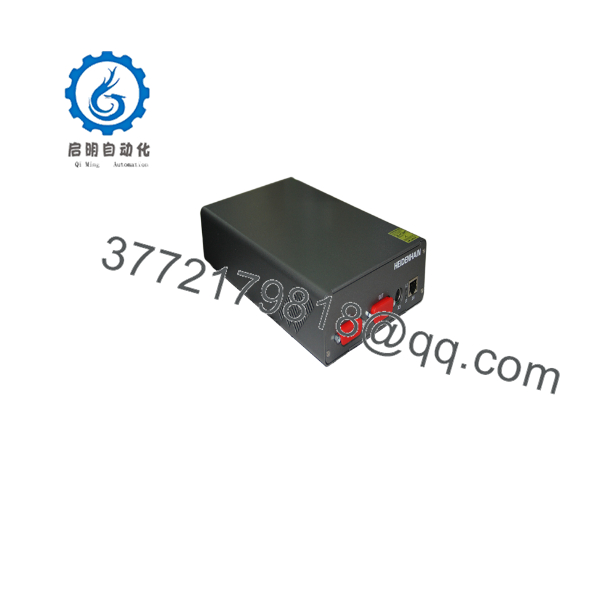
731626-51
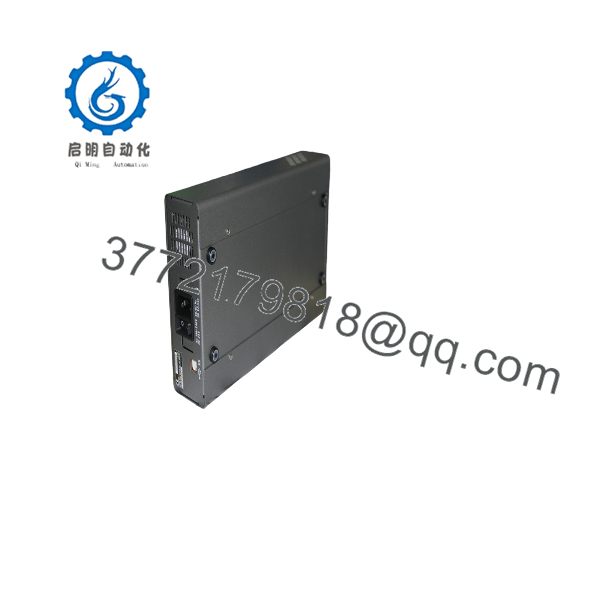
731626-51
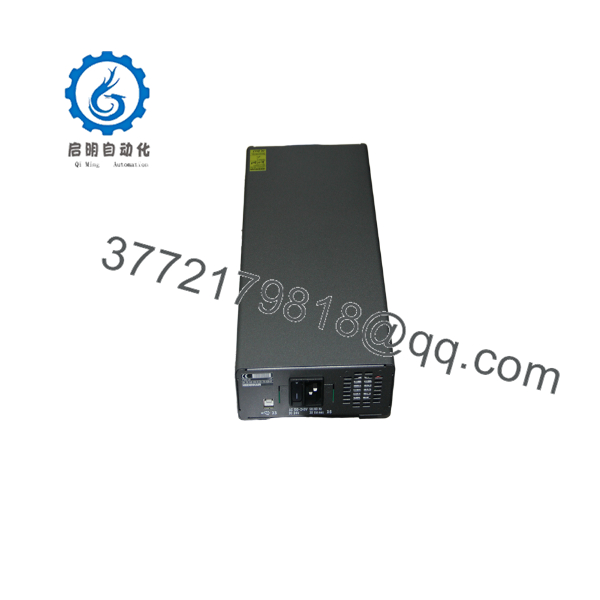
731626-51
Installation & Configuration Guide
Stage 1: Pre-Installation Preparation — Approximately 5–10 Minutes
⚠️ Safety First: The PWM 20 is a measurement and diagnostic instrument. Follow HEIDENHAIN’s electrical safety instructions and the machine manufacturer’s isolation procedure before connecting an encoder installed on machinery.
Tools Required
- PWM 20, ID 731626-01
- Supplied 2 m USB cable
- Supplied 3 m power cable
- ATS software
- Correct HEIDENHAIN encoder adapter cable
- PC compatible with the applicable ATS software
- Encoder documentation
Data Preparation
- Identify the exact encoder model and ID number.
- Determine whether the encoder uses an incremental, EnDat, or another supported interface.
- Select the appropriate HEIDENHAIN adapter cable.
- Confirm that the required ATS software version is compatible with the intended PC environment.
- Inspect all connectors before applying power.
⚠️ Important: The basic 731626-51 kit does not mean that every possible encoder adapter is included. The documented basic-kit contents list the PWM 20, ATS CD-ROM, instructions, USB cable, and power cable.
Stage 2: Connecting the PWM 20 — Approximately 5 Minutes
- Place the PWM 20 on a stable, dry work surface.
- Connect the supplied power cable.
- Connect the USB cable between the PWM 20 and the service PC when PC-based ATS operation is required.
- Select the correct encoder adapter cable.
- Connect the encoder to the PWM 20 using the appropriate interface.
- Confirm connector seating before energizing the system.
- Keep encoder cables away from high-current motor and drive wiring where practical.
The HEIDENHAIN testing-package documentation provides separate cable and connection information for different encoder interfaces.
Stage 3: Software Configuration — Approximately 5–10 Minutes
- Install the applicable ATS software on the service PC.
- Start the ATS software.
- Establish communication with the PWM 20 through USB.
- Confirm that the PWM 20 is detected.
- Connect the appropriate encoder adapter.
- Select the encoder interface or allow the diagnostic software to identify the connected encoder where supported.
- Verify the displayed encoder identification against the physical nameplate.
- Record the encoder ID, interface type, and diagnostic information before making adjustments.
The documented PWM 20 diagnostic environment uses ATS software and includes a local encoder database for automatic encoder identification in applicable configurations.
Stage 4: Testing & Verification — Approximately 10 Minutes
- Confirm stable communication between the PWM 20 and encoder.
- Read the encoder identification information.
- Check available diagnostic values.
- Verify signal quality and interface status.
- Compare measured information against the encoder’s expected specifications.
- Record abnormal values before changing any machine configuration.
- If adjustment is required, use the applicable HEIDENHAIN procedure rather than changing parameters by trial and error.
- Save the diagnostic results for the maintenance record.
Configuration Self-Checklist
- PWM 20 ID 731626-01 verified
- Kit ID 731626-51 verified
- Correct encoder adapter selected
- USB communication established
- ATS software installed
- Encoder identification confirmed
- Diagnostic results recorded
- Original encoder configuration preserved
Replacement / Procurement Warning
❗ Do not confuse 731626-51 with 759251-01.
HEIDENHAIN lists 731626-51 as the PWM 20 basic kit, while 759251-01 is a separate PWM 20 encoder diagnostic kit. The latter includes additional diagnostic accessories.
Frequently Asked Questions (FAQ)
What is HEIDENHAIN 731626-51?
731626-51 is the HEIDENHAIN PWM 20 Basic Kit ID. The kit includes the PWM 20 instrument, ATS software, installation instructions, USB cable, power cable, and packaging.
Is 731626-51 an encoder?
No. This is a common purchasing mistake. 731626-51 is measurement/test equipment for HEIDENHAIN encoders, specifically the PWM 20 basic kit.
What is included with the 731626-51 basic kit?
The documented contents are:
- PWM 20 — 731626-01
- ATS CD-ROM, German/English, software version 3.2.xx — 539862-27
- PWM 20/PWM 21 installation instructions — 1125089-xx
- 2 m USB connecting cable — 354770-02
- 3 m power cable — 223775-01
- PWM packaging — 730058-01
These are the manufacturer-documented basic-kit contents.
Is HEIDENHAIN 731626-51 obsolete?
The PWM 20 is a legacy product family. Current secondary-market documentation states that the PWM 20/731626-51 is no longer being built or sold and identifies PWM 21 ID 1200635-51 as the recommended replacement.
For procurement, however, distinguish between replacement availability and functional equivalence for a specific service task. Confirm the required encoder interfaces, software environment, and accessories before replacing an existing PWM 20.
What is the difference between PWM 20 and PWM 21?
Both are HEIDENHAIN encoder diagnostic instruments, but they are different product generations. The published HEIDENHAIN testing-package documentation lists the PWM 20 basic kit as 731626-51 and the PWM 21 basic kit as 1200635-51.
If a plant has existing PWM 20 procedures, adapter cables, or ATS software, check those dependencies before migrating to PWM 21.
Does 731626-51 include every encoder adapter?
No. The basic-kit contents documented by HEIDENHAIN do not list every encoder-specific adapter. Separate cables and adapters are available for different interfaces and encoder families.
Before purchasing, provide the exact encoder model and interface. Otherwise, you can receive a genuine PWM 20 kit and still be unable to connect the encoder you need to test.
Why is a legacy 731626-51 kit still useful?
A plant that already maintains HEIDENHAIN PWM 20 diagnostic procedures may need a compatible spare instrument rather than immediately converting its entire service setup. A genuine 731626-51 kit can preserve an existing PWM 20-based maintenance workflow, subject to software and PC compatibility.



