WhatsApp: +86 16626708626
 Email:
 Phone: +86 16626708626
Description
Key Technical Specifications
| Parameter | Value |
| Microprocessor | Motorola MC68040 full 32-bit microprocessor (with on-chip FPU and MMU) at 32 MHz |
| Main Memory (DRAM) | 8 MB shared parity-protected DRAM |
| On-board SRAM | 512 KB battery-backed SRAM |
| Flash Memory | 1 MB Flash memory for on-board monitor and debugger |
| NVRAM & Clock | 8K x 8 NVRAM and time-of-day clock with battery backup |
| VMEbus Interface | Full A32/D32 master/slave interface with system controller functions |
| Network & Expansion | Ethernet transceiver interface with 32-bit local bus DMA; two IndustryPack (IP) expansion ports |
| Serial / Timer I/O | Four EIA-232 serial communication ports, six 32-bit timers, watchdog timer |
| Power Requirements | +5 V DC, +12 V DC, -12 V DC VME backplane rails |
| Form Factor | Single-height 6U VME module architecture |
Product Introduction & Supply Chain Strategy
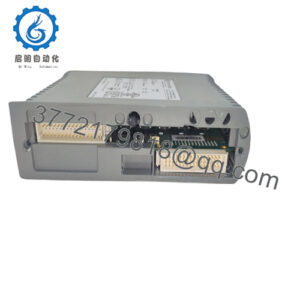
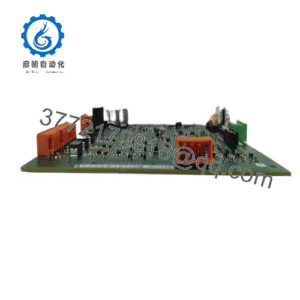
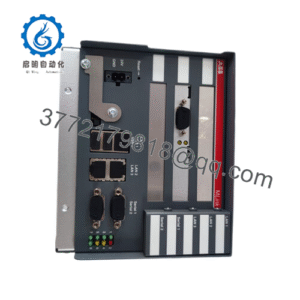
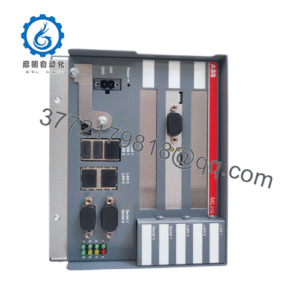
The Motorola MVME162-512A is a high-performance single-board computer built on the VMEbus architecture, featuring a 32 MHz full MC68040 processor (incorporating an on-chip floating-point unit and memory management unit), 8 MB of parity DRAM, and dual IndustryPack expansion ports. Widely deployed in heavy industrial control, aerospace, defense, and telecommunications systems, it delivers dependable real-time processing and extensive peripheral connectivity within demanding environments.
Maintaining legacy VME systems requires uncompromising component reliability to avoid costly emergency downtime. Sourcing this board as genuine New Surplus eliminates the hidden failure risks of refurbished hardware—such as thermally degraded solder joints, oxidized edge connectors, and exhausted backup batteries. Securing an authentic, factory-fresh spare unit protects your long-term maintenance strategy and guarantees dependable performance for mission-critical rack systems.
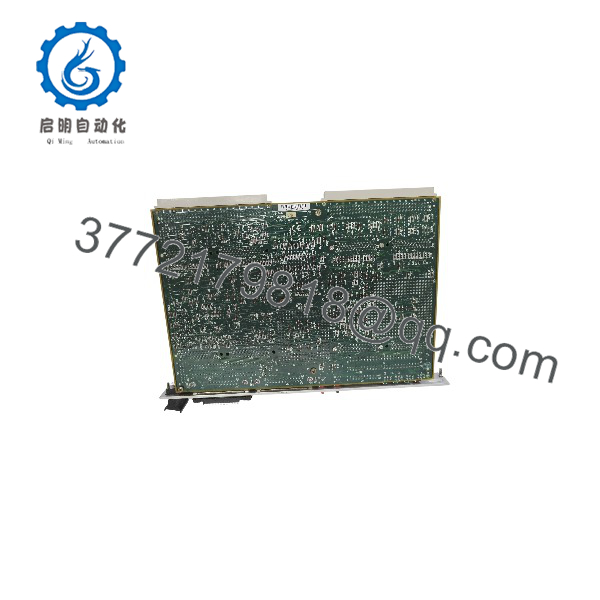
MVME162-512A
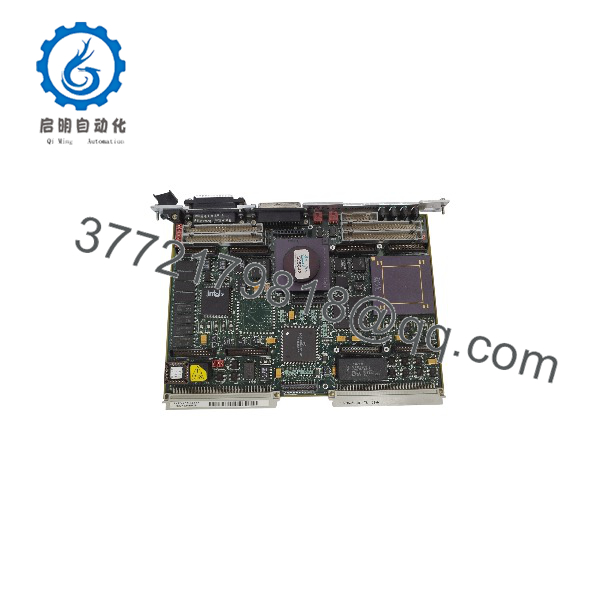
MVME162-512A
Installation & Configuration Guide
1.Pre-Installation (Prep & Safety):Tools needed: ESD wrist strap, flathead screwdriver.
Power down the VME rack completely and disconnect all external AC/DC power feeds. Put on a grounded ESD wrist strap before handling the board. Verify that onboard jumper configurations and socketed firmware match your existing system setup.
Verification: Confirm chassis power indicators are completely dark and use a multimeter to verify 0 V across backplane power pins.
2.Removal:Hardware extraction.
Disconnect front-panel cables (Ethernet drop, serial connections, or IP module wiring). Loosen the top and bottom panel mounting screws and carefully slide the MVME162-512A straight out of the VME chassis slot.
Verification: Visually inspect the backplane connector pins inside the target slot for proper alignment and absence of dust or bent pins.
3.Installation (Clone & Seat):Hardware mounting.
Align the edges of the new surplus board with the card guides of the designated VME slot. Push the board straight back until the connectors seat firmly into the backplane, then tighten the front panel retaining screws. Reconnect all communication lines.
Verification: Confirm that the module is completely flush with adjacent cards and securely locked into the rack architecture.
4.Power-On & Testing:System startup.
Restore main power to the VME chassis. Monitor the on-board diagnostic LEDs and console terminal output during the boot sequence to verify kernel initialization and memory check completion.
Verification: Check that the firmware monitor or operating system loads successfully without parity faults or bus timeout errors.
Firmware/Software Versions & Upgrade Notes
- Firmware Configuration: Ensure system Flash memory and on-board monitor revisions match the requirements of your real-time operating system (RTOS) environment.
- Compatibility Notes: The board requires a compatible VME backplane configuration supporting A32/D32 master/slave transactions and proper bus termination.
- Upgrade Risk Warning: Avoid altering jumper blocks or flashing firmware while the rack is powered. Always perform configuration changes on a static-safe workbench with power fully disconnected to prevent bus driver damage.
Frequently Asked Questions (FAQ)
Is this Motorola MVME162-512A board genuinely new and unused?
Yes. This unit is a Brand New Surplus item, preserved in original packaging with pristine backplane contacts, uncorroded pins, and zero operational service hours.
Why choose New Surplus over refurbished vintage boards?
Vintage computing hardware is highly vulnerable to component aging. Refurbished boards often feature heat-stressed capacitors, brittle traces, and exhausted backup batteries. New Surplus delivers maximum factory longevity and removes the threat of sudden component failure.
What warranty is included with this board?
Every unit includes a comprehensive 1-year replacement warranty, safeguarding your legacy hardware investment.
Can I hot-swap the MVME162-512A in an active VME chassis?
No. VMEbus architecture does not support hot-swapping. You must completely power down the chassis before inserting or extracting single-board computers to prevent severe electrical damage.
How do I manage battery backup replacement for the on-board clock/NVRAM?
The board incorporates an integrated time-of-day clock and NVRAM chip with a self-contained battery. For long-term shelf storage or post-installation service, verify that the battery voltage remains within nominal manufacturer parameters before live deployment.