
 WhatsApp: +86 16626708626
 Email:
  Phone: +86 16626708626
Description
- Key Technical Specifications
| Parameter | Specification |
| Model Series | VDP40 (VDP40.1 / VDP40.3 Platform) |
| Manufacturer | Bosch Rexroth (Indramat) |
| Display Type | TFT Color LCD (12.1″ or 15″ diagonal depending on version) |
| Input Interface | Analog resistive touch screen and/or integrated membrane keypad |
| Interface Port | CDI (Control Display Interface – integrates LVDS video & USB signals) |
| Operating Voltage | 24 VDC (\pm 20\%) |
| Front Panel Protection | IP65 (NEMA 12 / 4X equivalent sealed front) |
| Operating Temperature | 5°C to 45°C (41°F to 113°F) |
| Weight | ~4.5 kg to 6.2 kg (9.9 lbs to 13.6 lbs) |
- Product Introduction
The Bosch Rexroth Indramat VDP40 is a industrial operator terminal engineered for machine visualization and HMI control in CNC machining centers, automated transfer lines, and printing presses. Connecting directly to Rexroth VPB industrial PCs or IndraLogic controllers via a single CDI (Control Display Interface) cable, the VDP40 transmits high-resolution video and touch/keypad data over distances up to 40 meters.
Designed to withstand severe shop-floor environments, the VDP40 features an IP65-rated front panel resistant to oil coolants, dust, and mechanical vibration. Its modular separation from the host processing PC protects control logic from display-side environmental hazards.
- Troubleshooting Quick Reference
| Symptom | Possible Cause | Relevance to this Part | Quick Check Method | Recommendation |
| Screen remains completely dark / Backlight OFF | Loss of 24 VDC input power or failed backlight inverter | ✅ High | Check 24 VDC supply voltage at terminal plug; inspect power LED | Verify 24 VDC line voltage. Replace CCFL backlight inverter or display assembly if power is good. |
| “No Signal” on CDI connection | Damaged CDI cable or loose connector on host VPB PC | ✅ High | Inspect CDI connector pins for damage; check host PC video output | Re-seat CDI cable plugs. Replace CDI interconnect cable or test host PC display output. |
| Touch screen non-responsive or misaligned | Touch controller driver fault or touch glass calibration drift | ✅ High | Connect external USB mouse to host PC; run Rexroth touch calibration | Recalibrate touch interface in Windows/IndraWorks. Replace front glass panel if cracked. |
| Display flickers or shows lines | Interference on CDI link or degraded LCD controller board | ✅ High | Check shielding on CDI cable; verify cable routing away from drive power lines | Ensure CDI cable shield is grounded. Replace internal display processing board. |
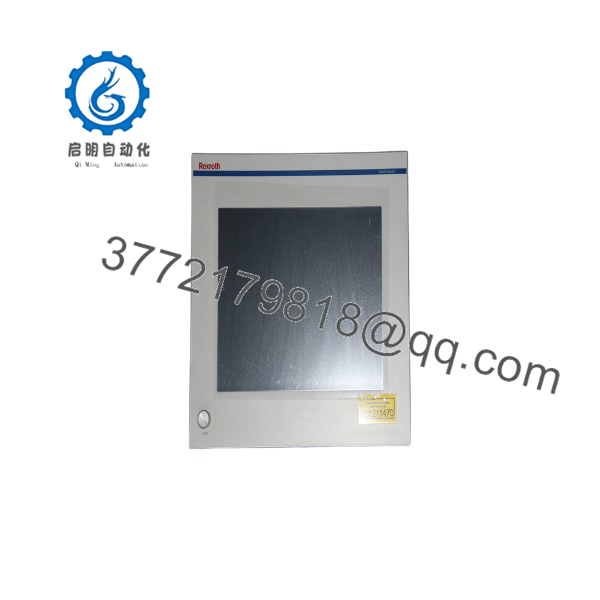
VDP40
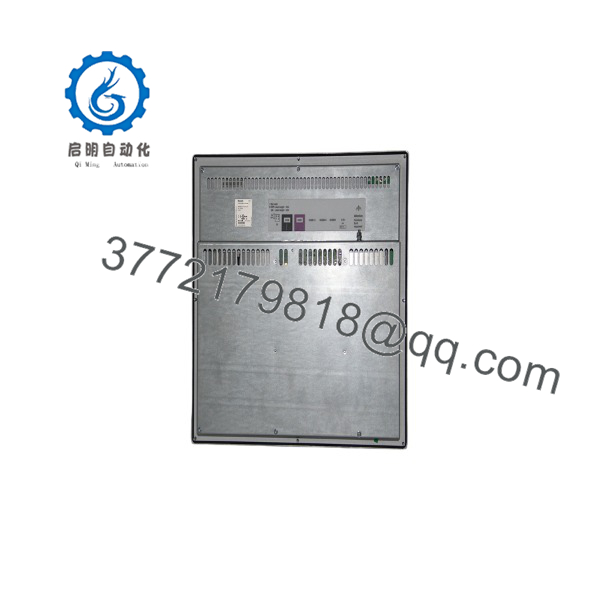
VDP40
- Frequently Asked Questions (FAQ)
Q: What is the CDI interface on the Rexroth ?
A: CDI (Control Display Interface) is Bosch Rexroth’s proprietary single-cable connection that transfers video signals (LVDS), touch/keypad input data (USB), and diagnostic signals between the display panel and a host VPB industrial PC.
Q: Is the an independent computer or a display terminal?
A: The is a display terminal (monitor + input device). It requires an external industrial PC (such as a Rexroth VPB40 or VPB10) or controller to process applications and display HMI graphics.
Q: Is the Bosch Rexroth still in active production?
A: No. The series has been discontinued by Bosch Rexroth. Units are available as high-quality new surplus, certified refurbished, or through repair services.
Q: Can a display panel be mounted away from the control PC?
A: Yes. The CDI interface allows distance separations of up to 40 meters between the operator terminal and the main industrial PC cabinet.
Q: How are surplus or refurbished Rexroth terminals verified prior to shipment?
A: Each unit undergoes a 5-step SOP quality inspection: visual check of IP65 seal and glass, 24 VDC power verification, live connection to a Rexroth VPB test PC via CDI cable, full touchscreen/keypad functional testing, 4-hour video burn-in, and ESD protective packaging before dispatch.



