
 WhatsApp: +86 16626708626
 Email:
  Phone: +86 16626708626
Description
Key Technical Specifications
| Parameter | Value |
|---|---|
| Product Range | Modicon Quantum |
| Model | 140DAO85300 |
| Product Type | Discrete output module |
| Number of Outputs | 32 |
| Output Type | DC discrete |
| Output Arrangement | 4 groups of 8 outputs |
| Logic | Positive logic |
| Nominal Field Voltage | 24 VDC |
| Output Current | Application-dependent; verify load rating against Schneider documentation |
| Output Protection | Electronic protection / diagnostics according to module configuration |
| Channel Isolation | Group-based isolation |
| Backplane Current | Verify against the applicable hardware revision |
| Typical Loads | Relays, solenoids, contactors, indicator devices, actuator interfaces |
| Mounting | Modicon Quantum rack |
| Field Connection | Quantum field terminal assembly |
| Operating Temperature | 0 to 60 °C typical Quantum environment |
Identification Note
The 140DAO85300 is a 32-channel discrete DC output module for Modicon Quantum systems. Because Quantum DAO modules have different electrical characteristics and load capabilities, verify the complete part number before substituting another 32-point output module.
Product Introduction
The Schneider Electric 140DAO85300 is a discrete output module used with the Modicon Quantum PLC platform. It provides the interface between PLC logic and field-side discrete loads such as relay coils, solenoids, contactor interfaces, and status indicators.
For maintenance and replacement work, the important parameters are the field voltage, output current capability, channel grouping, protection characteristics, terminal arrangement, and Quantum rack compatibility.
A module with the same number of output channels is not automatically an acceptable replacement. The connected field loads must be checked against the output electrical ratings before installation.
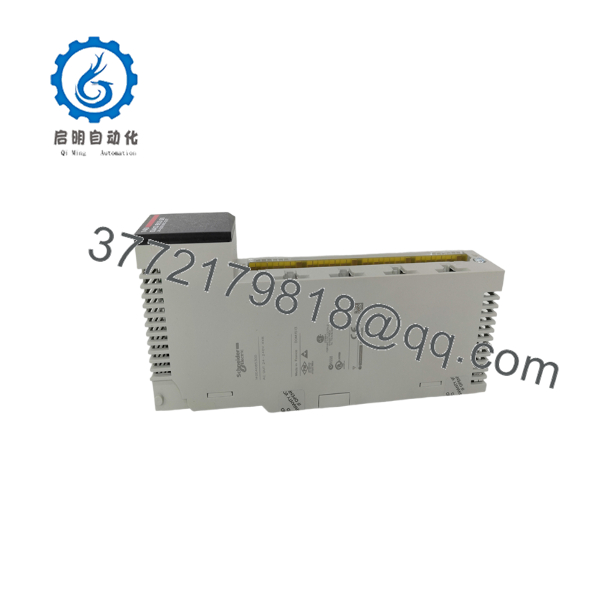
140DAO85300
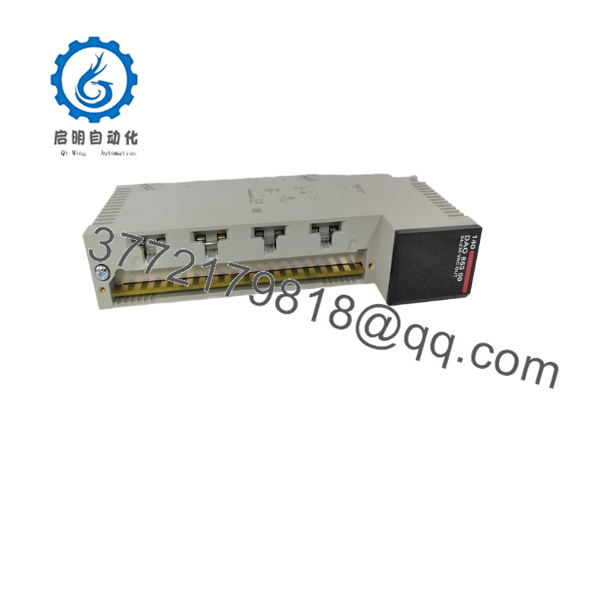
140DAO85300
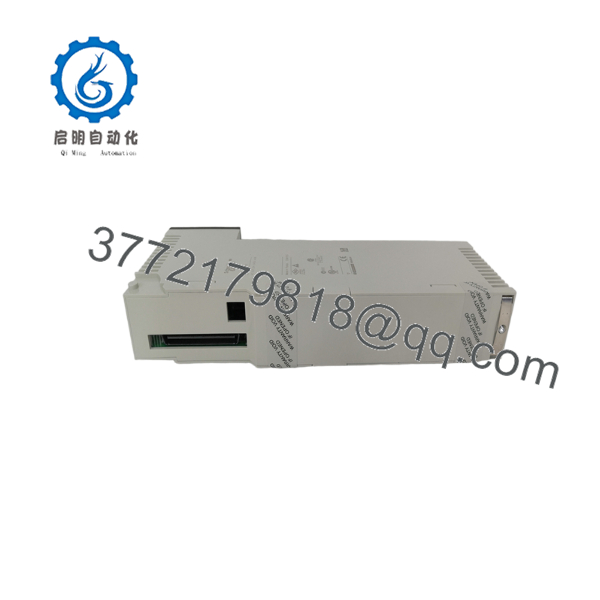
140DAO85300
Installation & Configuration Guide
Stage 1: Pre-Installation Preparation
⚠️ Safety First: Place the controlled process in its approved safe condition. Follow plant lockout/tagout procedures before removing the output module.
Before replacement:
- Confirm the complete part number: 140DAO85300.
- Record the Quantum rack and slot.
- Photograph the module label.
- Photograph the field terminal wiring.
- Identify all 32 output circuits.
- Record the connected loads.
- Verify the field supply voltage.
- Record any external interposing relays or fuses.
- Back up the PLC application.
- Check the replacement module’s electrical specifications against the existing load list.
Stage 2: Removing the Existing Module
- Place the process in its approved safe state.
- Isolate the relevant control power.
- Verify absence of voltage.
- Label all field conductors.
- Photograph the terminal arrangement.
- Disconnect the output wiring.
- Release the module retaining mechanism.
- Remove the 140DAO85300 from the Quantum rack.
- Inspect the backplane connector.
- Inspect the terminal assembly for signs of overheating or loose connections.
⚠️ Do not disconnect an energized output circuit simply because the PLC is stopped. A field supply can remain present independently of the CPU operating state.
Stage 3: Installing the Replacement
- Apply ESD protection.
- Verify the replacement is 140DAO85300.
- Confirm the correct Quantum rack and slot.
- Check the connected load requirements.
- Insert the module carefully into the backplane.
- Ensure it is completely seated.
- Secure the module.
- Reconnect the field terminal assembly.
- Verify each conductor against the wiring documentation.
- Confirm output commons and field-supply connections.
Installation Checklist:
- 140DAO85300 verified
- Correct rack and slot
- Field voltage verified
- Output loads identified
- Output wiring labeled
- Commons verified
- Terminal assembly secure
- Module fully seated
Stage 4: Commissioning & Output Testing
- Perform a final wiring inspection.
- Restore control power.
- Verify the module is recognized by the Quantum configuration.
- Check the module status indication.
- Place the PLC into the approved commissioning mode.
- Test individual outputs under controlled conditions.
- Confirm the physical load responds correctly.
- Check for unexpected output activation.
- Test representative channels across each output group.
- Verify the PLC application commands correspond to the intended field devices.
- Check for output faults or diagnostic indications.
- Return the system to production after successful testing.
Output Troubleshooting
If a field device does not respond, troubleshoot in this order:
PLC command → output channel → field supply → terminal connection → wiring → load
Useful checks include:
- Confirm the PLC logic is actually commanding the output.
- Check the output status in the programming software.
- Measure voltage at the output terminal.
- Verify the field supply and common.
- Check fuses or interposing relays.
- Measure the load resistance where appropriate.
- Compare a suspect channel with a known-good channel.
If the PLC indicates an output is ON but the field device remains inactive, do not immediately replace the module. The fault may be in the field supply, wiring, fuse, relay, or load.
Frequently Asked Questions
What is the 140DAO85300?
The 140DAO85300 is a 32-channel discrete output module for the Modicon Quantum PLC platform. It interfaces PLC output commands with discrete field devices.
Is the 140DAO85300 an input or output module?
It is an output module. The DAO designation identifies the module as part of the Quantum discrete output family.
How many outputs does the 140DAO85300 have?
The module provides 32 discrete output channels, organized into channel groups.
What can the outputs control?
Typical applications include:
- Solenoid valves
- Relay coils
- Contactor control interfaces
- Pilot lights
- Machine actuators
- Alarm devices
- Other 24 VDC discrete loads
The actual load must remain within the module’s specified electrical limits.
Can I replace the 140DAO85300 with another 32-channel Quantum output module?
Not automatically. Check:
- Field voltage
- Output current
- Output logic
- Channel grouping
- Protection
- Isolation
- Load type
- Terminal arrangement
- Quantum hardware configuration
Two modules can both have 32 outputs while having different electrical behavior.
What should I check before replacing a 140DAO85300?
At minimum, document:
- Complete part number
- Hardware revision
- Quantum rack/slot
- Field supply voltage
- Connected load type
- Output current requirements
- Terminal wiring
- PLC application backup
- External fuses/relays
- Required replacement condition
Why should I check the field loads before installing the replacement?
Discrete outputs directly interface with physical loads. A load that exceeds the output’s current capability can cause output faults, overheating, shortened module life, or repeated process failures.
For high-current inductive loads, also verify the required suppression/interface circuitry rather than connecting the load directly based only on nominal voltage.
What condition should I specify when purchasing a 140DAO85300?
Use precise condition terminology:
- Factory Sealed — unopened original packaging
- New Original / New Surplus — unused original equipment
- Refurbished (tested) — previously used equipment that has undergone documented inspection and functional testing
For a production-critical spare, request photographs of the actual 140DAO85300 label and terminal assembly. For refurbished equipment, request the functional test scope and results. The supplied product-page framework calls for explicit condition disclosure and documented testing.



